
Skip to content
iOLab DigitalDigital
Back to Blog
how-ai-for-small-businesses-elevates-digital-marketingrestaurant email marketingrestaurant marketing ideasemail automationrestaurant guest datarestaurant loyaltySouth Jersey restaurants

Restaurant Email Marketing Ideas That Actually Work

Proven email marketing ideas for restaurants — from seasonal campaigns to loyalty automation. Boost repeat visits and revenue with these strategies.

By , Founder, iOLab Digital Updated 3 min read
Restaurant Email Marketing Ideas That Actually Work — Blog article by iOLab Digital

Most restaurant email goes wrong the same way: one blast to the whole list, every few weeks, with a menu photo and a vague "come see us." The restaurant email marketing ideas that actually work are narrower. Each one is tied to something a guest did, or is about to do, and each asks for one action. If you run a restaurant in South Jersey or the Philadelphia metro, here are the campaigns we would build first, what data they need, and how to tell whether they are paying off.

What "Actually Works" Means for a Restaurant List

An email works when a guest can act on it in the next ten seconds: book a table, order, redeem a dessert, leave a review. The seven campaigns below all pass that test. Three are triggered by guest behavior (a lapsed regular, a birthday, a finished meal). Four are scheduled around your calendar (menu changes, events, a weekly pick, loyalty updates).

One honest note before the list. The old version of this post quoted return-on-investment, redemption and open-rate figures with no source. We could not re-verify them this time, so they are gone. You will find no invented benchmarks below. Your own numbers, measured over a few months, will tell you more than any industry average. That is true of digital marketing for small business in general, and email is the easiest channel to measure.

The thing that decides whether any of this works is your data. A "we miss you" email needs to know who visited and when. If your POS, reservation tool and email list do not share a guest record, you are guessing. We cover that wiring further down.

Three Triggered Emails to Build First

Triggered emails send themselves when a condition is met. They take effort once, then run every week. Build these before any newsletter.

The "We Miss You" Sequence

A guest who used to come in every two weeks and has not been in for six is worth a nudge. The rule should be based on each guest's own pattern, not a flat number. A starting point: trigger when the gap since the last visit is about double their usual gap, with a floor of three weeks.

  • Mention something real from their history: the last visit date, or a dish they ordered more than once.
  • Offer one small, specific thing: a free appetizer or a drink on their next visit, with an expiry date.
  • Write it the way the owner or a manager would write it, short and in plain language.
  • Stop the sequence the moment they visit. Sending "we miss you" to someone who ate with you yesterday is worse than sending nothing.

This is the campaign that depends most on connected data. A generic email tool can send the message, but it only knows about a visit if something tells it. That usually means a POS export, an integration, or a loyalty record.

Birthday and Anniversary Offers

Ask for month and day only. Guests resist giving a birth year, and you do not need it. Send the email about a week ahead so the guest can plan a table, and make the offer something that brings a party, such as a dessert for the birthday guest with a reservation for four or more. A free item for a solo diner costs you less, but a table of six is the better outcome.

Anniversaries work the same way if you take reservations for them. Capture the date at booking, not by emailing people to ask later.

The Post-Visit Thank-You and Review Request

Send it the next morning, while the meal is fresh. Name the visit ("thanks for coming in Friday") and include one link to your Google Business Profile review page. If you can reference the dish, do it, but only if your system actually holds that data. A wrong dish is worse than none.

Two cautions. Do not offer a discount or perk in exchange for a review, and do not send the link only to guests you expect to be happy. Many review platforms restrict both practices, so read the current rules for the platform you are asking on. We go deeper on the follow-up side in our post on automated review management and reputation monitoring.

Four Scheduled Emails That Fill Slow Stretches

Scheduled emails go out on a calendar you control. Use them for the days and weeks you know will be soft, whether that is January, a midweek lull or the shoulder weeks around a holiday.

Seasonal Menu Launches

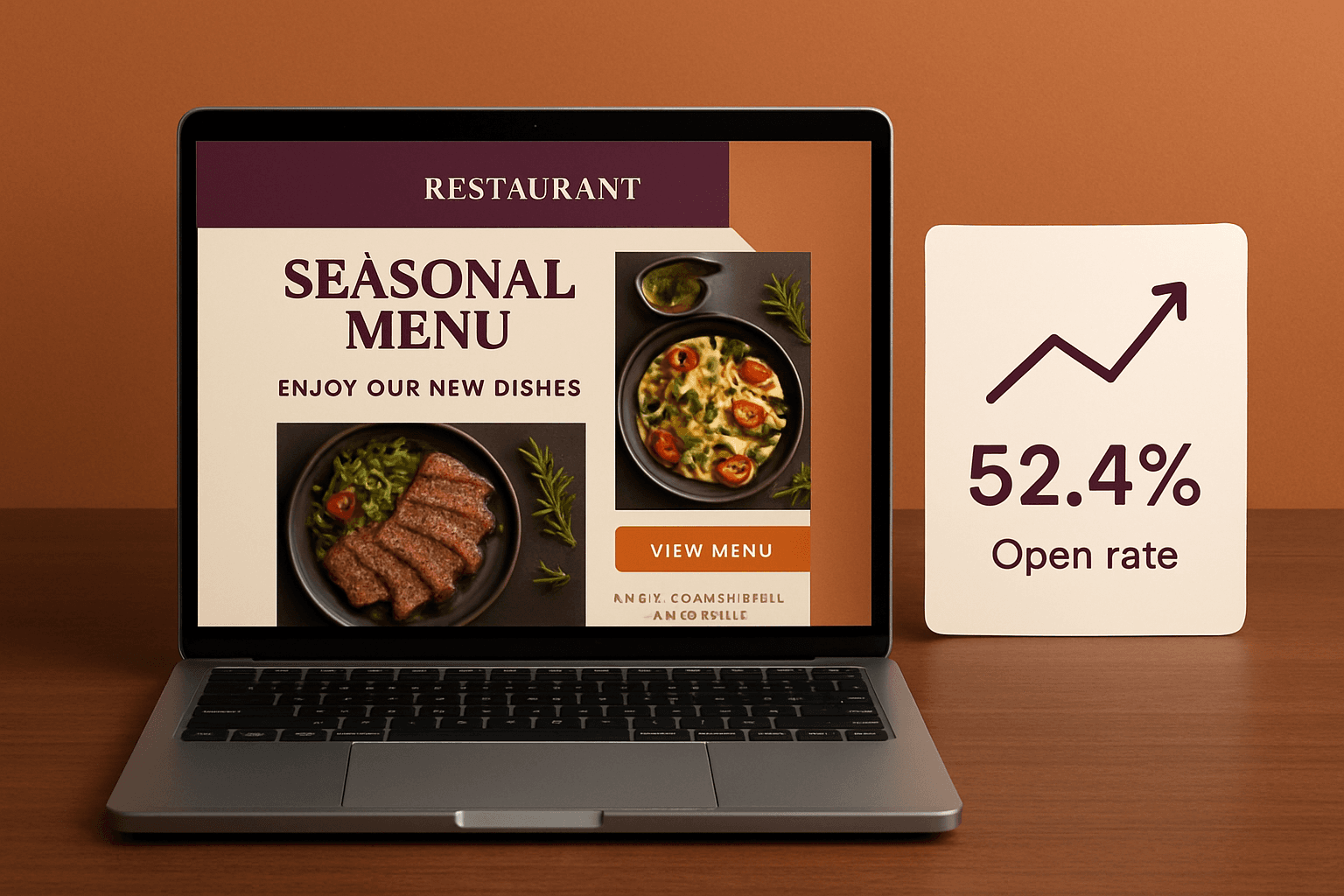
A menu change is a story, not an announcement. Tell guests why a dish is on, where the main ingredient came from, and what changed in the cocktail list. Use two or three photos of real plates. Link to reservations or online ordering, not to your homepage. We would not name a "best day to send" here. The right day depends on your guests, so test two send days across a few campaigns and compare clicks to bookings.

Event and Special-Night Promotions

Wine dinners, live music, holiday brunches and chef's tables need lead time. Send the first email about two weeks out and a reminder a few days before. This is where segmenting pays for itself. Send the wine dinner to guests who have ordered wine, the brunch to people who visit on weekends. Segments need tags on the guest record, which brings us back to data capture.

The Weekly "Chef's Pick"

One dish, one photo, two sentences, one button. The point is the habit: guests learn that your email always carries something specific, so they keep opening it. It is also the cheapest campaign to produce, which is why it tends to survive when a busy kitchen team stops everything else.

Loyalty Updates

If you run a loyalty program, email is how members hear about it. Useful messages include a points balance, a "you are close to your next reward" nudge, early access to an event, and a member-only dish. They only work if the points live in the same system that sends the email. Otherwise someone is copying numbers into a spreadsheet each month, and that stops by March. Our post on restaurant loyalty program software and owning your guest list covers who holds that data and what happens when you change vendors.

Where the Email Addresses Come From

Every idea above fails on a small list. A restaurant touches guests in several places, and each can ask for an email address with permission:

  • Reservations: make email a required field on your booking form.
  • Online ordering: collect it at checkout with a clear opt-in checkbox, unticked.
  • Loyalty sign-up: the strongest source, because you also get visit history.
  • Table or receipt QR code: a short form that offers something, such as a birthday treat.
  • Events and private-party inquiries: these guests are already high intent.

Keep a record of when and how each person opted in. Rules on consent, unsubscribe links and sender identification are legal requirements, not style choices, so ask your own attorney to confirm what applies to your list.

How to Measure Without Fooling Yourself

Open rate is the number everyone quotes and the one to trust least. Mailchimp's help documentation explains that an open is counted when a tiny transparent image in the email is downloaded. If a guest's mail app blocks or pre-loads images, the count can be wrong in either direction.

For a benchmark, Mailchimp's email marketing benchmarks page says its data runs as of December 2023 and puts the cross-industry average open rate around 34.23 percent. That figure is almost three years old and covers every industry, so treat it as context, not a target. We did not find a restaurant-specific figure from a primary source that we could confirm for 2026.

Better measures for a restaurant:

  1. Bookings and orders per campaign. Use a unique reservation link or a tagged order link for each email.
  2. Redemptions. Give each offer a code your host or POS can enter.
  3. Return visits within 30 days among guests who got a triggered email compared with those who did not.
  4. Unsubscribes and complaints. A rising unsubscribe rate means you are sending too much, or sending the wrong thing.

Disclosure: iOLab Digital is a Mailchimp partner, and Mailchimp is the tool cited in this section. We link to its documentation because it is the source of the open-rate definition, not as a recommendation to buy it.

Build, Buy or Wire Tools Together

You have three realistic routes. Which one fits depends on how much of the work you want done without someone touching it each week.

Use a restaurant-focused email service. This is the fastest start for a single location with a simple POS. We compare the options in our guide to email marketing services for restaurants.

Use a general email platform and connect it to your POS. This works if your POS can export or sync guest and visit data on a schedule. The automation features you need, such as triggers, segments and branching sequences, are covered in our review of automated email marketing tools. Expect some manual work or a connector subscription where the POS does not talk to the email tool.

Build the guest record yourself. This makes sense when you have several of the data problems described above: reservations in one tool, orders in another, loyalty in a third, and nobody able to answer "when did this guest last come in?" Our custom restaurant CRM work centers on one guest profile that connects reservations, events, tasks, follow-up and automation. Our email marketing automation service then sends from that record. A custom build costs more up front than a subscription. Hosting, third-party subscriptions such as the email sending service, and ongoing support are scoped separately in a proposal, never bundled in.

If you only run one location and your current tool already syncs with your POS, you probably do not need a build. The warning sign is the opposite: you have the ideas, but you keep skipping them because each one means exporting a file.

A Simple Order for the First 60 Days

  1. Weeks 1-2: fix capture. Add email to reservations and the online-order checkout, and add the opt-in wording.
  2. Weeks 2-4: build the post-visit thank-you, because it needs the least data.
  3. Weeks 4-6: add the birthday email and start collecting birthdays at sign-up.
  4. Weeks 6-8: add the "we miss you" sequence once you trust your visit data. Then start the weekly pick.

Hold the loyalty and event segments until the list has a few hundred opted-in guests with tags. Segmenting a tiny list just creates empty groups.

Frequently Asked Questions

What are restaurant email marketing ideas that actually work?

The ones tied to guest behavior: a "we miss you" email for lapsed regulars, a birthday offer, and a next-morning thank-you with a review link. Scheduled emails for menu launches, events, a weekly pick and loyalty updates fill in the calendar. Each should carry one clear action, such as a reservation link or a redeemable code.

How do I get email addresses from restaurant guests?

Ask where you already talk to guests: the reservation form, online-order checkout, loyalty sign-up, and a QR code on the table or receipt. Use an unticked opt-in box and offer something small, like a birthday treat. Record when and how each person agreed, and have your own attorney confirm which consent rules apply to you.

What is a good open rate for a restaurant email?

Mailchimp's benchmarks page, with data as of December 2023, gives a cross-industry average open rate of about 34.23 percent. Opens are counted through a tiny image, so they are an unreliable signal. Track bookings, orders and redemptions per campaign instead, and compare your own results month to month.

Do I need custom software for restaurant email marketing?

Not always. A single location whose email tool already syncs with its POS can run every campaign here without a build. Custom work makes sense when guest data is split across reservations, ordering and loyalty tools and you are exporting files by hand to send each campaign. Then one guest record is worth scoping.

Next Step

If you want to see which of these campaigns your current POS and reservation data can support, we can map it with you before recommending anything to buy or build. Start with a conversation about your guest data.

iOLab Digital is a Microsoft Advertising, Semrush, SiteMinder and Mailchimp partner. Where this article mentions a tool we partner with, we say so.

Sources

Every outside claim in this article links to where it came from. These open in a new tab.

  1. Mailchimp's help documentationmailchimp.com
  2. Mailchimp's email marketing benchmarks pagemailchimp.com
Share

Free Tool

Free: AI Audit of Your Website

See what's costing you leads, in under a minute.

Run My Free Audit

Want this built around how your business actually works?

Tell us what the work looks like today — the tools, the handoffs, the part that breaks every week. We will map it and say what is worth building, what is worth keeping, and what it costs.