
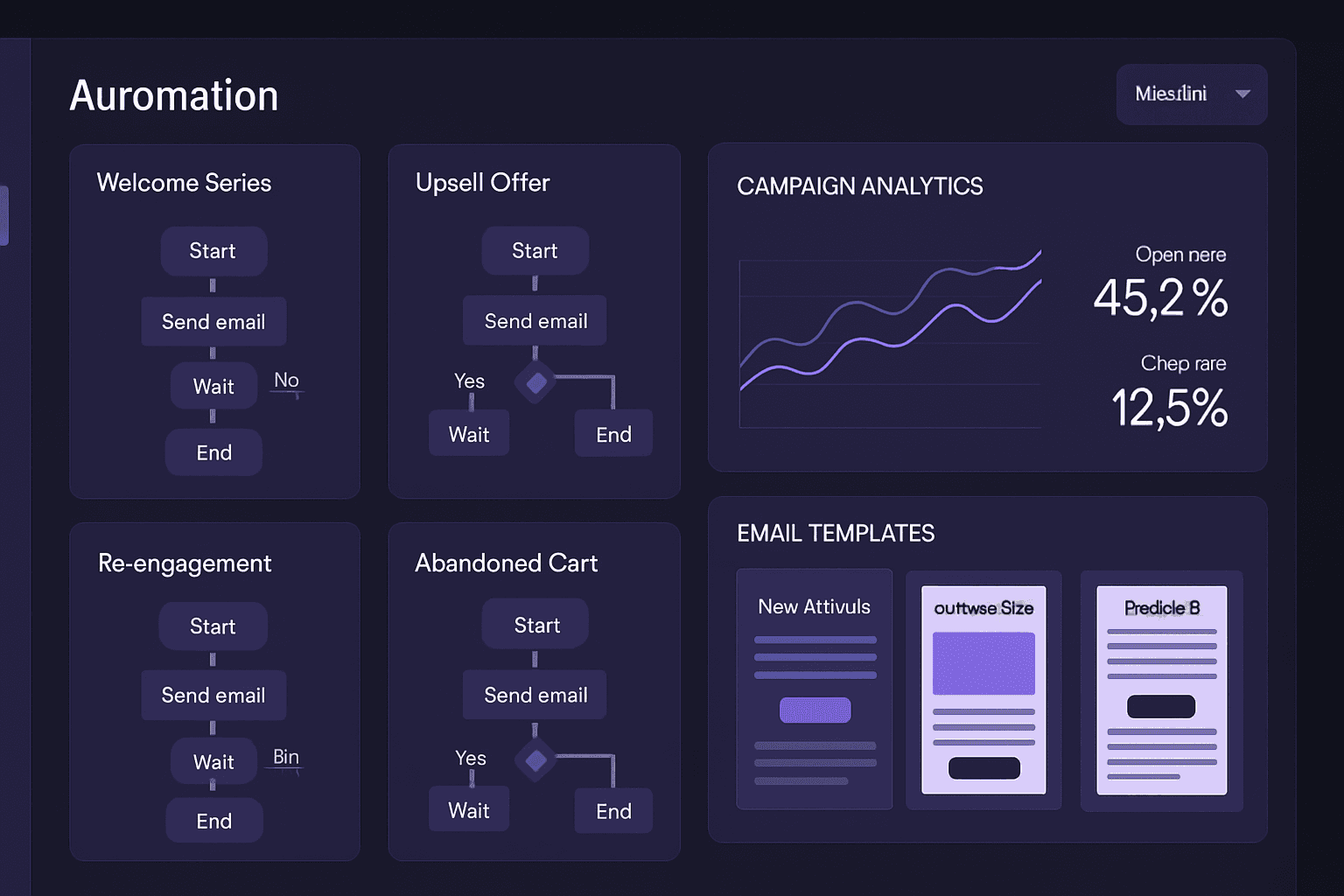
You have an email list and a pile of follow-up that never gets sent. The question is which tool should send it for you. Here is our short answer to the best automated email marketing tools for small businesses in 2026: match the tool to what triggers your emails. Online stores should look at Klaviyo. Service businesses that track leads should look at ActiveCampaign. Creators fit Kit, and simple newsletters fit Mailchimp. One caveat up front: we could not re-verify every vendor's price today, October 5, 2026, so we describe fit, not dollar amounts. Check each pricing page before you commit.
Email is one channel inside the larger plan we cover in our guide to digital marketing for small business. This post is the tool-picking piece.
Pick the Trigger First, Then the Tool
Email automation means a message sends because something happened, not because you remembered. The "something" is the trigger. Before you compare logos, write down your three most valuable triggers.
- A shopper adds an item to a cart and leaves.
- A visitor requests a quote, books a consultation or fills out a form.
- A customer finishes a job, a visit or a purchase and should hear from you in a few weeks.
Each tool below is built around one kind of trigger. The wrong fit shows up later as workarounds: tags, spreadsheets and manual exports that defeat the point of automating.
Also ask where the trigger data lives. A shopping cart lives in your store platform. A booking lives in your scheduling tool. A quote lives in your CRM, which is the system that records customers and sales conversations. If your email tool cannot see that data, it cannot react to it.
The Four Tools Compared
This is a fit guide, not a ranking. Features and plans change, so confirm details on each vendor's own site.
Mailchimp
Mailchimp is the best-known name, and it suits the simplest setups: a newsletter, a welcome email, a few basic automations. Mailchimp's own pricing documentation lists four marketing plans: Free, Essentials, Standard and Premium. It also says the Standard plan's base price includes 500 contacts and rises as your contact total grows.
Best for: owners who want a newsletter and a welcome series with the least setup.
Watch for: cost tied to contact count, so a list full of dormant addresses costs you money. Prune it. Disclosure: iOLab Digital is a Mailchimp partner.
Klaviyo
Klaviyo is built around online stores and connects to store platforms such as Shopify and WooCommerce. Its strength is flows that react to shopping behavior: abandoned cart, post-purchase and browse follow-up.
Best for: e-commerce shops where the store is the main source of trigger data.
Watch for: a steeper learning curve, and features you will never use if you do not sell products online. Price by list size, so run the numbers at your current count and at double it.
ActiveCampaign
ActiveCampaign pairs email automation with built-in contact records and basic sales tracking. That is why service businesses often look at it first: a new lead can enter a nurture sequence the moment they are added.
Best for: service businesses that want email and light CRM in one place.
Watch for: the built-in CRM is a starter tool. If you run scheduling, estimates, dispatch or billing in separate systems, you will still need to connect them.
Kit (formerly ConvertKit)
Kit is aimed at creators: newsletter writers, course sellers, podcasters. Its visual automation builder and built-in landing pages keep a simple funnel simple.
Best for: solo operators selling content, courses or memberships.
Watch for: it is not designed around team workflows or a full customer pipeline. If several people need to act on the same lead, you will outgrow it.
The Five Workflows to Build First
Whatever tool you pick, these five automations cover most of the value. Build them in this order, and write every email before you switch the automation on. The timings below are starting points from our own practice, not benchmarks. Adjust them to how long your customers take to decide.
- Welcome series. Three to five emails over one to two weeks. The first sends immediately and delivers whatever the person signed up for. Later emails introduce your story, your most-requested service or product, and one clear next step.
- Abandoned-action follow-up. For stores, it is the abandoned cart. For service businesses, it is the quote form someone started but did not submit, or the consultation page they visited repeatedly. Send a plain reminder within hours, then a message that answers the likeliest objection.
- Post-purchase or post-service follow-up. Confirm what happens next, send care or how-to information, then ask for a review and a referral after the customer has had time to use what they bought.
- Re-engagement. Email contacts who have gone quiet for a stretch you define, such as two to three months. Send two or three messages. If they still do not respond, remove them. A smaller list that opens your email is worth more than a larger one that does not.
- Lead nurture. Prospects who are not ready yet need useful emails more than offers. Mix several helpful messages with one direct offer, then repeat. Seasonal tips and project examples work for home and local services.
Our post on AI-powered follow-up systems covers how these sequences connect to calls, texts and forms. For the post-purchase and re-engagement flows, client retention automation goes deeper on timing.
What Every Subscription Tool Has in Common
The four tools differ in focus, but they share the same structural trade-offs.
- List-based pricing. Your bill grows with your contacts, active or not.
- Template limits. You work inside the vendor's builder and design options.
- Data in someone else's system. Opens and clicks sit in the vendor's platform, apart from your bookings, invoices and customer notes unless you connect them.
- Generic flows. The automation works for "most businesses." If your process has stages the tool does not know about, you approximate them with tags.
- Price changes you do not control. Plans, limits and prices are set by the vendor, and you adapt.
None of that makes a subscription tool a bad choice. For a store or a team of one, it is usually the right one. It just helps to know what you are accepting.
When Custom Email Automation Makes Sense
Consider building when your triggers come from your own operations, not from a form or a cart. A restaurant, salon or home-service company often has the best trigger data in its booking and job records: a first visit, a lapsed regular, a completed repair, a membership about to renew. Those events are valuable, and a general email tool only sees them if someone exports a spreadsheet.
That is the gap our CRM-connected email marketing automation work fills. The email system reads from the CRM we build around how you already run, so a status change in one place sends the right message from the other. The owner approves templates, and a person reviews any AI-drafted copy before it goes out. If AI is used to group contacts or draft a first version, we say exactly what it does in the proposal.
We have built this style of system for our own portfolio clients. WRAPT, the wholesale operations platform at iolab.co/portfolio/wrapt, runs a nine-stage lead-to-delivery pipeline with a client portal and a support hub. The principle carries over: when every stage is recorded, every stage can trigger a message.
Signs that custom may pay off:
- You export contacts from your booking or job system into your email tool by hand.
- Your automations depend on tags that only one person understands.
- The monthly bill keeps rising with list size, and a large share of those contacts never open anything.
- You need emails to branch on your own data, such as appointment status, job stage or contract end date.
If none of those apply, stay on the subscription. We cover the wider decision in no-code versus custom development. If you run a restaurant, our comparison of email marketing services for restaurants is closer to your trigger data than this general guide.
What custom does not fix
A custom system will not write good emails or build a list for you. It also does not remove ongoing costs. Hosting, any sending service and third-party subscriptions are scoped separately in a proposal, and someone has to maintain the system. Rules on consent and unsubscribes apply no matter what tool sends your email. Ask your own attorney or compliance professional about them, because we do not give legal advice.
A Short Decision Guide
- You sell products online: start with Klaviyo and test your cart flow.
- You sell services and track leads: start with ActiveCampaign, and plan how to connect your scheduling and billing data.
- You sell content or courses alone: Kit.
- You send a newsletter and a welcome email: Mailchimp.
- Your best triggers live in your own booking, job or membership records: price a custom build against two or three years of subscription fees before you decide.
Whichever you choose, start with the welcome series and the abandoned-action follow-up. Let them run for a few weeks, read the results, then add the next workflow. Our digital marketing service ties email into paid search, landing pages and CRM follow-up when you want the whole path measured.
Frequently Asked Questions
What is the best automated email marketing tool for a small business?
It depends on what triggers your emails. Online stores usually fit Klaviyo, service businesses that track leads often fit ActiveCampaign, creators fit Kit, and simple newsletters fit Mailchimp. Pick the tool whose automation builder matches your trigger, then check the current pricing page, because list size drives the monthly bill.
Do I need a CRM before I automate email marketing?
You need somewhere that records who a contact is and what they did: a booking, a quote, a purchase. That can be the email tool's built-in contact records at first. Once sales, scheduling and billing live elsewhere, connect them to your email system so triggers come from real events, not guesses.
How much do automated email marketing tools cost for a small business?
Most platforms charge by contact count or list size, so the bill rises as your list grows. Mailchimp, for example, publishes that its Standard plan's base price includes 500 contacts and increases with your contact total. Prices change often, so check each vendor's pricing page on the day you decide.
When does custom email automation beat a subscription tool?
Custom starts to make sense when the automations you need depend on your own data, such as bookings, job stages or renewals, and the subscription tool can only approximate them. It also fits when the monthly bill keeps climbing with list size. If a standard tool already does the job, keep it.
Prices in this article are starting ranges published on iolab.co/pricing. Hosting, third-party subscriptions and ongoing support are scoped separately in your proposal.
If you are in Medford, Burlington County or the wider Philadelphia area and want a second opinion on your email setup, we are glad to look at it with you. We can tell you whether a subscription or a custom build fits your list and your triggers. iOLab Digital is a Microsoft Advertising, Semrush, SiteMinder and Mailchimp partner. Where this article mentions a tool we partner with, we say so.
Sources
Every outside claim in this article links to where it came from. These open in a new tab.
- Mailchimp's own pricing documentationmailchimp.com
- connects to store platforms such as Shopifyhelp.klaviyo.com
- Rules on consent and unsubscribesftc.gov