
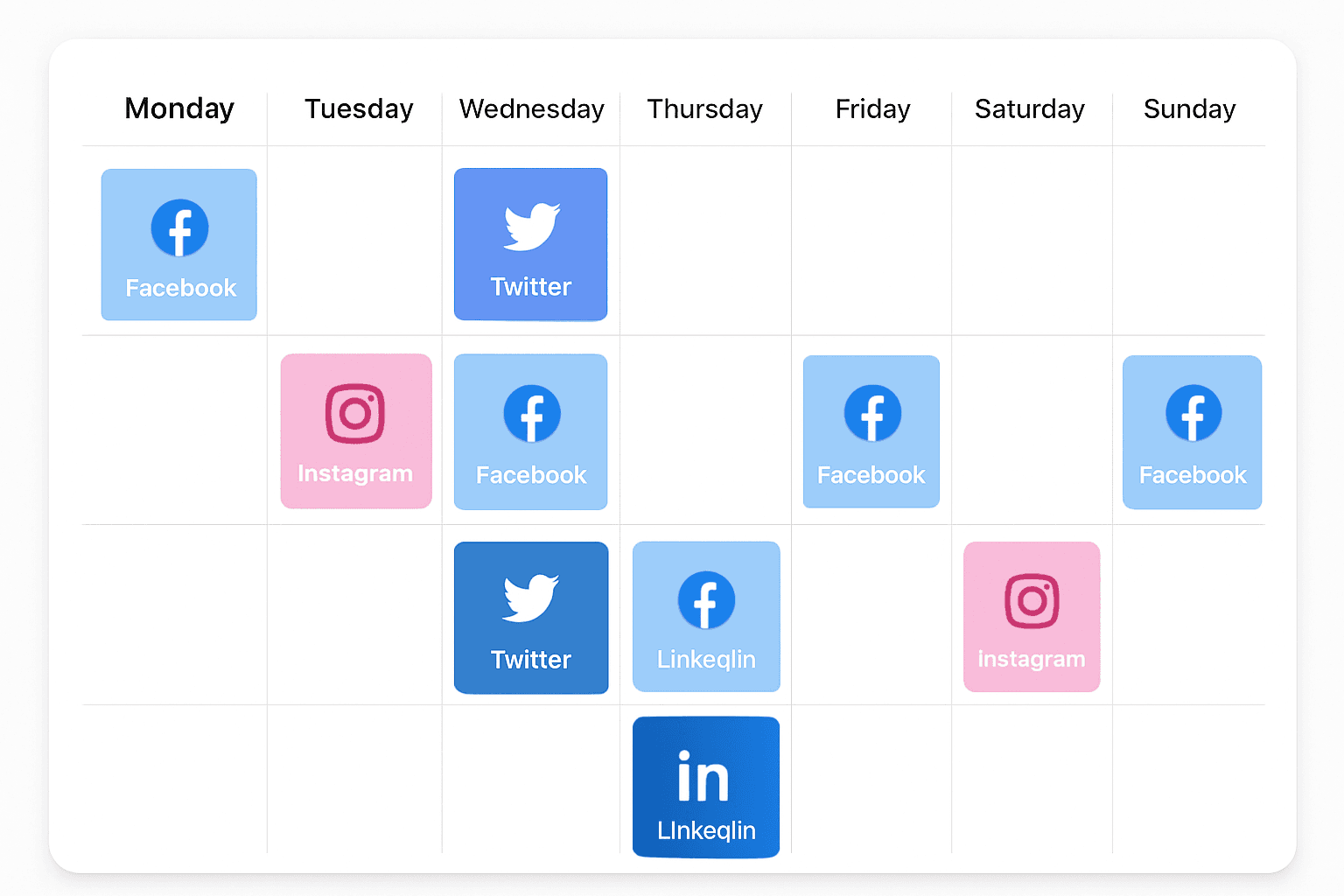
You Shouldn't Be Posting Manually in 2026
If you're still opening Instagram, Facebook, LinkedIn, and Twitter individually to post content in real time — you're wasting hours every week that could be spent on your actual business. Social media scheduling tools let you batch your content creation, set it, and forget it.
The good news? The best options are surprisingly affordable. Some are even free.
The Best Free Scheduling Tools
Buffer Free
What you get: Schedule up to 10 posts across 3 social channels. Simple queue-based scheduling with a clean calendar view.
Best for: Solopreneurs and small businesses who post 2-3 times per week per channel.
The catch: 10 posts is limiting if you're active on multiple platforms. No analytics beyond basic engagement metrics.
Meta Business Suite (Free)
What you get: Schedule posts and stories for Facebook and Instagram directly through Meta's own tool. Includes basic analytics and inbox management.
Best for: Businesses whose social presence is primarily Facebook and Instagram.
The catch: Only works with Meta platforms. The interface is functional but not elegant. Limited automation.
TweetDeck / X Pro (Free with X account)
What you get: Schedule tweets, manage multiple timelines, and monitor keywords on X (formerly Twitter).
Best for: Businesses active on X who want to schedule threads and monitor industry conversations.
The catch: X only. No cross-platform scheduling.
Best Paid Scheduling Tools (Under $50/month)
Later ($25/month Starter)
Auto-publishing to Instagram, TikTok, Facebook, LinkedIn, and Pinterest. Visual content calendar. Link-in-bio tool. Best AI caption writer in this price range.
Buffer Essentials ($6/channel/month)
Pay only for the channels you use. Clean scheduling, basic analytics, and team collaboration. 3 channels = $18/month.
Publer ($12/month)
Underrated tool that supports auto-scheduling, RSS feed integration, watermarking, and AI content suggestions. Supports all major platforms including Google Business Profile.
SocialBee ($29/month)
Category-based scheduling (evergreen content, promotions, quotes, blog posts) that automatically rotates content. Great for businesses that want to recycle top-performing posts.
Premium Tools (Worth It for Growing Teams)
Hootsuite ($99/month Professional)
Full-featured scheduling, monitoring, analytics, and team workflows across unlimited channels. The industry standard for a reason.
Sprout Social ($249/month)
Enterprise-grade scheduling with the best analytics and reporting in the category. If you need to prove ROI to stakeholders, Sprout's reporting justifies the price. See our full comparison of social media management tools.
The AI Factor: Smart Scheduling
The biggest shift in social media scheduling isn't a new tool — it's AI. Modern AI-powered tools can:
- Analyze your audience and determine the optimal posting time for each platform (not just a generic "best time to post" chart)
- Generate caption variations so you can A/B test messaging without writing everything from scratch
- Repurpose content automatically — turn a blog post into a Twitter thread, an Instagram carousel, and a LinkedIn article
- Predict performance based on historical engagement data and suggest content types that will perform best
Most standalone scheduling tools bolt AI on as a premium add-on. A custom-built system has AI woven into the foundation.
Choosing the Right Tool
| Your Situation | Recommended Tool | Monthly Cost |
|---|---|---|
| Just starting out, tight budget | Buffer Free | $0 |
| Instagram/TikTok focused | Later Starter | $25 |
| Multi-platform, solo operator | Buffer or Publer | $12-$18 |
| Team collaboration needed | Hootsuite Pro | $99 |
| Need detailed reporting | Sprout Social | $249 |
| Want everything integrated | Custom build | One-time |
The Bottom Line
Don't overpay for scheduling. Buffer Free or Later at $25/month covers 90% of what small businesses need. Invest your savings in creating better content — that's what actually drives results.
And when scheduling becomes just one piece of a larger marketing automation puzzle, let's talk about building something that ties it all together.