
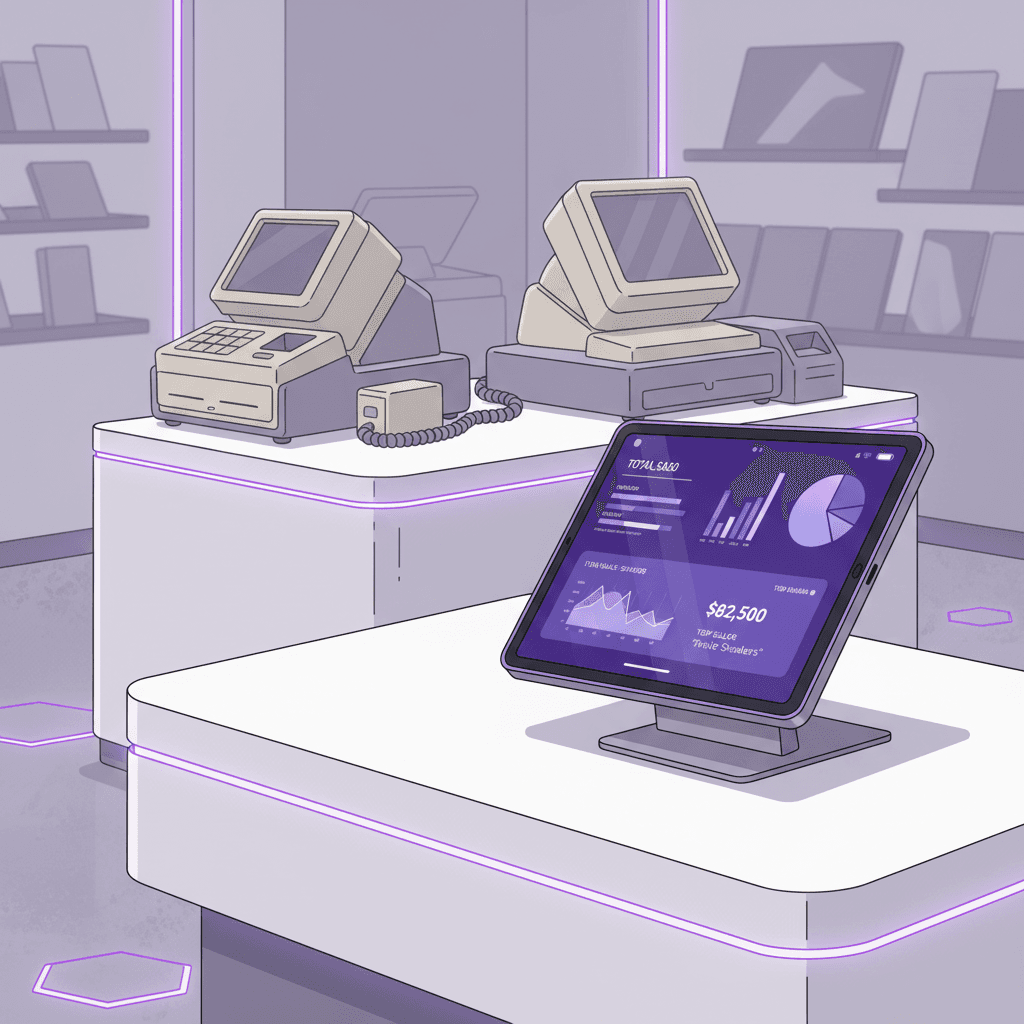
If you run a shop, café or service business in Medford or anywhere in Burlington County, your POS bill has three parts: a monthly plan, a cut of every card sale, and hardware. A custom POS system for small business can change two of those. It can't remove the card fees. Many owners expect it to, and that's the first thing worth getting straight.
This post covers what you pay now, what a custom build changes, what stays rented, and when a custom layer around your existing card terminal is the smarter move. It's one piece of the wider custom software vs SaaS for small business decision.
What a traditional POS actually costs you
A POS is not one fee. It's three, and they scale differently. Owners tend to compare the monthly plan and miss the other two.
The monthly plan, per location
Plans usually price per location, so a second storefront doubles the line. As an example, Square lists Square Plus at $49 a month per location and Premium at $149 a month per location on its fee page. That's what the page showed when we searched on October 5, 2026. Vendors change pricing often, so confirm current numbers before you compare anything.
Add-ons are where the bill drifts. Reporting, inventory, scheduling, loyalty and multi-location tools are often separate line items or higher tiers. Pull your last three invoices and list every line. That list is your baseline.
The cut of every sale
Processing is a percentage of each sale plus a fixed number of cents. For most businesses it's the largest line, and it grows with your revenue. Rates differ by plan, by card-present versus keyed-in, and by vendor. Published summaries of the same plan don't always agree on the cents, so use your own statement.
A simple illustration, with an assumed rate and not a quote: at 2.5%, a business running $50,000 a month in card sales pays $1,250 a month, or $15,000 a year. Change the rate by half a point and the yearly figure moves by $3,000.
Hardware and contract terms
Some vendors sell terminals, handhelds and kitchen screens that only work with their software. If you leave, that hardware may be worth little. Before you plan a move, check your contract for term length, early-termination fees and whether you can export your sales, customer and item data in a usable format.
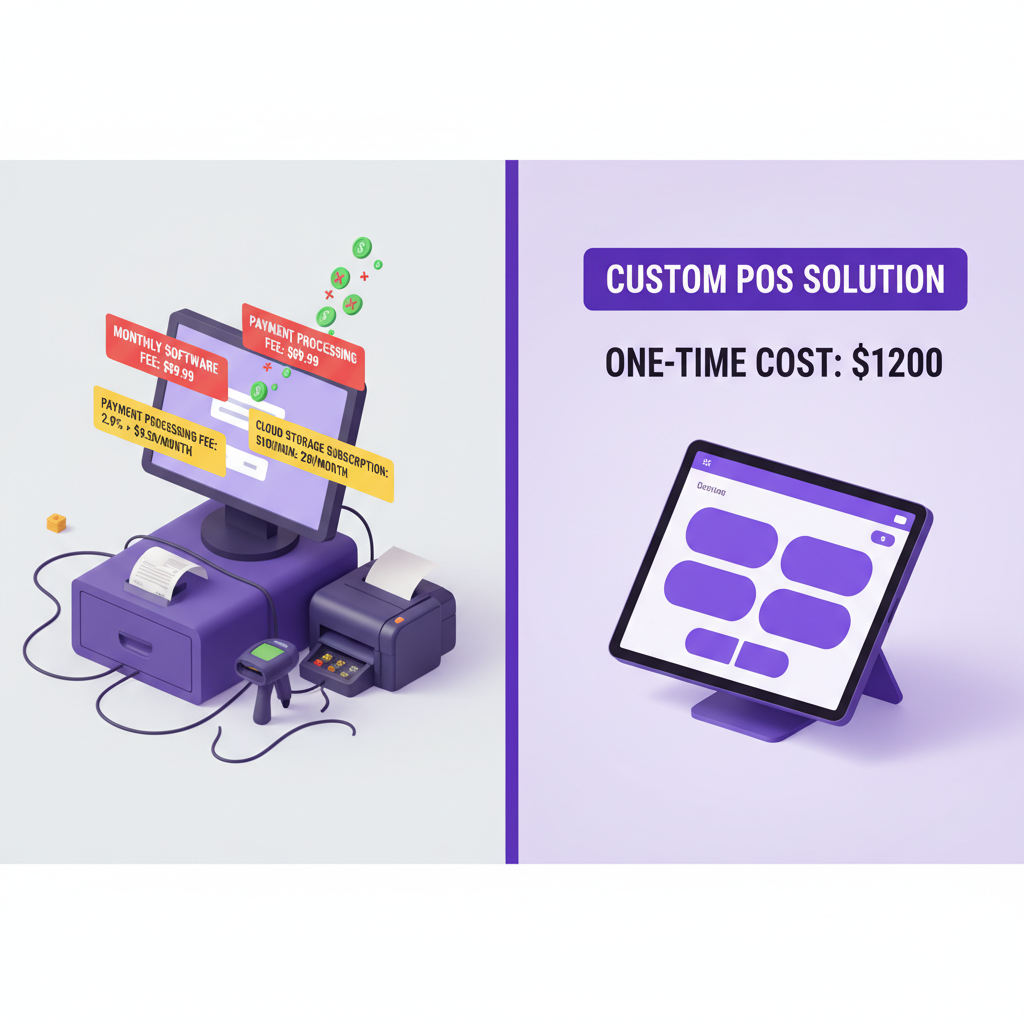
What a custom POS does not remove
A common claim is that a custom system has no transaction fees. That's not true. Card networks and banks charge for every card payment no matter whose software takes it.
What a custom build changes is who you pay, how that deal is structured, and what you can do with the data. Here's what stays on your bill after you build.
- Card processing. You still need a payment processor. You can shop for one, negotiate, and switch without rebuilding your software.
- Card hardware. Readers and terminals still cost money. Most custom builds pair with processor-approved readers instead of making their own.
- Hosting. The software runs somewhere. Hosting is scoped separately in our proposals and is never resold by us.
- Maintenance. Tax rules change, devices update and your menu changes. Someone has to keep the system current.
Card data and PCI
Any software near card payments raises a security question. The PCI Security Standards Council publishes plain-language guidance for small merchants, and merchants often validate compliance with a Self-Assessment Questionnaire. The usual design for a custom build is to let the processor's certified reader and hosted tools handle the card number. Your software only receives a payment result.
That keeps your own system out of the riskiest parts of the process. It doesn't replace advice from your processor or a qualified assessor about what applies to your business. We write software; we don't give compliance advice.
When a custom POS system for small business pays off
A custom build is worth pricing when your problem is the workflow, not just the fee. These are the situations where we'd say it's worth a serious look.
- You work around the software daily. Staff re-key orders, keep a side spreadsheet for modifiers, or text a manager to approve discounts.
- Your product doesn't fit a template. Parts that must match a vehicle, bundles with complicated rules, or a sale tied to a booking or a deposit.
- Several tools hold the same customer. The till, the email list, the booking calendar and the accounting file each have a different version of them.
- You can't get your data out. You can't answer a basic question, like which item sells best on slow weekdays, without a manual export.
- The per-location pricing is stacking up. A second or third site multiplies plan fees and add-ons.
If none of those fit, a standard POS is probably the right call. Plenty of shops run fine on one, and we'll say so before you spend money. A fee that feels high is a reason to negotiate your processing rate first, not to commission software.
For restaurants and bars, the friction is usually modifiers, tabs, events and kitchen flow. Our restaurant CRM work for restaurants and bars connects reservations, guest profiles, events and follow-up, and a till can feed that same record.
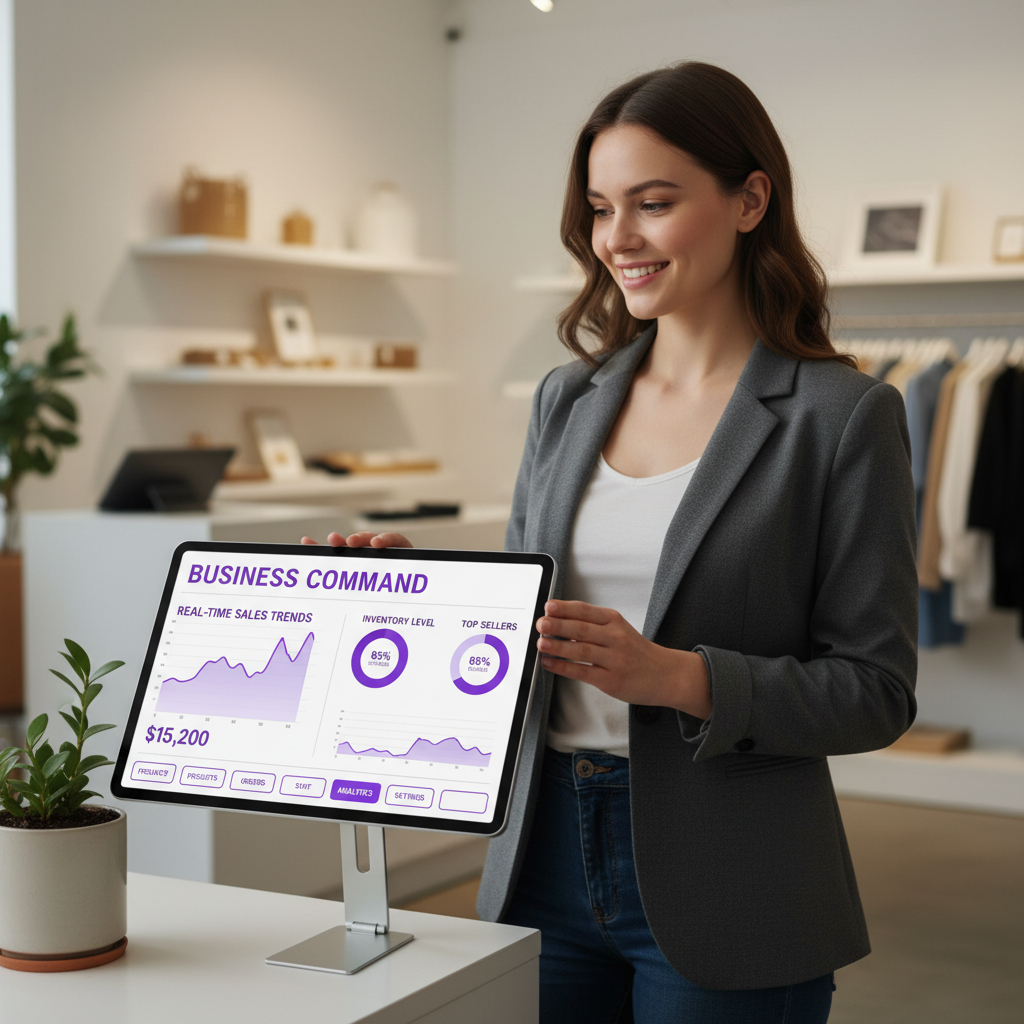
Three ways to build, from smallest to largest
"Custom POS" covers a wide range. Most small businesses don't need to write a register from scratch. This table shows the realistic options.
| Approach | What you own | What stays rented | Best fit |
|---|---|---|---|
| Custom back office around your current POS | Reporting, customer records, inventory logic, automations | The till, the reader and the plan | The register works but everything around it is manual |
| Custom register on a processor's tools | The ordering screen, workflow, data and integrations | Card processing and certified readers | The sales flow itself doesn't fit off-the-shelf software |
| Fully bespoke system | Nearly everything | Card processing and hosting | Rare; unusual regulation or scale |
The first row is where we'd start for most owners. It touches no card data, it's the cheapest, and it fixes the manual work that costs staff hours. You can move to the second row later.
The choice between these depends on what your current vendor exposes. Most POS vendors offer some form of API, a way for other software to read and write data. Our post on API integration versus native features explains how to tell whether a tool's connections are enough. If you're also weighing a drag-and-drop route, read no-code versus custom development first.
What we've built, and what we haven't
We haven't published a POS build on our portfolio, and we won't pretend otherwise. What we have built is the operations layer a POS has to connect to.
For WRAPT, we built an end-to-end wholesale operations platform: a 9-stage lead-to-delivery pipeline, a client portal and an omnichannel support hub with the TAMI web-chat agent. The lesson that carries over to a POS is that orders, customers and fulfillment should share one record.
The booking site and captain's CRM for Sand Bar Joe's follows the same logic for a charter business: the booking and the customer record live together. Whether a payment is taken at a counter or online, the data should land in one place.

What it costs, and what sits outside the build
Our custom app cost post lays out tiers from $15,000 to $100,000+, and a POS falls somewhere in that range depending on scope. A back office around your current till sits at the low end. A custom register with inventory, multi-location rules and integrations sits higher. We can't give a firm figure without seeing your workflow. How much a custom app costs breaks down what moves the price.
Any promised break-even month, ours or anyone else's, is a guess until you see your numbers. Here's how to work out your own from your statements:
- Add up 12 months of plan fees, add-ons and hardware payments.
- Separate processing fees from software fees. A custom build mostly affects the software side. It only affects processing if you win a better rate.
- Estimate the staff hours spent on workarounds each week and what that time costs.
- Compare the software and labor total against the build quote plus hosting, processor fees and support.
If step four doesn't favor a build within a few years, don't build. Sales tax is the other thing to check. A South Jersey retailer needs correct New Jersey tax on every receipt and clean reports for the accountant. Have your accountant review the tax logic before you go live.
Switching without closing the till
You shouldn't switch over a weekend. A safer order looks like this.
- Export your data first. Get items, customers and sales history out of the current system before you do anything else.
- Build the back office first. Keep the old register running while reporting and inventory move to the new system.
- Pilot at one location or one register. Run both systems side by side for a while and reconcile the totals daily.
- Train from your real workflow. The people at the counter know where the current system breaks. Build from that.
- Cut over when the totals match. Keep the old data archived as long as your accountant wants it.
The same approach applies to stock. Our post on custom inventory management versus SaaS covers the inventory side in more detail.
How to decide this quarter
Start with an audit, not a build. List every tool around your register, what each costs and what staff do by hand. Our small business software budget for 2027 guide shows how to size the first fix. If the audit shows the problem is customer data scattered across tools, a custom CRM may solve it before any POS work starts.
We don't sell hardware, hosting or payment processing. Those are scoped separately and bought from the vendors who provide them. What we build is the software you own under the project agreement.
Frequently Asked Questions
Does a custom POS system for small business eliminate card processing fees?
No. Every card payment still goes through a payment processor, and card networks and banks charge for it. A custom system changes who you choose as a processor and lets you negotiate or switch, but processing fees remain. What goes away is the monthly software plan and add-on tiers, replaced by build, hosting and support costs.
How much does a custom POS system cost to build?
It depends on scope. Our custom app cost guide puts custom builds in tiers from $15,000 to $100,000+. A back office around your current register costs less than a full custom register with multi-location rules. Hosting, third-party subscriptions, payment processing and ongoing support are scoped separately from the build.
Is a custom POS secure enough to take card payments?
It can be, if card data never passes through your own software. The usual design uses the processor's certified card reader and hosted payment tools, so your system only receives an approved or declined result. Ask your processor or a qualified PCI assessor what applies to your business, because we don't give compliance advice.
Can I keep Square or Toast and still get custom features?
Often, yes. If your POS vendor offers an API, a custom back office can pull sales and inventory data, run your own reports and trigger follow-ups. You keep the till and reader and replace the manual work around them. Check what your plan's API access allows before you scope anything.
Prices in this article are starting ranges published on iolab.co/pricing. Hosting, third-party subscriptions and ongoing support are scoped separately in your proposal.
Talk through your register setup
If you're in South Jersey or the Philadelphia area, or anywhere else, we can look at your statements and workflow and tell you honestly whether to build, connect or stay put. Contact iOLab Digital to start that conversation.
Sources
Every outside claim in this article links to where it came from. These open in a new tab.
- Squaresquareup.com
- PCI Security Standards Councillistings.pcisecuritystandards.org