
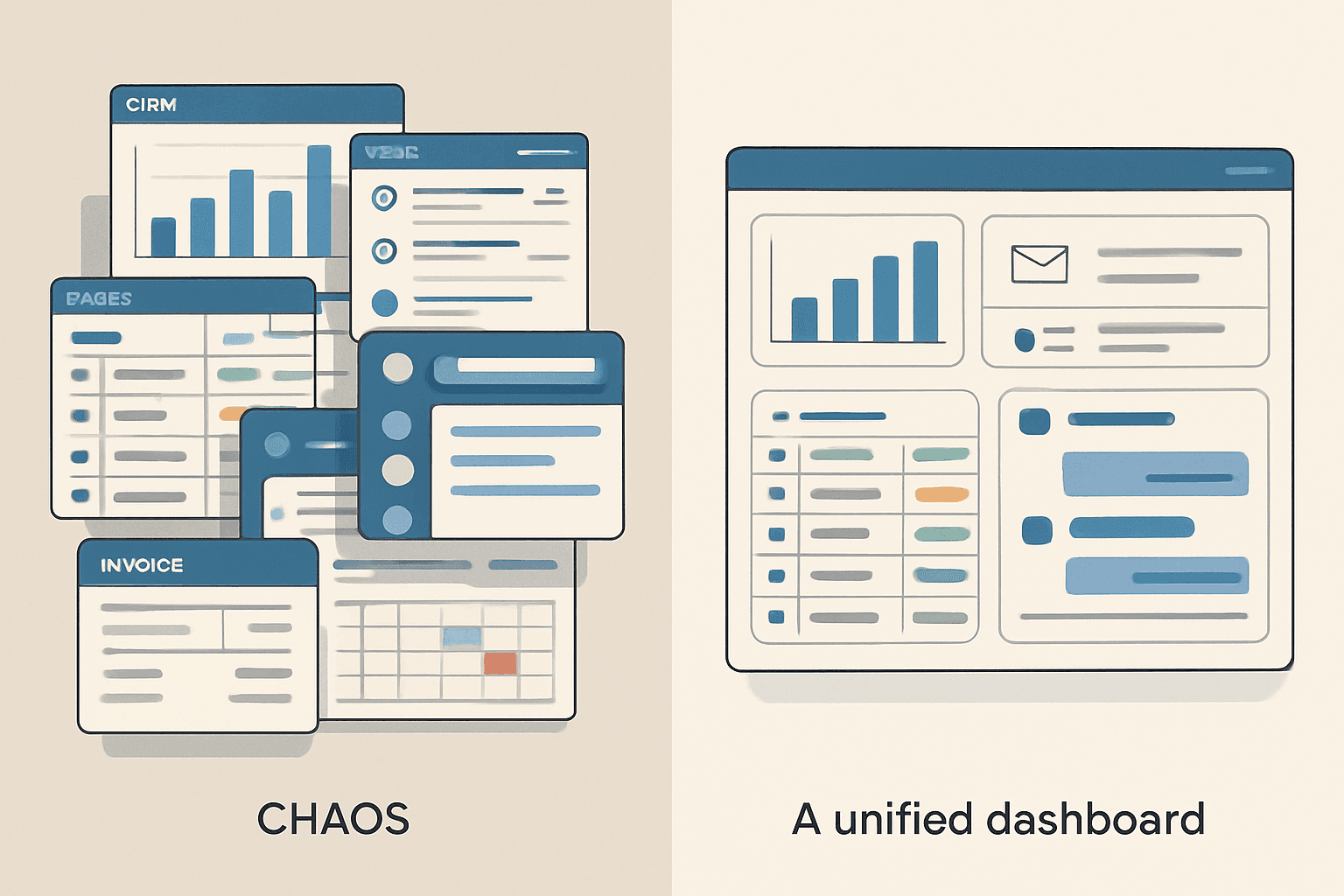
The All-in-One Promise (And Why It Keeps Falling Short)
Every small business owner has had this thought: "There must be ONE tool that does everything I need." Project management, CRM, invoicing, team communication, client portals — all in one place.
Monday.com, Notion, ClickUp, and Asana all pitch this dream. And to be fair, they've gotten closer than ever. But the reality is that "all-in-one" tools are actually "okay-at-everything, great-at-nothing" tools — and the trade-offs catch up with you.
Here's an honest comparison and what to do when you've outgrown them.
The Big Four Compared
Monday.com
Monday calls itself a "work OS" — project management with a heavy dose of customization. You can build CRM boards, marketing trackers, HR workflows, and more using their template library.
Pricing: $9-$19/seat/month (minimum 3 seats). Enterprise pricing on request.
Strengths: Highly visual. Flexible board structures. Good automation builder. App marketplace for integrations.
Weaknesses: Per-seat pricing adds up fast. Customization has limits — it looks and feels like Monday no matter what you do. Data structure is board-based, which breaks down for complex relational data. Mobile app is limited.
Notion
Notion is the Swiss Army knife — docs, databases, wikis, project boards, and now AI features. Its flexibility is unmatched, which is both its strength and weakness.
Pricing: Free for personal, $10/seat/month for teams, $15/seat for business.
Strengths: Infinitely flexible. Beautiful document editing. Relational databases are powerful. Great for documentation and knowledge management.
Weaknesses: Requires significant setup time. No built-in CRM, invoicing, or email. Performance slows with large databases. The flexibility means every team member builds things differently — consistency is a constant battle.
ClickUp
ClickUp tries to literally replace everything — tasks, docs, whiteboards, goals, time tracking, chat, and dashboards. It's the most feature-dense tool in this category.
Pricing: Free tier available, $7-$12/seat/month for paid.
Strengths: Incredible feature depth at a low price. Custom fields, automations, dashboards, and views for every preference (list, board, Gantt, calendar, timeline).
Weaknesses: Overwhelming for new users. The interface is cluttered. Performance can be slow with large workspaces. Quality suffers because they ship features faster than they polish them.
Asana
The most structured and opinionated tool. Asana excels at project management with a focus on clarity — who's doing what, by when.
Pricing: Free for up to 10 users, $10.99-$24.99/seat/month.
Strengths: Clean interface. Excellent task management. Portfolio view for tracking multiple projects. Good Slack and Google Workspace integrations.
Weaknesses: Not flexible enough for non-project workflows. CRM and invoicing require third-party integrations. Reporting is basic unless you're on Business tier.
The Core Problem: Data Silos in Disguise
Here's what nobody tells you about all-in-one tools: they're not actually all-in-one. They're some-in-one tools that connect to other tools through integrations.
Monday's CRM isn't a real CRM — it's a Kanban board with custom fields. Notion's "database" isn't a real database — it's a spreadsheet with extra features. ClickUp's invoicing template isn't real invoicing — it's a task list formatted to look like an invoice.
The result? Your data still lives in silos. Customer info is in one board, project tasks in another, invoices in a Zapier-connected third tool, and email in a completely separate platform. The "all-in-one" promise just rearranges the silos.
We wrote about this exact problem in 5 Signs Your Business Has Outgrown Its SaaS Tools.
When to Stop Adapting and Start Building
The per-seat math tells the story. A 10-person team on Monday.com Business pays $190/month = $2,280/year. Add Slack ($150/month), email marketing ($100/month), and invoicing ($50/month), and you're at $490/month = $5,880/year.
Over 5 years, that's nearly $30,000 — for tools you don't own, can't fully customize, and will raise prices on you every year.
A custom-built platform costs $30,000-$50,000 once. It does exactly what you need, grows with your business, includes AI automation, and the monthly cost drops to hosting only ($200-$500/month). See our full custom app cost breakdown.
Who Should Stay on SaaS
Not everyone needs custom software. You should stick with Monday, Notion, ClickUp, or Asana if:
- Your team is under 5 people
- Your workflows are standard (basic project management, task tracking)
- You're spending under $200/month total on tools
- You're still figuring out your processes (build custom AFTER you know what works)
Who Should Go Custom
You should seriously consider a custom platform if:
- You're spending $400+/month across multiple tools
- Per-seat pricing is hurting as you hire
- Your workflows don't fit any template
- You need true data integration (CRM + projects + invoicing + email in ONE system)
- You're ready to own your infrastructure instead of renting it
Book a free consultation and we'll audit your current tool stack. We'll show you exactly which tools can be consolidated, what it would cost to build custom, and how fast it pays for itself.