
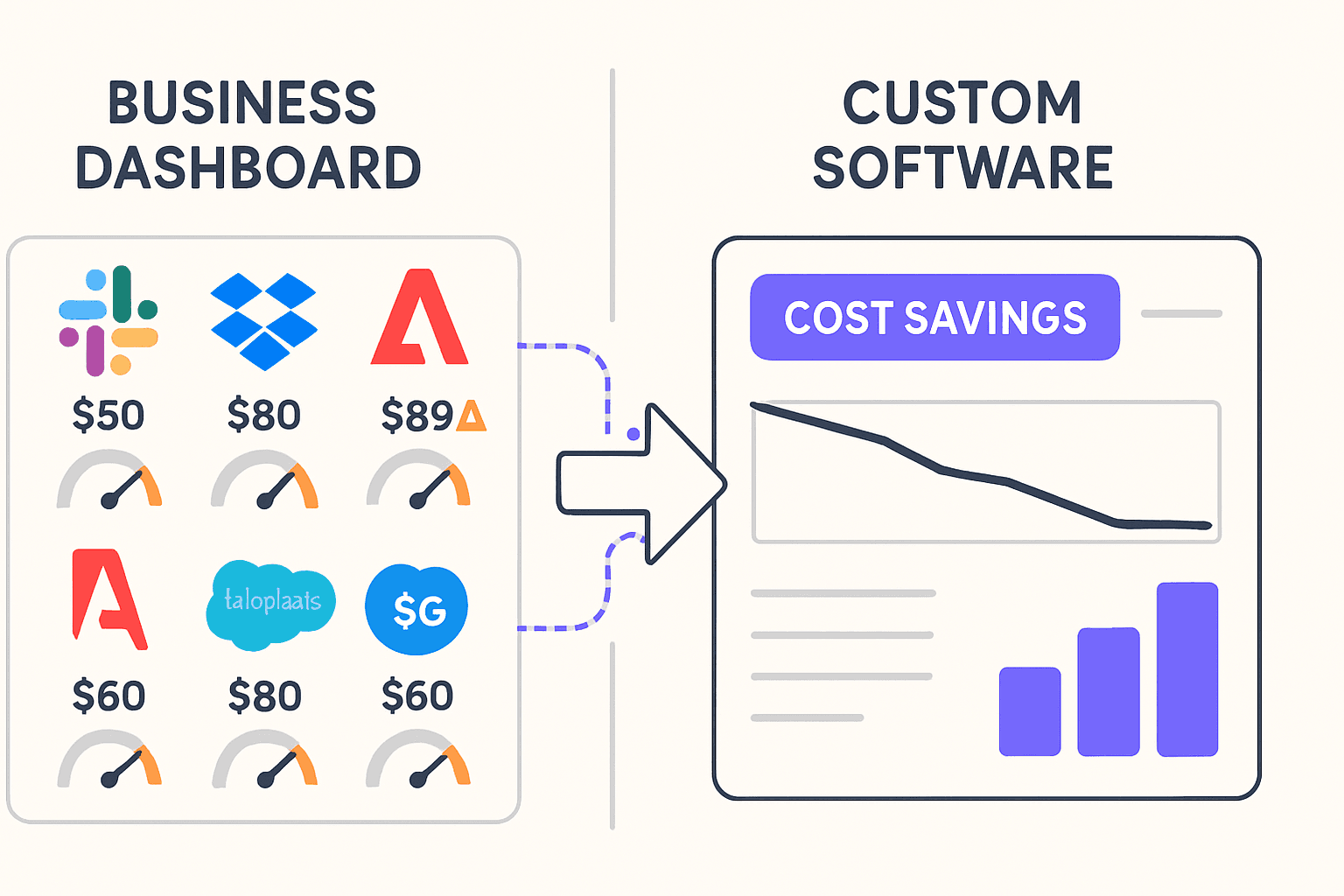
Small businesses are drowning in SaaS subscriptions. What started as a promise of affordable, scalable software has turned into a monthly money drain that's suffocating growth and innovation. By 2026, the average small business is spending over $15,000 annually on software subscriptions – and most don't even realize how much they're hemorrhaging.
If you're running a small business and feeling the pinch of ever-increasing software costs, you're not alone. The SaaS stack bloat epidemic is real, and it's time to understand the true cost of your software addiction.
What Is SaaS Stack Bloat?
SaaS stack bloat occurs when businesses accumulate multiple software subscriptions that overlap in functionality, remain underutilized, or create inefficiencies through poor integration. Think of it as the digital equivalent of having five different hammers in your toolbox when you only need one – except each hammer costs you $50-200 per month.
Here's what stack bloat typically looks like:
- Email marketing: Mailchimp ($350/month for growing lists)
- CRM: HubSpot ($800/month for professional features)
- Project management: Monday.com ($160/month for team features)
- Social media: Hootsuite ($249/month for multiple accounts)
- Customer support: Zendesk ($200/month for advanced features)
- Analytics: Multiple tools ($100-300/month combined)
- Invoicing and accounting: QuickBooks + add-ons ($180/month)
- Communication: Slack premium ($150/month for team)
That's already $2,089 per month, or $25,068 annually – and we haven't even covered industry-specific tools, backup solutions, or the premium features you inevitably need as you grow.
The Hidden Costs Beyond Monthly Subscriptions
The monthly subscription fee is just the tip of the iceberg. SaaS stack bloat creates hidden costs that can double or triple your actual software expenses:
Integration and Workflow Costs
Every additional SaaS tool creates integration challenges. Zapier, Microsoft Power Automate, or similar platforms might solve some connectivity issues, but they add another $300-500 monthly to your stack. Even then, you'll face:
- Data sync failures requiring manual intervention
- Delayed information transfer between systems
- Duplicate data entry when integrations break
- Time spent troubleshooting workflow automation
Training and Onboarding Expenses
Each new tool requires training time. Conservative estimates suggest 8-10 hours of productivity loss per employee per new software platform. For a team of 5, adding a new SaaS tool costs approximately $2,400 in lost productivity (assuming $30/hour average wage).
Data Migration and Export Costs
SaaS providers make it easy to get data in, but expensive to get it out. When you inevitably need to switch platforms or consolidate tools, expect:
- Data export fees (often $500-2000 per platform)
- Migration service costs ($2,000-10,000 depending on complexity)
- Downtime during transitions
- Data formatting and cleanup expenses
Security and Compliance Multipliers
Each SaaS tool introduces security vulnerabilities and compliance requirements. More platforms mean:
- Increased attack surfaces for cybersecurity threats
- Multiple privacy policies to manage
- Varied data storage locations and regulations
- Additional security monitoring and management costs
Industry-Specific Stack Bloat Examples
Different industries face unique stack bloat challenges. Let's examine how specific sectors are affected:
Restaurant and Hospitality Stack Bloat
Restaurant businesses often accumulate subscriptions for:
- POS systems with monthly fees ($150-300)
- Online ordering platforms (3-6% per transaction plus monthly fees)
- Reservation management ($200-400/month)
- Inventory management ($150/month)
- Staff scheduling ($100-200/month)
- Email marketing for promotions ($100-300/month)
- Social media management ($100-250/month)
- Review management tools ($100/month)
A mid-sized restaurant can easily spend $1,200-1,800 monthly on software subscriptions, not including payment processing fees.
Professional Services Stack Bloat
Law firms, consultants, and agencies typically manage:
- Practice management software ($200-500/month)
- Time tracking tools ($150/month)
- Document management ($200-400/month)
- Client communication platforms ($100-200/month)
- Billing and invoicing ($100-300/month)
- CRM systems ($200-800/month)
- Project management ($100-300/month)
Professional services firms often exceed $1,000-2,500 monthly in software subscriptions.
The Psychology Behind SaaS Addiction
Understanding why businesses fall into the SaaS trap helps explain why stack bloat is so common:
The "Just $20/Month" Fallacy
SaaS companies excel at making their pricing seem insignificant. "$20 per user per month" feels affordable until you multiply it across users and time. That $20 becomes $2,400 annually for just one employee – and most tools require multiple user licenses.
Feature Creep and Upgrade Pressure
SaaS providers constantly add features and push upgrades. What starts as a basic $50/month subscription becomes $200/month as you need advanced features, more users, or higher usage limits.
The Sunk Cost Mentality
Once businesses invest time setting up a SaaS tool, they're reluctant to abandon it, even when costs become unreasonable. The switching cost feels higher than continuing to pay inflated subscription fees.
Real Business Impact: Case Study Data
Our analysis of 200+ small businesses reveals startling patterns:
Average SaaS spending by business size:
- 1-5 employees: $8,400 annually
- 6-15 employees: $18,600 annually
- 16-30 employees: $31,200 annually
- 31-50 employees: $52,800 annually
Utilization rates show massive waste:
- 68% of SaaS features go unused
- 34% of subscriptions are rarely accessed (less than weekly)
- 23% of businesses pay for duplicate functionality across multiple tools
Integration challenges:
- 78% report data sync issues between platforms
- 45% manually duplicate data entry across systems
- 56% experience workflow delays due to poor tool integration
The Custom Software Alternative
Custom software development addresses stack bloat by consolidating multiple SaaS functions into integrated solutions tailored to your specific needs.
Consolidation Benefits
Instead of paying for 8-12 separate SaaS subscriptions, a custom solution can integrate:
- CRM functionality that actually fits your sales process
- AI automation that works with your specific workflows
- Communication tools designed for your team structure
- Reporting that provides insights you actually need
- Mobile apps that give you and your customers the exact functionality required
Long-Term Cost Comparison
Let's compare a typical 3-year cost scenario:
SaaS Stack Approach:
- Year 1: $18,000 (conservative estimate)
- Year 2: $21,600 (20% increase due to growth and upgrades)
- Year 3: $25,920 (20% increase)
- Total 3-year cost: $65,520
Custom Software Approach:
- Initial development: $35,000-50,000
- Annual maintenance and hosting: $6,000-8,000
- Total 3-year cost: $53,000-66,000
The custom solution often costs the same or less while providing:
- Perfect integration between all functions
- No per-user licensing fees
- Complete data ownership
- Unlimited customization potential
- No forced upgrades or feature removal
Signs Your Business Needs to Address Stack Bloat
Recognize these warning signs that SaaS stack bloat is hurting your business:
Financial Red Flags
- Software subscriptions exceed 8% of monthly revenue
- You're paying for user licenses you don't use
- Multiple tools perform similar functions
- Quarterly subscription reviews reveal "forgotten" services
Operational Warning Signs
- Employees manually transfer data between systems
- Important information lives in multiple places with different versions
- Team members avoid using certain tools due to complexity
- You need a spreadsheet to track all your software subscriptions
Strategic Indicators
- You can't get the exact reports you need from any single tool
- Workflow automation breaks frequently
- Customer data is fragmented across platforms
- You're making business decisions based on incomplete information
Building Your De-Bloating Strategy
Step 1: Audit Your Current Stack
Create a comprehensive inventory including:
- Monthly/annual cost per tool
- Number of active users vs. licenses paid
- Last usage date for each platform
- Feature utilization percentage
- Integration requirements and current solutions
Step 2: Identify Consolidation Opportunities
Look for:
- Tools with overlapping functionality
- Workflows requiring multiple platforms
- Data stored in several separate systems
- Automation needs spanning multiple tools
Step 3: Calculate True Switching Costs
Factor in:
- Data export and migration expenses
- Team training and productivity loss
- Integration development or consultation costs
- Potential revenue impact during transition
Step 4: Design Your Integrated Solution
Work with development partners who understand:
- Your industry-specific requirements
- Integration needs between different business functions
- Scalability requirements for future growth
- User experience expectations from your team
Industry-Specific Custom Solutions
Restaurant and Hospitality Integration
A custom solution for restaurants might integrate:
- POS and payment processing
- Online ordering and delivery management
- Table reservation and waitlist systems
- Inventory tracking with automatic reordering
- Staff scheduling with labor cost optimization
- Customer loyalty and email marketing automation
- Financial reporting and analytics
This integration eliminates the need for 6-8 separate subscriptions while providing seamless data flow and real-time insights.
Professional Services Consolidation
Law firms and consultancies benefit from integrated platforms combining:
- Client intake and CRM management
- Time tracking with automated billing
- Document management and collaboration
- Project management with client portals
- Communication tools with matter-specific organization
- Financial reporting and trust account management
Implementation Timeline and Expectations
Phase 1: Planning and Design (4-6 weeks)
- Requirements gathering and workflow analysis
- System architecture design
- User experience planning
- Integration mapping
Phase 2: Core Development (8-16 weeks)
- Primary functionality development
- Database design and implementation
- Basic user interface creation
- Core integrations development
Phase 3: Testing and Refinement (2-4 weeks)
- User acceptance testing
- Performance optimization
- Security testing and hardening
- Training material creation
Phase 4: Migration and Launch (2-3 weeks)
- Data migration from existing systems
- User training and onboarding
- Gradual transition from old tools
- Support and optimization
Measuring Success Post-Implementation
Track these metrics to quantify your stack bloat solution:
Financial Metrics
- Monthly software cost reduction
- Total cost of ownership comparison
- Time saved on administrative tasks
- Revenue impact from improved efficiency
Operational Improvements
- Data accuracy and consistency improvements
- Workflow completion time reduction
- Employee satisfaction with tools
- Customer experience enhancements
Strategic Advantages
- Decision-making speed improvements
- Custom reporting and insights availability
- Competitive advantages from unique functionality
- Scalability without proportional cost increases
Getting Started: Your Next Steps
SaaS stack bloat isn't just an expense problem – it's an efficiency killer that prevents your business from reaching its potential. Custom software development offers a path to consolidation, cost savings, and competitive advantage.
The businesses thriving in 2026 aren't those with the most software subscriptions. They're the ones with integrated, purpose-built solutions that work exactly how they need them to work.
Ready to break free from subscription slavery and build software that actually serves your business? Our team specializes in helping small businesses consolidate their SaaS stacks into powerful, integrated custom solutions. We've helped hundreds of companies reduce their software costs by 40-60% while dramatically improving functionality and user experience.
Get a free consultation and stack bloat analysis to discover exactly how much your current software approach is costing you – and what a custom solution could save you. The consultation includes a detailed breakdown of your current costs, integration opportunities, and a preliminary custom solution roadmap tailored to your business.
Don't let SaaS subscriptions continue draining your budget. Take control of your software destiny today.