
Your Tools Should Grow With You. Most Don't.
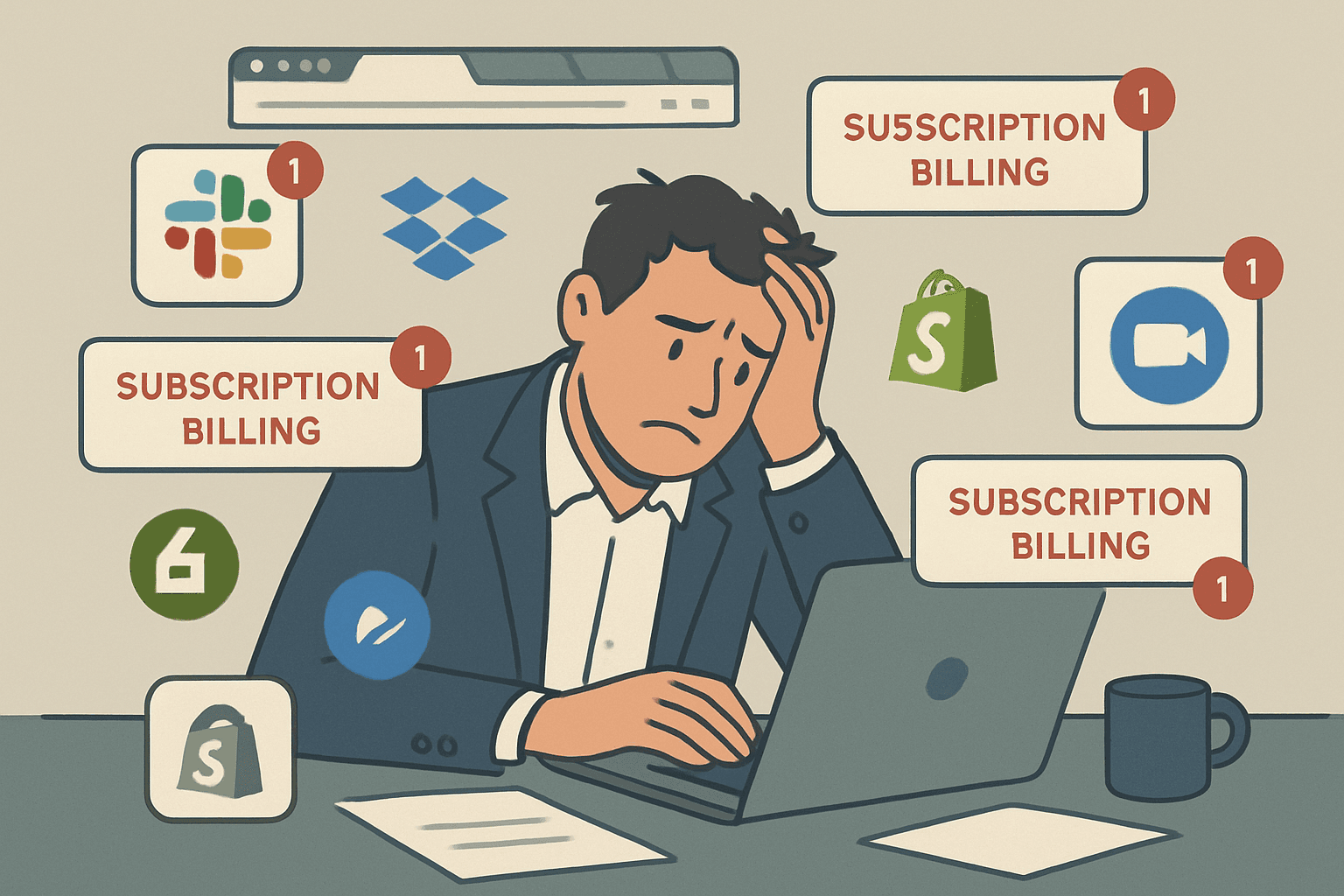
When you started your business, SaaS tools were a lifesaver. Mailchimp for emails. HubSpot for leads. Calendly for bookings. Stripe for payments. Each one solved a specific problem, and the monthly cost was easy to justify.
Then your business grew. And now you're paying for seven different platforms that don't talk to each other, fighting with workflows that don't match your process, and spending more on software subscriptions than you'd like to admit.
Here are the five signs that it's time to make the switch to custom software.
Sign 1: You're Paying for Features You'll Never Use
Open your CRM right now. How many tabs, modules, and settings have you never clicked? For most small businesses using enterprise SaaS, the answer is "most of them."
Salesforce has over 3,000 features. A typical 10-person company uses maybe 50 of them. But you're paying for all 3,000 — because that's how SaaS pricing works. You don't get to pay for just the parts you need.
The custom alternative: A custom CRM with exactly the features your team uses. Nothing more, nothing less. The interface is clean because it only shows what matters to YOUR business.
Sign 2: Your Data Lives in 5 Different Places
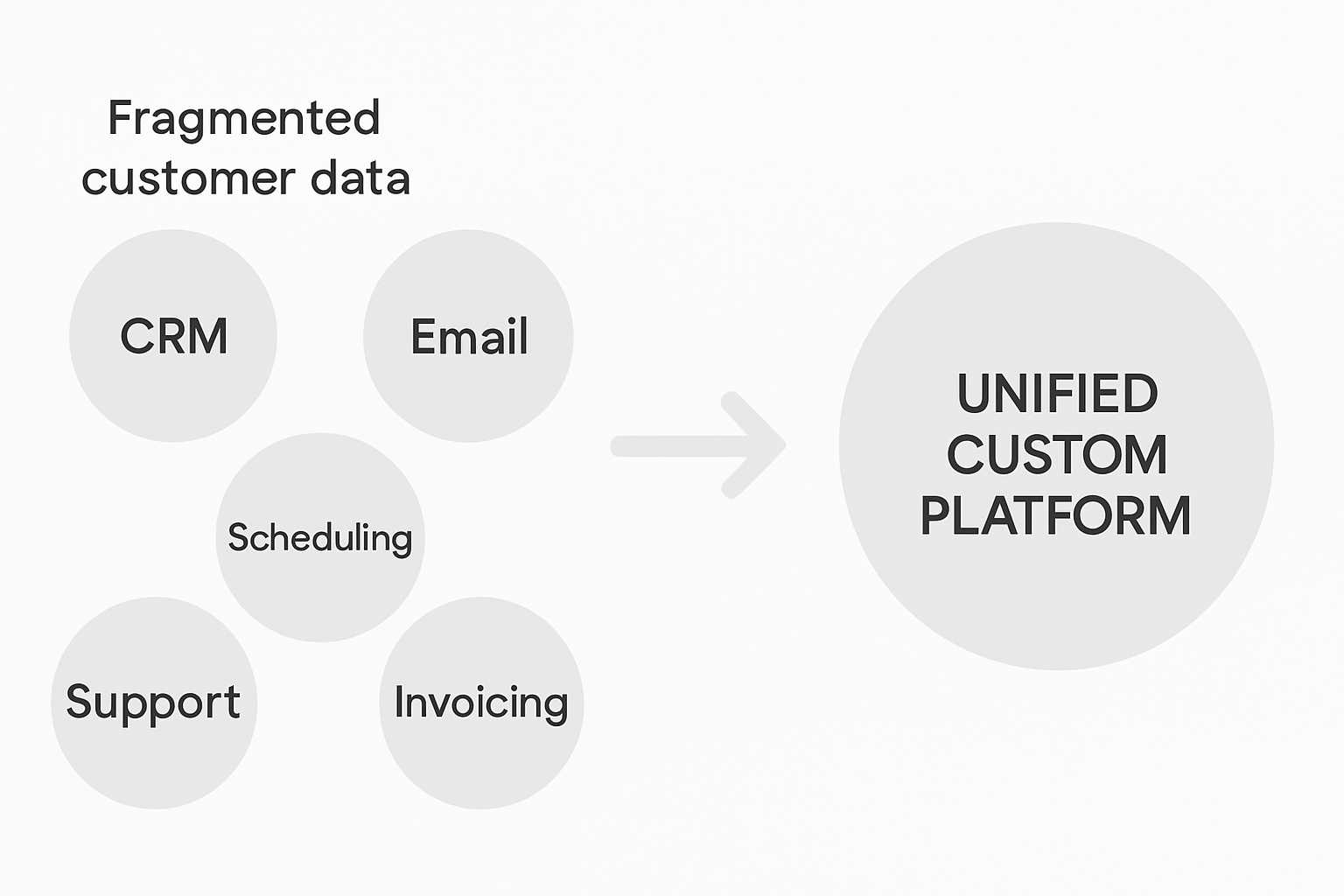
Your customer's email address is in Mailchimp. Their purchase history is in Shopify. Their support tickets are in Zendesk. Their project details are in Monday.com. And their invoice is in QuickBooks.
When a customer calls and asks a simple question, your team has to check three systems to give them an answer. That's not a workflow — it's a scavenger hunt.
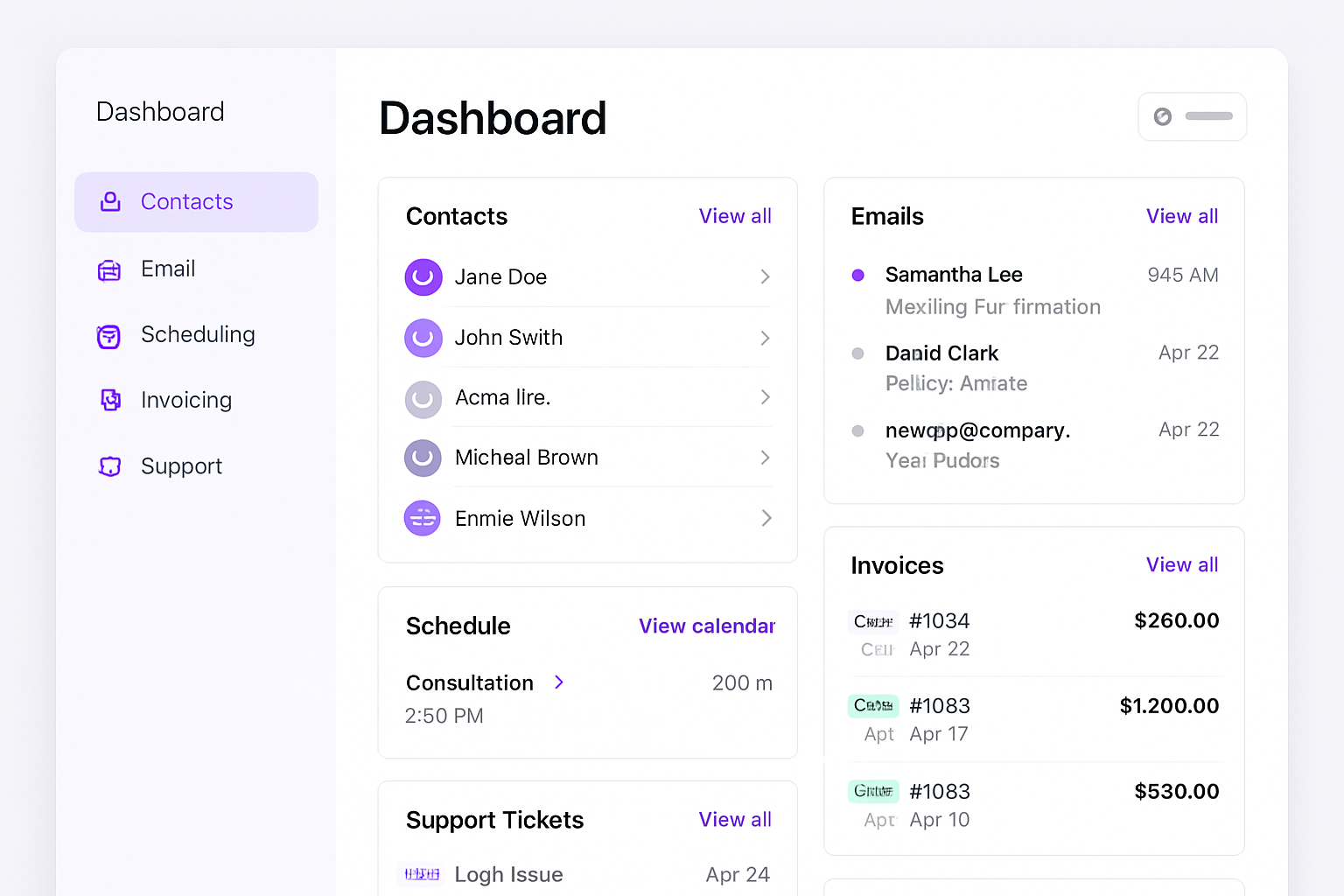
The custom alternative: One unified database where every customer interaction — emails, purchases, support requests, projects, invoices — lives in a single profile. Any team member can pull up any customer and have the full picture in seconds.
Sign 3: Per-Seat Pricing Is Killing You as You Grow
You hire a new team member. Great! Now add them to Salesforce ($75/month), Slack ($12.50/month), Asana ($30/month), HubSpot ($45/month), and three other tools. That's $200+/month in software costs before they've done a single billable hour of work.
Per-seat pricing means your software costs scale linearly with your team. Hire 5 people? Your SaaS bill goes up $1,000/month. Hire 20? It goes up $4,000/month. This was designed for enterprise companies with enterprise budgets — not growing small businesses.
The custom alternative: Flat pricing. Your custom platform costs the same whether you have 5 users or 50. Hosting scales slightly with usage, but you're talking $50/month more — not $200/seat.
Sign 4: You Can't Customize the Workflow
Every business has a process. Maybe leads go through a 5-step approval before becoming clients. Maybe orders need sign-off from two different departments. Maybe your invoicing has custom line items that don't fit any template.
SaaS tools offer "customization" — but only within their guardrails. You can rename a field, maybe reorder some stages, possibly add a custom property. But you can't fundamentally change how the tool works. If your process doesn't match their template, you're the one who has to adapt.
The custom alternative: Your software adapts to your process. Not the other way around. Every workflow, every approval chain, every custom field is built around how your team actually operates.
Sign 5: You're Worried About Vendor Lock-In
What happens if your SaaS vendor raises prices? What if they sunset a feature you rely on? What if they get acquired and change direction?
These aren't hypothetical scenarios. They happen constantly. And when they do, you're stuck — because your data is in their system, your team is trained on their interface, and migrating to something else means months of disruption.
With SaaS, you're renting. The landlord can raise the rent, change the rules, or sell the building at any time.
The custom alternative: You own the code. You own the data. If you want to change hosting providers, add features, or pivot your entire business model, nobody can stop you. Your software is an asset on your balance sheet, not a recurring expense on your P&L.
The Tipping Point
Most businesses hit this tipping point when their monthly SaaS spend crosses $500-$1,000/month. At that level, you're spending $6,000-$12,000/year on tools you don't own and can't fully customize.
That same money, invested once in custom software, gives you a platform that:
- Does exactly what you need
- Costs a fraction to maintain
- Grows with your business
- Belongs to you forever
- Includes AI automation from day one
Check out our pricing breakdown or read about how much a custom app actually costs.
Making the Switch
You don't have to replace everything at once. The smartest approach is to identify the tool that causes the most pain — the one your team complains about, the one that's most expensive, or the one with the worst data silo problem — and replace that first.
Once you see how much better a custom tool works, the rest of your SaaS stack starts to look very replaceable.
Book a free consultation and we'll audit your current tool stack to show you exactly where custom software would save you the most money and time.