
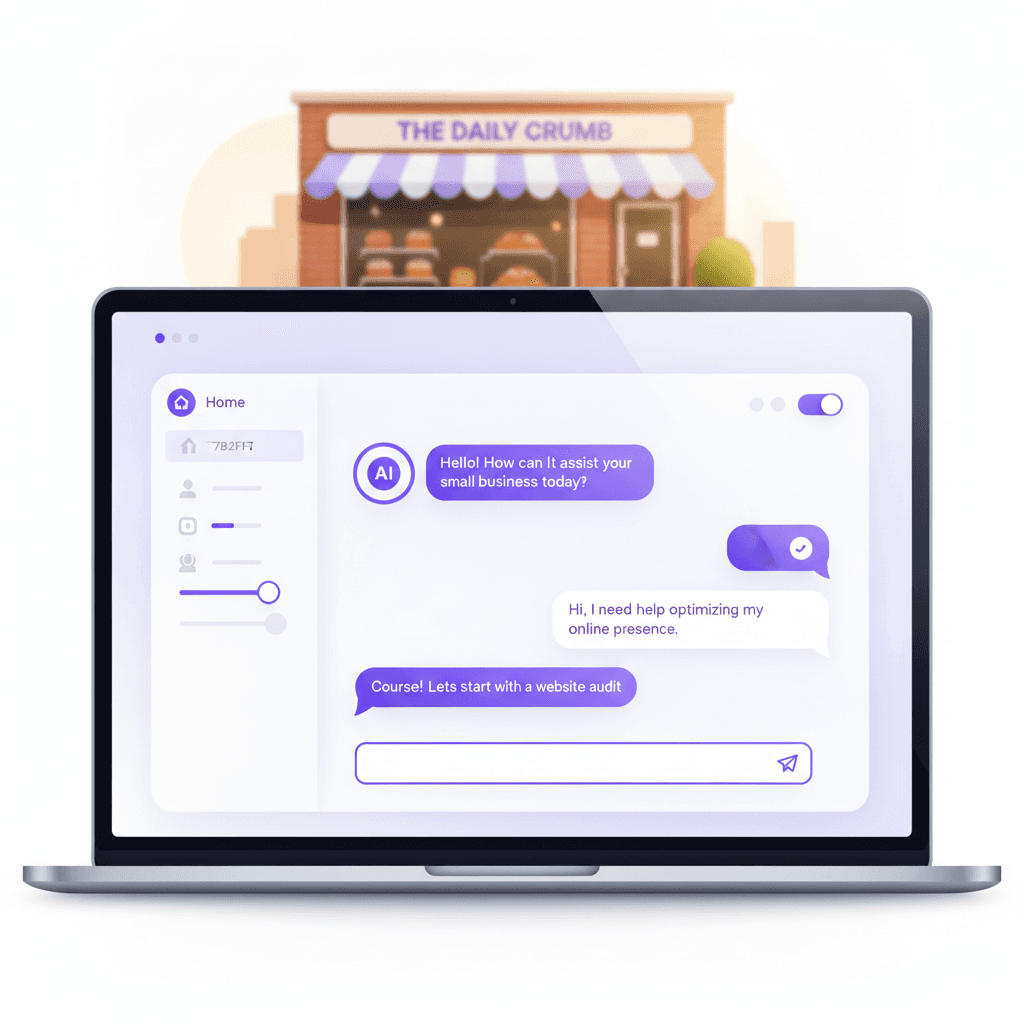
You have probably already talked to an AI chatbot: the chat bubble in the corner of a website that answers before a person does. An AI chatbot for small business is now something a local contractor, dental office or law firm can run without an enterprise budget. The useful question is no longer whether to have one. It is what the bot should answer, what it should hand off, and where its answers get recorded. This guide covers all three, and it pairs with our pillar on voice AI for small business, which covers the phone side. Before you buy or build anything, know which of your daily questions a bot can actually take off your plate.
What an AI chatbot does now, compared with the old kind
Older chatbots were decision trees. A visitor clicked "Hours" and got your hours. Anything off-script got "Please call us during business hours."
Current chatbots run on a large language model (LLM), software trained on huge amounts of text that can read a free-form question and write a reply. Pointed at your own content, it can answer in plain language, handle a follow-up, and remember what was said earlier in the same chat.
Compare the two on a real question: "Do you do Saturday appointments for a crown replacement?" A decision tree cannot parse that. An LLM-based bot can understand it, look at your calendar if you have connected one, and offer open slots.
The catch is that an LLM can also sound confident while being wrong. That is why the design work (what it knows, what it may say, when it hands off) matters more than the model you pick.
Where small businesses stand on AI in 2026
Adoption is real but smaller than the headlines suggest. In its survey data through May 3, 2026, the U.S. Census Bureau found overall AI use between 17% and 20% of businesses, and use among firms with four or fewer employees stayed under 20%. The Federal Reserve Board put adoption at about 18 percent of firms at year-end 2025, using the same Census survey.
Those figures cover AI in any business function, not chatbots specifically. We don't have a trustworthy national number for chatbot use among small firms, so we won't quote one.
What the numbers do tell you: most of your competitors in Burlington County or the Philadelphia suburbs have not wired AI into their customer contact yet. You are not late, and you don't need to rush into the first tool you see.
Where a chatbot earns its keep
We can't promise a lead count or a savings figure for your business, and neither can anyone selling you a bot. What we can say is where the work tends to pay off, because these are the jobs that repeat every day.
After-hours questions and lead capture
A visitor who browses at 10 p.m. and finds no answer often moves on. A chatbot can answer the basics, ask a few qualifying questions, and save the contact with notes for the morning. It will not close the sale. It keeps the conversation from ending before you wake up.
The questions you answer ten times a week
Track your calls, texts and emails for one week and sort them. Hours, service area, rough price range, parking, cancellation policy and "do you do X" will probably dominate. Those are the bot's first job. We don't know your mix, so count it yourself before you scope anything.
Booking and rescheduling
For salons, dental offices and service trades, the bot's strongest move is booking into a real calendar, not collecting a callback request. We go deeper on that in our post on AI appointment booking software.
Support deflection
Order status, service updates and billing questions can often be answered from your own records. This is the gap between "I answer everything" and "I can afford a support team." Our post on automated customer service for local businesses covers where to draw that line.
Designing conversations that qualify instead of annoy
Most weak chatbots fail on design, not technology. They open with "How can I help?" and then act like a contact form. Four habits fix most of it.
- Open with a question that helps the visitor. "Is this urgent, or can it wait until next week?" tells you the timeline and tells them you are sorting by need.
- Ask your three to five qualifying questions in order. For a landscaper, that might be the job type, the size of the area, the start window and the budget range. Ask them one at a time, in conversation, not as a form.
- Say your price range early if it filters people. If most of your projects fall in a band, state your own band. Visitors who can't afford you leave sooner, and the rest feel they are in the right place. Only use a range you've approved; don't let the bot improvise one.
- Branch by intent. An urgent request should get a short exchange and a phone handoff. A price shopper can get detailed questions and an emailed estimate. A browser can get a helpful page and a booking link.
Then plan the follow-up. If someone asks about pricing and doesn't book, a message two days later is reasonable. If they book, send confirmation and what to prepare. Those are rules you write down once, and a person should read the wording before it goes live.
Connect it to your systems or it becomes a dead end
A bot that only chats is a toy. The value shows up when a finished conversation does something in the rest of your business.
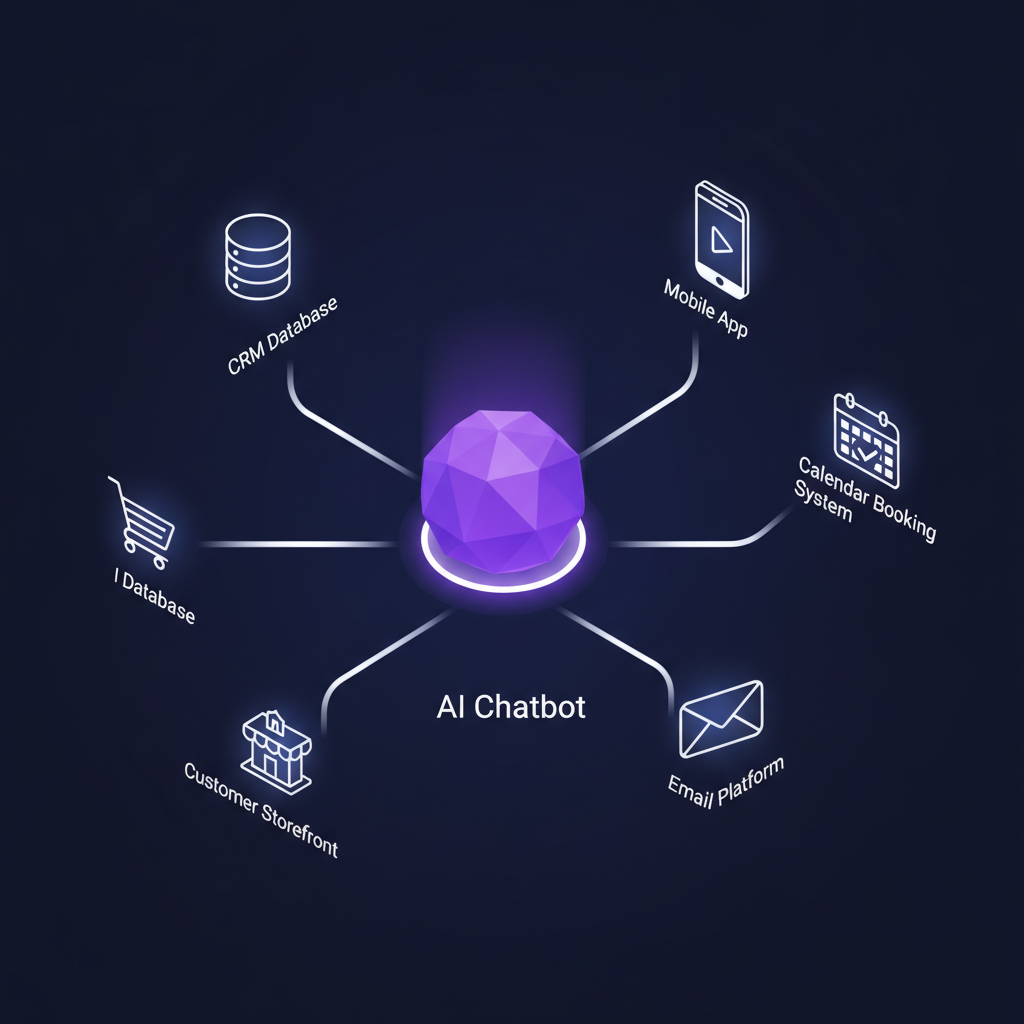
When a lead qualifies, the chat should create a contact record, assign it to the right person, start the follow-up sequence and drop any appointment on the calendar. Without that, someone retypes every chat, and leads still fall through the cracks.
The same goes for the phone. A good bot can hand a hot lead to a live call, text you when a high-value visitor is active, or schedule a callback. If you also want callers handled by voice, our explainer on what an IVR system is and how AI makes it affordable shows how the phone side fits with chat.
Our own work shows what a connected setup looks like. WRAPT by Hammont is a wholesale operations platform that includes a client portal and an omnichannel support hub with a web-chat agent called TAMI, all sitting on the same data as the nine-stage lead-to-delivery pipeline. We haven't published performance figures for it, so we won't claim any here. The point is architectural: the chat agent and the records live in one system.
Keep the AI's reach narrow. Give it read access to the things it needs to answer (availability, order status, service areas) and have a person approve anything that commits money, such as a firm quote or a refund.
Hosted chatbot or custom build
Hosted products such as Tidio, Intercom or Freshchat are quick to start, and for a solo operator with simple questions that can be the right first step. We won't quote their prices, because tiers change and we haven't verified current ones. Check each vendor's pricing page yourself.
Friction tends to appear in the same places:
- Training effort. The bot only knows what you load into it. Getting it to speak accurately about your services takes real, ongoing work on any platform.
- Integration limits. Reaching your booking tool, CRM or payment processor can mean middleware or a higher tier.
- Stacking subscriptions. A chat tool on top of a CRM, email tool and scheduler adds up month after month.
- Dependence on the vendor. If the vendor changes pricing or drops a feature, your workflow changes with it.
A custom build flips those trade-offs. You pay once to build, the bot is trained on your content and connected to your actual data, and the code belongs to you under the project agreement. You still pay separately for hosting, any AI model usage, other third-party subscriptions and ongoing support, because those are outside the build.
On cost, our custom-app tiers run from $15,000 to $100,000+. A chatbot is rarely a project on its own. It usually sits inside a larger piece such as a CRM or customer portal, so its share depends on what it must connect to.
Mistakes that damage trust, and how to measure it
Launching on thin training material. A bot that answers wrongly in a confident voice hurts you more than no bot. Build the knowledge base from real customer questions first, and write down what the bot must refuse to answer.
Hiding the human. Always give the visitor a clear way to reach a person, and pass the transcript along so they don't repeat themselves.
Skipping the logs. Chat transcripts show what customers actually ask and where the bot fails. Review them weekly at first.
Treating it as finished. Prices, hours and policies change. A bot trained on last season's offer will repeat it. Assign one person to own updates.
Ignoring privacy. Tell visitors they are talking to software, and link your privacy policy in the chat window. What you must disclose depends on your industry and state, so take that question to your own attorney.

For measurement, track three things and ignore vanity counts:
- Lead quality. How many chat leads became paying customers, not how many chats happened.
- Response time. How long a visitor waits for a useful answer, before and after the bot.
- Revenue by source. Tag deals that started in chat. Expect patterns to take a few months to show.
Is a custom chatbot right for you?
Probably not yet, if you are a solo operator with a handful of questions and no booking system. Start small, read the logs, and learn what customers ask.
Probably yes, if you have steady inbound volume, a team of several people, a defined service list, and you already pay for a CRM, scheduler and email tool that the bot would need to talk to. At that point the real work is connecting the pieces. That is the kind of build behind our custom CRM work, where the chatbot is one entry point into the same customer record your team already uses.
If you'd like an honest read on which side you're on, we can talk through your current questions and tools. We build this under our AI automation service, for clients in Medford, Burlington County, South Jersey, the Philadelphia area and nationwide.
Frequently Asked Questions
How much does an AI chatbot for a small business cost?
It depends on whether you rent or build. Hosted chat widgets charge a recurring subscription that varies by vendor and tier. A custom build is a one-time project, and our published custom-app tiers run from $15,000 to $100,000+ depending on scope. Hosting, third-party subscriptions and ongoing support are priced separately from the build.
Can an AI chatbot replace my receptionist or customer service staff?
Not entirely, and it shouldn't try. A chatbot is good at repeat questions, after-hours capture and booking. It is poor at upset customers, unusual requests and anything involving judgment. Plan for it to handle the routine volume and hand everything else to a person with the conversation attached.
What should I train an AI chatbot on?
Start with material you already own: your service list, service area, price ranges, hours, cancellation policy, and the questions customers actually ask. Pull those from real emails, texts and call notes. Write down what the bot must never answer, such as quotes you haven't approved, and route those questions to a human.
Is a hosted chatbot or a custom AI chatbot better for a small business?
A hosted chatbot is a reasonable first step if you are a solo operator with simple questions. A custom chatbot makes more sense once the bot needs to read your calendar, write to your CRM, or follow your own approval rules. The deciding factor is how much of your real data it has to touch.
Prices in this article are starting ranges published on iolab.co/pricing. Hosting, third-party subscriptions and ongoing support are scoped separately in your proposal.
Sources
Every outside claim in this article links to where it came from. These open in a new tab.
- U.S. Census Bureaucensus.gov
- Federal Reserve Boardfederalreserve.gov