

Your best employee answers the same five questions every week. Pricing exceptions live in one person's head. The return policy is in a PDF nobody can find. An internal AI copilot for small business is one fix. It is an assistant that reads your documents and records, answers staff questions, and drafts work for a person to approve. This post covers what it is, why some owners build one instead of adding a subscription, what it costs, and when you shouldn't. It sits under our guide to AI automation for small business. First, an honest look at how many small firms are doing this.
Who is actually using AI in 2026, and who isn't
The headline "small businesses are building copilots" overstates it. The numbers show a slow, uneven shift. U.S. Census Bureau survey data collected from December 2025 to May 2026 show overall AI use hovering between 17% and 20% of businesses. AI use rose among firms with 20 or more employees. It did not change significantly among firms with fewer than 20 (Census Bureau, May 2026).
Retail was lower than the national rate, at around 14% as of May 3, 2026, per the same Census release. The Census Bureau also changed its question in November 2025 to cover AI use "in any business function." That counts a drafted email, not just a built system.
Surveys also disagree. A Board of Governors of the Federal Reserve System note from April 2026 puts Census-based adoption at about 18% at year-end 2025. It also compares a different survey, of executives, that estimates an employment-weighted rate of around 78%. Who you ask and how you word the question change the answer.
What we can say: most small firms use AI casually, if at all. The owners who build something internal are usually reacting to a specific, repeated cost, not following a trend. We don't have a reliable count of how many small firms have built their own copilot, and we won't invent one.
What an internal AI copilot is (and what it isn't)
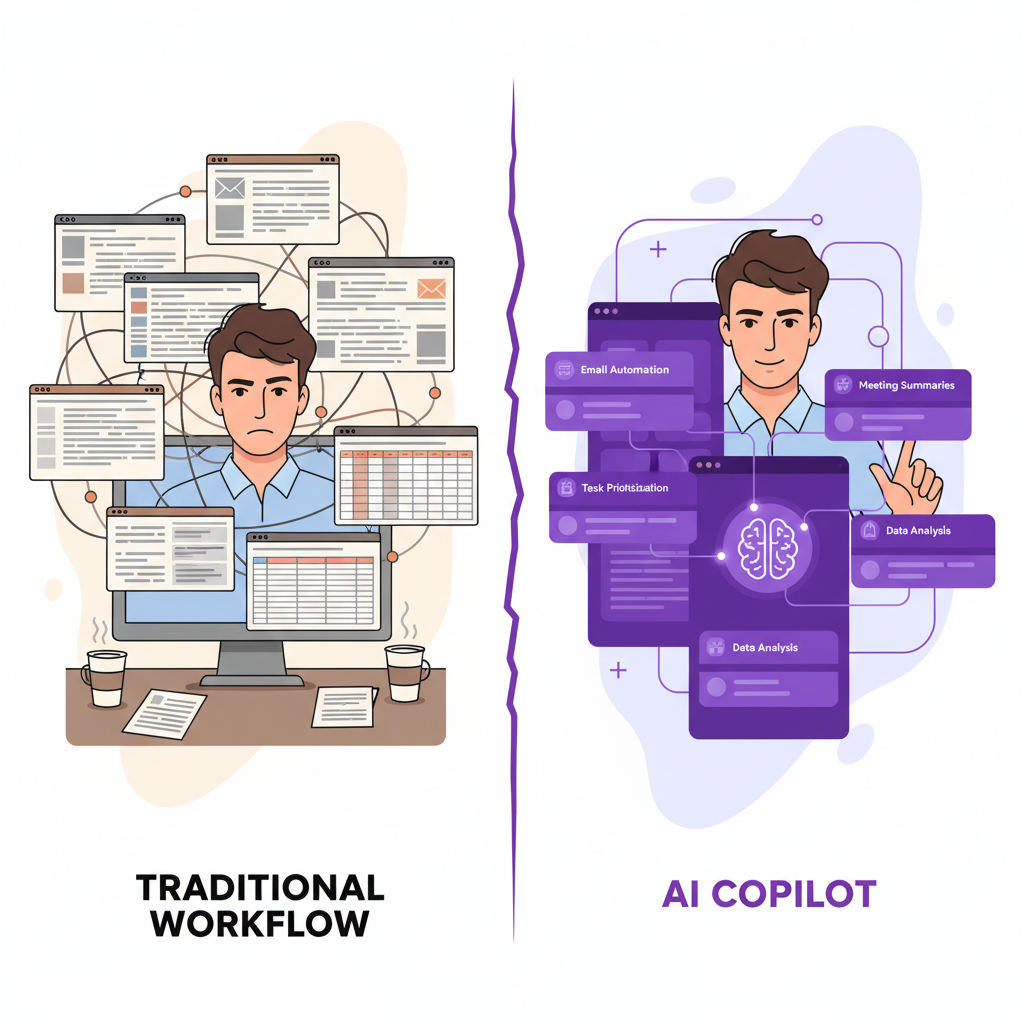
A copilot is software that adds three things to a language model. Without all three, you have a chat window, not a copilot.
- Your knowledge. SOPs, past customer emails, policy documents, product manuals and service notes, searchable by meaning rather than exact keywords.
- Your systems. Read access, and sometimes limited write access, to your CRM, calendar, inventory or accounting tool.
- Your rules. Who can see what, which actions need a human's approval, and what the assistant must refuse to do.
The technique behind the first item is called retrieval-augmented generation, or RAG. Your documents are split into chunks and stored in a vector database, which indexes text by meaning. When someone asks a question, the system pulls the most relevant chunks and hands them to the model. The model writes an answer from those chunks and points to the source. Because the answer comes from your documents, a person can check it.
That differs from a script-driven chatbot, which follows fixed branches. It also differs from a public AI tool, which knows nothing about how you quote jobs or what you promised a customer last spring. We design approvals and exception handling into this kind of workflow from the start, not as an add-on.
Why owners build one instead of adding another subscription
The reasons we hear are practical, and none depend on AI being magic.
The knowledge is scattered, and people are the search engine
Procedures sit in email threads, Google Docs, texts and the memory of two or three long-tenured people. Every question to them interrupts real work. We have no sourced figure for what that costs a small firm. Measure your own: for one week, have senior staff tally each question that already has a written answer.
Generic tools forget your business
A public chatbot starts from zero every session. You re-explain your pricing rules, your service area and your tone each time. Pasting customer details into it also raises a data question we cover below. A copilot keeps that context in a system you control, so staff stop re-explaining the business.
Subscriptions pile up around one problem
A writing tool, a scheduling tool, a support tool and an analytics tool each charge per seat and each hold a slice of your data. We lay out the build-or-subscribe math in why small businesses are moving from Zapier to custom automation. The same logic applies here. Ask whether your workflow is specific enough that off-the-shelf features keep missing it.
What a copilot does day to day
The useful ones are narrow. Each of these starts as one job, not a general assistant.
Staff Q&A on your own records. A field technician asks, from a phone, what was done last time on a unit. The answer comes from past service notes, with the source attached. That is why equipment history matters in our custom HVAC and plumbing CRM: a copilot is only as good as the records behind it.
Customer-facing answers. We built TAMI, a web-chat agent, as part of the omnichannel support hub inside WRAPT, the wholesale operations platform. That one faces customers, not staff. The pattern is the same: answer from the business's own data, hand off to a person with context when it can't.
Draft, then approve. The copilot drafts a follow-up email or a quote summary from the CRM record. A person reads it and sends it. For anything involving money, refunds or promises, we keep that human step.
Document handling. Reading incoming contracts, invoices or forms and filling fields is a related job, covered in AI document automation for small business.
Reporting questions. "Which customers haven't ordered in 90 days?" is a database query. A copilot can translate the plain-English question into that query. If you'd rather see the answers on a screen every morning, a custom dashboard may be the better first build.

Copilot, chatbot, public AI tool or SaaS knowledge base?
These get confused. This table compares the shape of each, not prices, because prices change and vary by vendor.
| Option | Knows your documents | Touches your systems | Best fit |
|---|---|---|---|
| Public AI tool | Only what you paste in | No | Drafting, brainstorming, one-off questions |
| Scripted chatbot | Only the scripted answers | Sometimes | Simple, predictable questions |
| SaaS knowledge base | Yes, within its templates | Only supported integrations | Teams whose workflow fits the product |
| Custom copilot | Yes, built around your records | Yes, with permissions you set | Specific workflows that off-the-shelf tools keep missing |
A SaaS option is often the right call when your documents are few and your workflow is ordinary. Custom earns its cost when the answers depend on data in several of your own systems.
How a build goes
- Knowledge audit. List where answers live: documents, email, wikis, recorded calls, manuals. It doesn't need to be tidy, but it has to exist. Duplicates and outdated policies must be resolved before the copilot learns them.
- Indexing. Documents are loaded into the vector database. New ones are added on a schedule or on upload.
- Answer rules. The system is told to answer only from retrieved material, cite it, and say "I don't know" when nothing relevant turns up.
- System connections. Read access first. Write access, like updating a CRM field, comes later and only where an approval step exists.
- Permissions. A new hire shouldn't be able to ask the copilot about payroll. Access follows the same roles as the underlying system.
- Testing with real questions. Collect 30 to 50 questions staff actually ask, run them, and have the person who knows the right answer grade each one.
Expect the first version to get some answers wrong. Wrong answers usually trace back to missing or contradictory documents, not the model.
Security and the limits you should know
You will hear that a custom copilot "keeps your data on your own servers." That needs a caveat. Many builds still send text to a model provider's API, the interface through which software calls the model. Where your data goes depends on the model, the provider's terms and how the system is hosted. Ask for that in writing before you start, and have your own attorney or compliance adviser review anything involving regulated data. We don't give legal or compliance advice.

Three limits apply to every copilot:
- It can state something wrong with confidence. Citations to source documents let a human catch it, which is why we require them.
- It can be tricked by text hidden in an email or file it reads. Keep its write permissions narrow.
- It depends on your documents staying current. Someone must own updates.
What it costs, and when not to build
We don't publish a fixed price for copilots, because scope drives it. The drivers are the number of sources, the connected systems, and whether staff or customers use it. For context, our custom-app cost post lays out tiers from $15,000 to $100,000+. A narrow, read-only copilot sits at the low end of what we scope. One that writes to several systems sits higher. Hosting, model usage fees, third-party subscriptions and ongoing support sit outside the build and are scoped separately.
Don't build when your documents are thin, the questions are rare, or a per-seat tool already covers the job. Don't build before you know which workflow hurts. Our small business workflow audit is a practical way to pick the first fix, and it might turn out not to be a copilot.
Mistakes we'd steer you away from
- Starting with everything. Pick one job and one group of users.
- Skipping the document cleanup. The copilot repeats what your files say, including the outdated parts.
- No owner. Name the person who reviews wrong answers each week.
- No definition of success. Pick a measurable target before the build, such as fewer repeat questions to senior staff, and measure against your own baseline.
- Letting it act unreviewed. Anything that sends money, promises or customer messages gets a human approval step.
Frequently Asked Questions
What is an internal AI copilot for a small business?
It is an assistant that combines a language model with your own documents, your business systems and your permission rules. Staff ask questions in plain English and get answers drawn from your records, with sources shown. It can also draft emails or reports for a person to approve. It differs from a public chatbot because it knows your business.
How much does an internal AI copilot cost to build?
It depends on scope: how many document sources, how many connected systems, and whether customers use it. Our custom-app cost tiers run from $15,000 to $100,000+, and a narrow read-only copilot falls toward the lower end of what we scope. Hosting, model usage fees, third-party subscriptions and ongoing support are scoped separately in the proposal.
Is it safe to put customer data into an AI copilot?
It can be, if the design controls it. Ask where text is sent, whether the model provider stores or trains on it, and who inside your company can see what. Limit access by role and keep write actions behind approvals. For regulated data, talk to your own attorney or compliance adviser before launching.
Do I need a custom copilot, or is ChatGPT enough?
A public tool is enough for drafting and brainstorming. It stops being enough when answers depend on your own records, such as service notes, policies or customer history. It also falls short when staff keep pasting sensitive details into it. That's when a copilot connected to your documents starts to pay off.
Prices in this article are starting ranges published on iolab.co/pricing. Hosting, third-party subscriptions and ongoing support are scoped separately in your proposal.
If you have a repeated question that eats your senior staff's week, start there. Tell us the workflow, and we'll say honestly whether it calls for a copilot, a dashboard or a simple automation. Our custom AI workflow automation work starts from how you already run. We work with owners in Medford, Burlington County, South Jersey and the Philadelphia area, and with clients nationwide.
Sources
Every outside claim in this article links to where it came from. These open in a new tab.
- U.S. Census Bureaucensus.gov
- Board of Governors of the Federal Reserve Systemfederalreserve.gov