
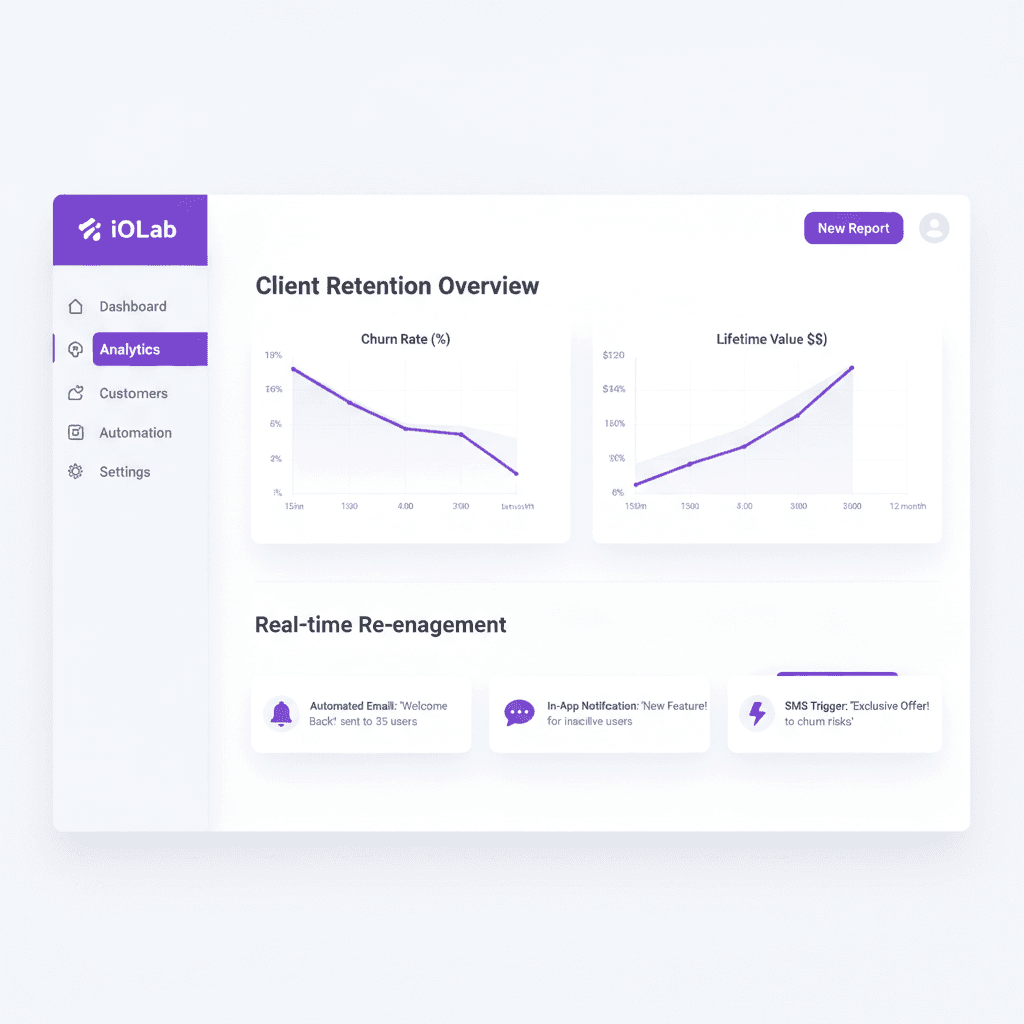
AI client retention for small business means software that watches how your clients behave, flags the ones drifting away, and starts the right follow-up before they decide to leave. It is one part of digital marketing for small business that most owners skip, because winning new work feels more urgent than keeping the work you have.
Clients rarely announce they are leaving. They stop replying, pay a little later, and then do not renew. Here is what a working retention system watches, what it does, and where a person still has to step in.
What AI Client Retention Actually Does
Strip away the label and a retention system does four jobs. It collects signals about each client. It turns those signals into a simple health score. It triggers a follow-up when the score drops. And it hands the hard conversations to a person with the context already attached.
The AI part is narrower than vendors make it sound. It is pattern detection (spotting that this client's activity changed) and drafting (writing a first-pass message that references the client's real project). It does not decide how to treat a client. A person reviews the draft and the alert, especially for your biggest accounts.
We are not quoting average churn rates here. They vary widely by industry and contract type, and we do not have a current, sourced figure we trust. Your own numbers are more useful anyway: how many clients you had twelve months ago, and how many are still with you.
Why Remembering to Check In Stops Working
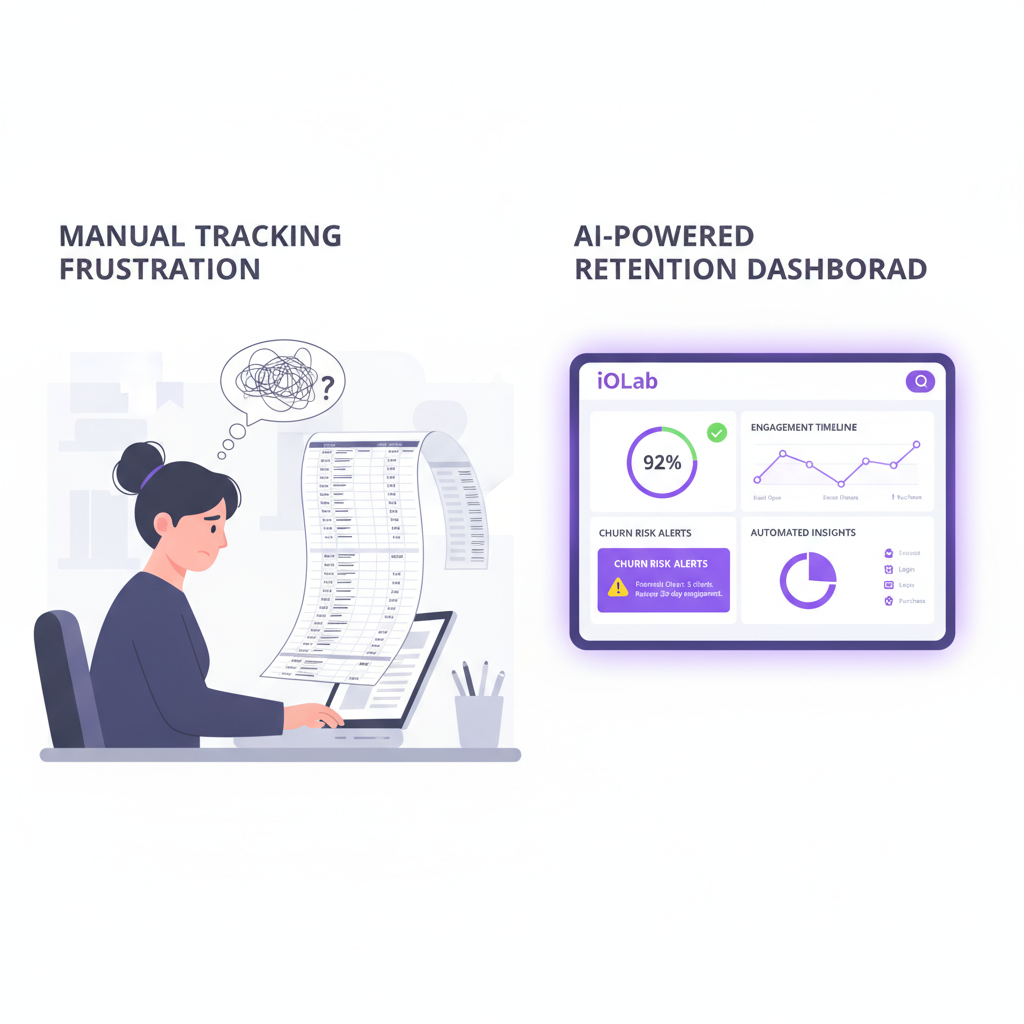
Most small businesses run retention from the owner's memory. A check-in call when something feels off. A holiday email. A discount when someone complains. It is reactive, and it depends on one person noticing.
That holds up at ten clients. At fifty it turns into guessing, and your quietest clients are often the ones most at risk. A client who never complains gives you no warning at all.
Many general-purpose CRMs offer retention features, but they assume an administrator who configures them. In a small shop, nobody owns that job, so the tool gets opened once a month and the drifting clients go unnoticed. The cost is the subscription plus the revenue you do not see leaving.
The Signals Worth Watching
A retention system is only as good as the data behind it. Start with signals you already record, and skip the ones you would have to invent.
- Activity drop-offs. A client who logged into your portal three times a week and then stops is worth a call. This only works if you have a portal or booking system that records activity.
- Communication changes. Two weeks of silence from a daily emailer is a signal. So is a sudden spike in short, frustrated messages.
- Missed milestones. An unsigned agreement, a missing intake form or a skipped kickoff call in the first weeks tells you the relationship is stalling. The first stretch after signing is where many service relationships wobble, so onboarding gaps deserve their own flag.
- Payment timing. A client who always paid in a week and now takes a month is telling you something. It may be cash flow, not unhappiness, so treat it as a prompt for a conversation rather than a verdict.
- Visit or booking gaps. For salons, restaurants and home services, the gap since the last visit compared with that client's usual rhythm is the clearest signal you have.
- Tone in messages. Software can flag messages that read as frustrated or confused. Treat this one as a rough hint. Tone detection misreads sarcasm and short replies, so a person reads anything it flags.
Beware of signal overload. Three or four signals you trust beat fifteen you never check. You can add more once the first ones prove useful.
The Four Parts of a Retention System
Off-the-shelf tools usually cover one or two of these well. A custom build lets you shape all four around how your business already runs.
1. A client health score
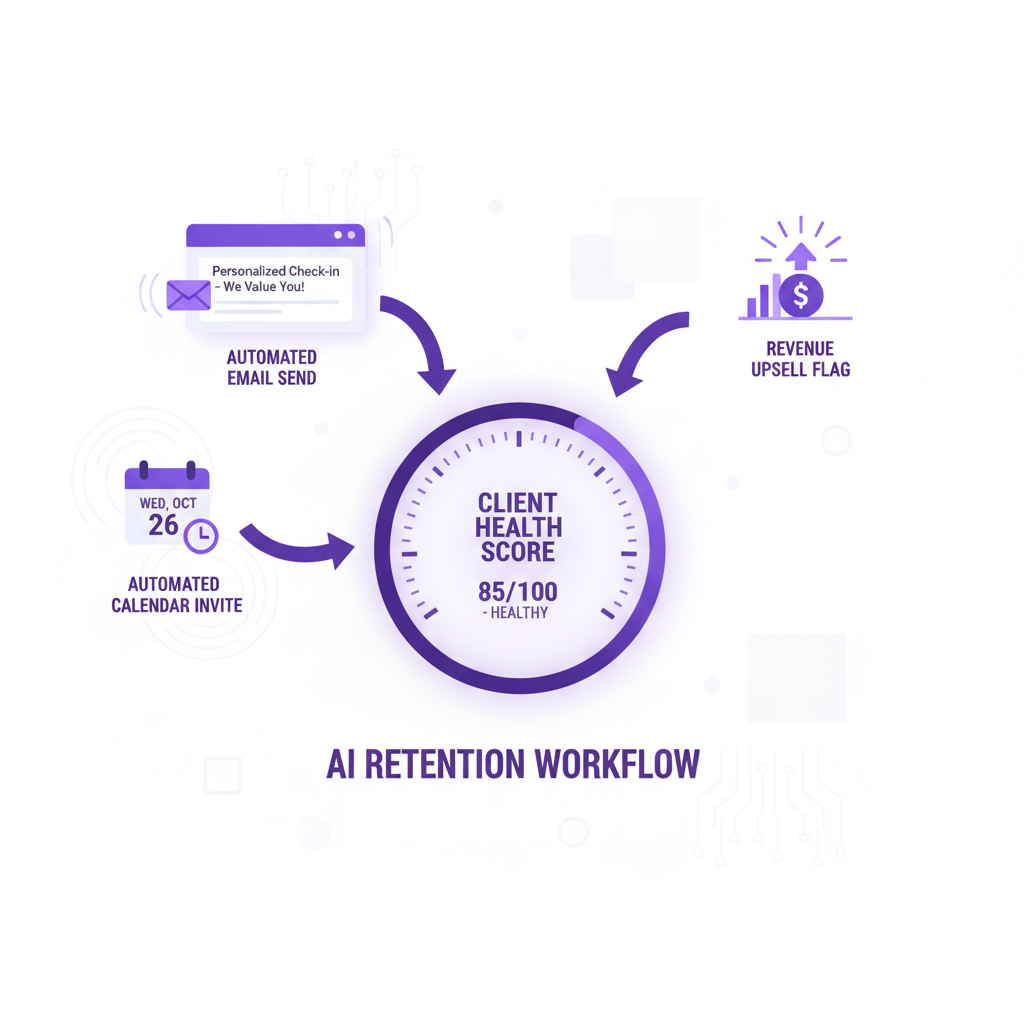
A health score is a single number, often 0 to 100, built from the signals above. You decide the weights. A marketing agency might weigh response time and campaign review attendance. A home-services company might weigh the time since the last visit and whether a maintenance plan is active.
Start by looking back. Pull the last ten or twenty clients who left and write down what changed in the weeks before. Those patterns become your first rules. Plain rules such as "no booking in twice the usual gap" are enough to start, and a model can refine them later once you have enough history.
2. Triggers that start the follow-up
When a score crosses a line you set, the system acts. It can queue a draft email that mentions the client's actual project. It can send a text with a link to book a call. Or it can alert the account owner with a short summary of what changed and two suggested talking points.
This is the same machinery as lifecycle email, tied to your client records instead of a generic calendar. If you are weighing tools for the sending side, our comparison of automated email marketing tools covers what each does well, and our email marketing automation work connects those sequences to your CRM. For the broader mechanics, see AI-powered follow-up systems.
Decide up front which triggers send automatically and which only draft for review. Our default advice: anything to a top-tier client gets a human read first.
3. Short feedback that feeds the score
Long surveys get ignored. A one-question check after a project milestone or a support reply gets answered more often. The point is that every answer changes something: a low rating flags the account, queues a personal reply and escalates if nobody has responded within a window you choose, such as 48 hours.
Public reviews belong in the same loop. A happy client is a good moment to ask for a review or a referral, and an unhappy one needs a private reply before they post. Our guide to automated review management and reputation monitoring covers that side.
4. Renewal, referral and upsell timing
Retention is also about spotting the good moments. A client who just hit a milestone, scores high and has never tried your premium service is a natural time to raise it. A client who just praised your work is a natural time to ask for a referral.
The same logic applies to loyalty rewards. Points or credits can be awarded when an invoice is paid or a booking is confirmed, and bonus rewards can go to clients who have not visited in a while. Keep these offers tied to behavior, not a calendar.
Whoever owns the account should see these prompts with context and make the call. Automation handles the timing. People handle the relationship.
What This Looks Like by Industry
Salons and spas. Booking frequency is the signal. A client who books every four weeks and has gone seven without an appointment gets a personal nudge. A custom salon system can also track memberships and deposits, which we cover on our page for salon and spa CRM work.
Restaurants. Retention means getting regulars back and reactivating lapsed guests. The signals are visit recency, party size and event bookings. A "we miss you" message works best when it follows a real gap in that guest's pattern.
Home services and contractors. Repeat work and referrals drive the business. Service dates, seasonal maintenance windows and the time since the last job tell you who is due for a call. An ask for a referral right after a job the client liked usually lands better than one sent months later.
Professional services. Clients who hear from you only when an invoice arrives are easy for a competitor to win. Scheduled touchpoints between billable events, such as a status update, a relevant regulatory heads-up or a short check-in question, keep the relationship active. Law firms and accountants should have their own professional review any message that touches client confidentiality or advertising rules.
If your clients already log into something of yours, you have the best data source there is. On the portal side, the question is whether to build one or rent one. Our custom client portal vs SaaS cost comparison walks through three years of both.
Where the System Needs a Human, and Where It Needs Care
Three limits are worth stating plainly.
Scores are estimates. A health score is a way to decide whom to call first. It is not a prediction you can bank. A client with a low score may be fine, and a client with a high one may still leave. Keep checking the score against who actually stays.
Small data is noisy. If you have thirty clients, a statistical model has little to learn from. Plain rules and a person reviewing the list will beat a model. Models start to earn their keep when you have a long history of clients who stayed and clients who left.
Messages should sound like you. A drafted check-in that is generic or slightly wrong hurts more than saying nothing. Review drafts, and keep a log of which automatic messages went out, so a human can see what the client saw.
Also check the rules for the channels you use. Texting and marketing email carry consent and opt-out requirements, and they differ by state and by message type. We do not give legal advice, so ask your own attorney before you turn on automated texts.
Build It or Subscribe to It?
You have three realistic options. Use the retention features of the CRM or email tool you already pay for. Add a specialist tool. Or build the system into your own software so scoring, messaging and client records live in one place.
The first is the right place to start for a small client list. It costs little, and you learn which signals matter. The tradeoff is that each tool sees only part of the picture. Your email tool does not know a payment was late. Your booking tool does not know a support ticket went unanswered.
A custom build makes sense when those gaps cost you real clients, when you pay for several overlapping subscriptions, or when your process is unusual enough that templates fight you. We built WRAPT, a wholesale operations platform, with a nine-stage pipeline from lead to delivery, a client portal and a support hub with a web-chat agent called TAMI. A system like that holds the activity and conversation history a retention score needs in one place. We also built a booking site and captain's CRM for Sand Bar Joe's. Those are different industries, but the data question is the same: where does the client's history live?
With a custom build, you own the software under the project agreement. Hosting, third-party subscriptions and ongoing support are scoped separately. We cannot promise what a retention system will recover for you, and we will not quote you a figure we cannot support.
How to Start Small
- Define a client who left. Pick a rule, such as no work or booking in a set number of months.
- Look back at the last ten to twenty clients you lost. Note what changed in the final weeks: payments, messages, visits, activity.
- Pick three signals you already record. Build a simple list sorted by those signals each week.
- Write two follow-ups. One for "gone quiet" and one for "just finished something good". Send them from a person's name.
- Review monthly. Check which flagged clients stayed and which left, then adjust.
Do that on a spreadsheet first if you need to. If you outgrow it, you will know exactly what to ask a developer to build, and that is the best scope document you can have.
Frequently Asked Questions
What is AI client retention for small business?
It is software that tracks client behavior such as logins, payments, replies and visit gaps, scores how healthy each relationship looks, and triggers a follow-up when it slips. The AI spots patterns and drafts messages. A person still reviews alerts and handles the actual conversation, especially for your largest accounts.
Do I need a custom system, or can my current CRM do this?
Many CRMs and email tools can handle basic triggers, such as a message after a set number of quiet days. Start there. Consider a custom build when the signals you need live in different tools, when you pay for overlapping subscriptions, or when your process is unusual enough that templates keep getting in the way.
How much client data do I need before AI helps?
Less than most vendors imply. With a small client list, simple rules such as "no booking in twice the usual gap" work better than a statistical model. Predictive models need a long history of clients who stayed and clients who left, so add them later, once you have that record.
Can automated retention messages feel impersonal?
Yes, if they are generic. Messages should reference the client's real project, visit or order, come from a named person, and be reviewed before sending for important accounts. Keep a log of what went out, and ask your own attorney about consent rules before sending automated texts.
Prices in this article are starting ranges published on iolab.co/pricing. Hosting, third-party subscriptions and ongoing support are scoped separately in your proposal.
Next Step
If you want to know which of your clients are drifting right now, start with the look-back above. Our WRAPT build shows what a connected client record looks like in practice. If you would rather have us map the signals in your own systems first, tell us what you use today for bookings, invoices and email, and we will tell you plainly whether a build or a better-configured tool fits.
Sources
Every outside claim in this article links to where it came from. These open in a new tab.