
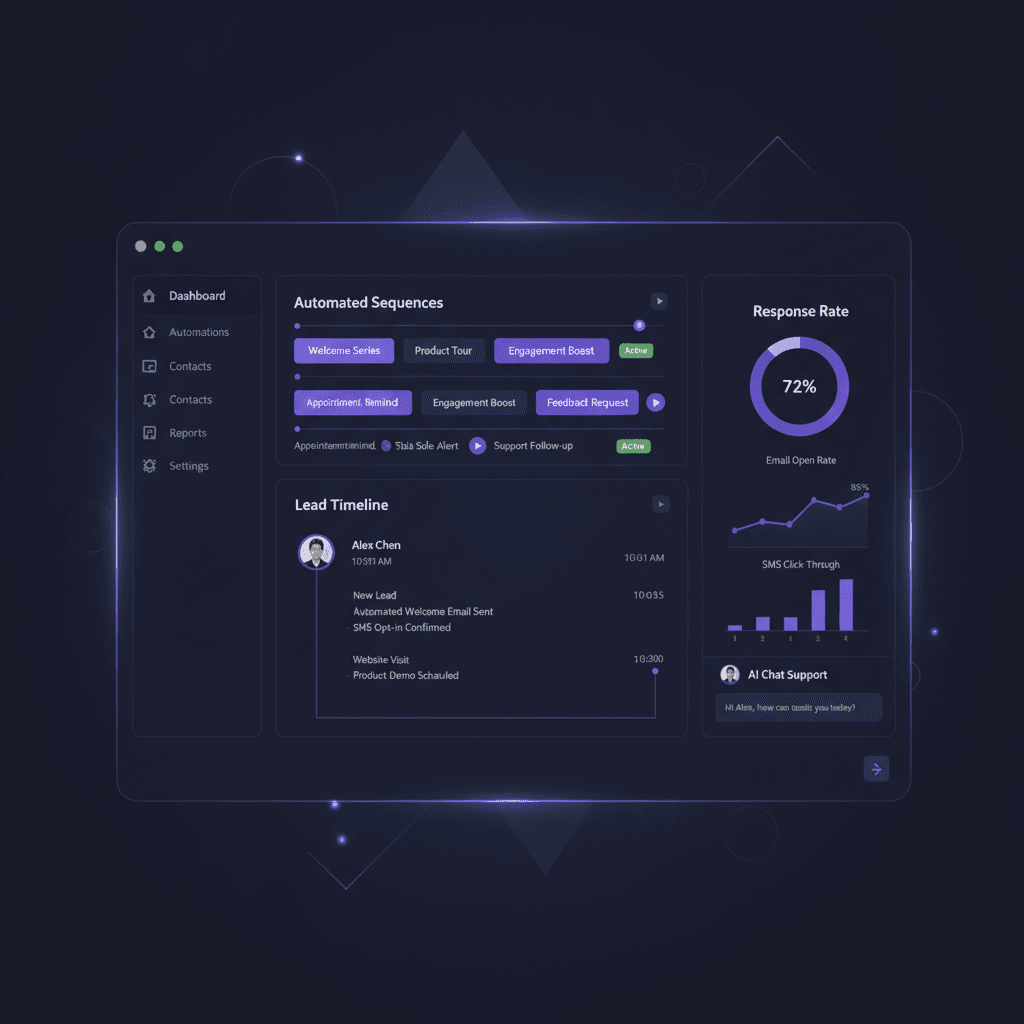
A lead fills out your form on Tuesday. You reply Wednesday. They ask a question, you answer Friday, and then the next job eats your week. By the time you circle back, they have hired someone else. An AI follow-up system for small business is built to stop that drift.
It watches for new inquiries, replies in seconds, keeps reaching out on a schedule, and tells a human when a lead is ready to talk. This guide covers what it does, what it can't do, where it fits in your digital marketing for small business plan, and when building one beats another subscription.
Why Manual Follow-Up Breaks Down
Most follow-up fails the same way. Day one goes well because the inquiry is fresh. Day three gets a quick check-in. After that, nothing is scheduled, so nothing happens.
- Day 1: You call or email right after the inquiry.
- Day 3: You send a short check-in.
- Day 10: You meant to follow up, but a customer emergency took the day.
- Day 30: The lead already bought elsewhere.
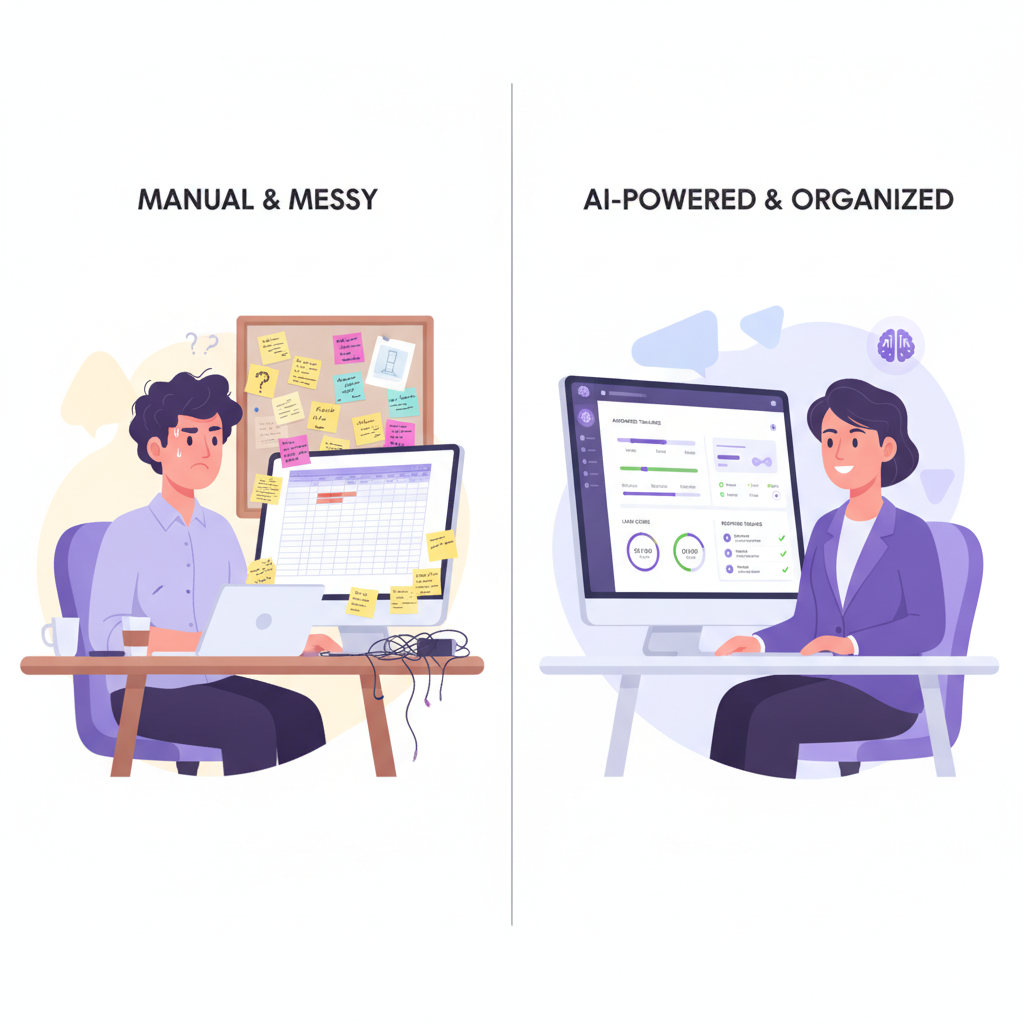
This isn't a discipline problem. Follow-up that lives in your head, your inbox or a spreadsheet competes with paid work, and paid work wins every time.
Speed matters too. You will see claims online that replying within five minutes multiplies your odds of connecting. We haven't cited a figure here, because the versions we found came from software vendors' blogs, not from a source we would stand behind. You can measure your own number instead: pull the last 20 inquiries and time the gap between the form submission and your first reply.
What an AI Follow-Up System Actually Does
"AI follow-up" gets used loosely. In practice, it is a handful of jobs, and only some of them involve a language model. Here is how we describe them.
The five jobs
- It triggers on events. A form submission, a booked call, an abandoned quote or a clicked link starts a sequence within seconds, with no one pressing send.
- It pulls context into the message. The system reads the CRM record (customer relationship management software, the database of your contacts and deals): which service they asked about, what they typed in the form, which page they visited. A language model can draft the message from those fields.
- It sequences channels. Email first, then a text if there's no reply, then a task for you to call. Timing shifts based on what the lead does.
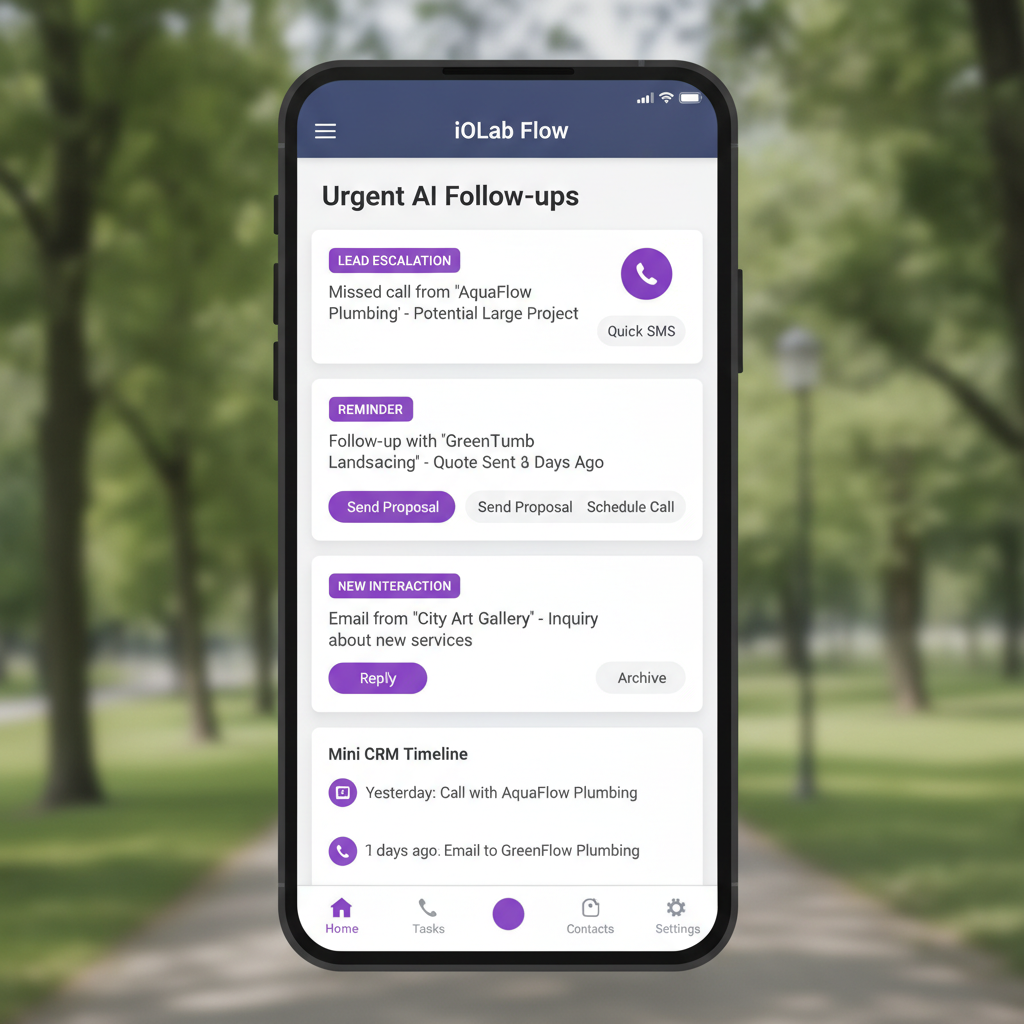
- It escalates. When behavior crosses a threshold you define, such as three visits to the pricing page, it alerts a person with the history attached.
- It stops. The moment a lead replies, books or pays, the automated sequence halts. Generic tools often get this wrong and keep sending into a live conversation.
Where a human stays in the loop
We build these so a person approves the message templates and the AI-drafted copy rules before anything goes live. Replies that carry a question, a complaint or a price negotiation go to a human, not back to the model. The system's job is to make the human conversation happen sooner and with better notes. It isn't there to replace it.
Lead Scoring: Start With Rules, Add a Model Later
Lead scoring ranks your open leads so you call the right ones first. If you have 47 leads in the pipeline and time for five calls, scoring tells you which five.
The simplest version is rule-based. You assign points: a pricing-page visit is worth more than an email open, a "book a consultation" click that was never completed is worth a follow-up, and two weeks of silence takes points away. You can write these rules in an afternoon.
The signals worth scoring in most small businesses:
- Depth of engagement. An email open is weak. A visit to the pricing page, followed by a return visit the next day, is strong.
- Reply speed and specificity. A lead asking about dates, quantities or scope is closer to buying than one asking what you do.
- Fit. A caterer who mentions weekend events of 300 covers is a different lead than a six-seat café asking for the same service. Intake-form answers carry this.
- Stage velocity. A lead that moved from inquiry to proposal request in two days is hotter than one that has been "thinking about it" for three weeks.
- Source. If referrals close more often than one ad campaign, new referral leads should start with a higher score.
A machine-learning model, one that learns from your past wins and losses, can replace hand-set weights. It needs history to learn from. If you have closed only a few dozen deals, the model has little to work with, and rules will serve you better. We'd revisit a trained model once you have a year or more of recorded outcomes, and we would still have someone review the scores against reality on a regular basis.
The payoff is practical. When a score crosses a line you set, the system sends a templated follow-up. At a higher line, it pushes a notification to your phone so you can call the same hour.
The CRM Connection: Follow-Up Without One Is Half the Job
A follow-up tool that doesn't write to your CRM leaves you blind. Messages go out, but you can't see who replied, which stage they are in or what was sent.
Most small businesses end up with a chain of separate tools: a form builder, an email platform such as Mailchimp or ActiveCampaign, a CRM such as HubSpot or Pipedrive, a scheduler such as Calendly, a proposal tool and a payment processor such as Stripe or Square. Zapier, a service that passes data between apps, often glues them together. Every link is a place for data to stop flowing.
When follow-up runs inside the CRM, the benefits are concrete:
- Every touch is logged without manual entry.
- Your team sees what each lead has already received before calling.
- You can filter the pipeline by follow-up stage, not just "new" or "closed."
- A booked call creates the record, a paid invoice closes the sequence, and nobody retypes anything.
If your stack is mostly email-driven, start with CRM-connected email automation for lead nurture and onboarding. Our roundup of automated email marketing tools compares what the off-the-shelf options handle well before you decide to build anything.
Follow-Up Looks Different by Industry
A generic sequence treats every lead the same. Real businesses don't work that way, and the differences are where off-the-shelf templates fail.
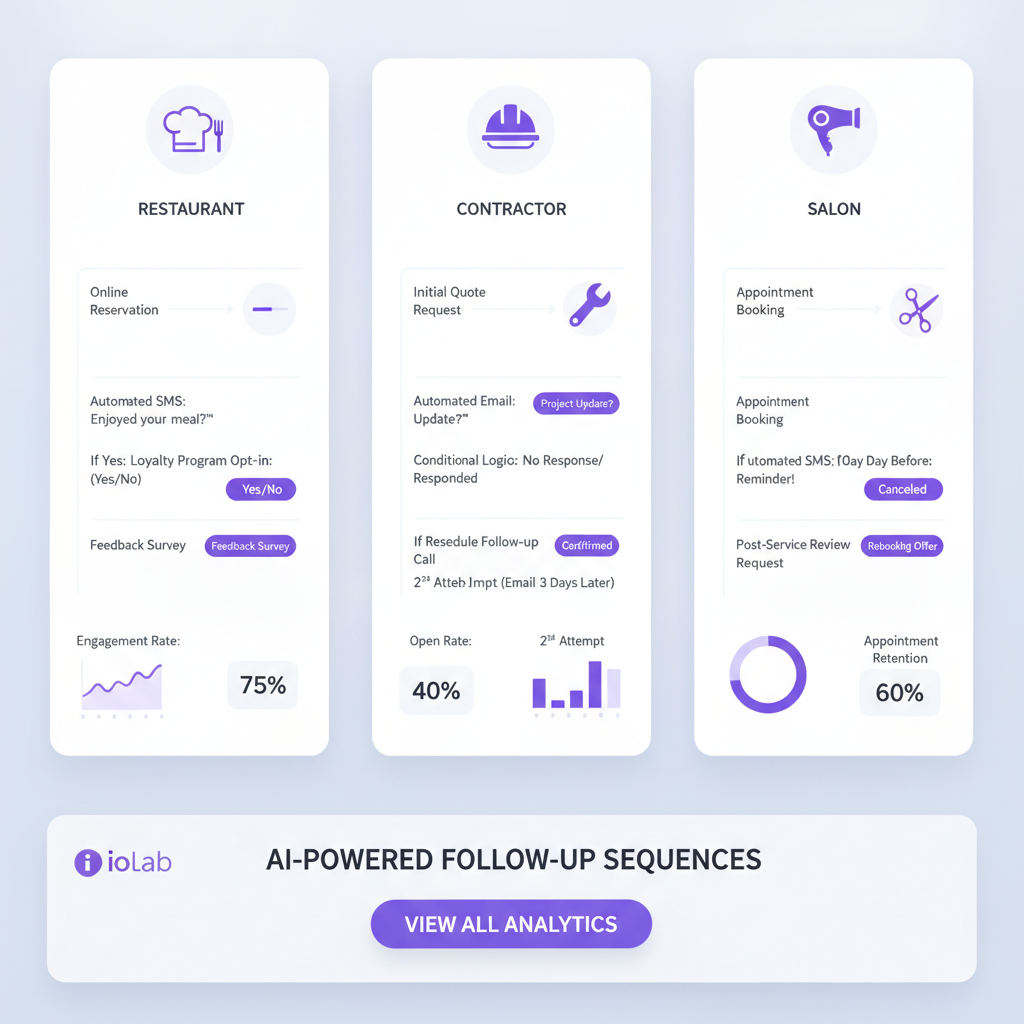
Home services and HVAC. The window between estimate and decision is short, and urgency is seasonal. Useful steps include a quote reminder, a photo of similar finished work and a nudge before the busy season fills the calendar. Maintenance customers need a reminder tied to their equipment history.
Restaurants and catering. A private-event inquiry follows an event-planning timeline: menu options, date availability, then a deposit reminder. Routing by party size, date and budget before a person gets involved saves real time. We cover the repeat-guest side in our guide to restaurant email marketing ideas.
Salons and spas. Here follow-up is mostly about people who already came once: rebooking prompts after a visit, a note to lapsed clients, and a confirmation nudge to cut no-shows. Our AI appointment booking guide covers the scheduling half of that.
Law, dental and accounting. Trust comes first. Automated outreach can acknowledge the inquiry and send educational material, but a person should take over early. Messages touching client confidentiality or health information need review by your own attorney or compliance adviser, and we don't give that advice.
Custom Build or Subscription?
Subscriptions such as HubSpot, ActiveCampaign, Keap and GoHighLevel can handle follow-up. We haven't quoted their monthly prices here because tiers and contact-based pricing change, so check each vendor's pricing page as of the day you buy.
These are the friction points we see most:
- Price tied to contacts. Many tools charge by list size, so the bill rises as your list does. AI scoring or prediction is often reserved for the higher plans.
- Workarounds. If your process doesn't match the tool's design, you build around it with extra automations and manual steps. Each one is a spot where leads can drop.
- Who owns the logic. When a vendor changes pricing, retires a feature or gets acquired, your follow-up rules and data move on their schedule, not yours.
- Integrations. Getting booking, CRM, SMS and email to share data reliably is usually the slowest part of a stack.
Subscriptions are the right call in several cases. If you get a handful of leads a month, a simple email sequence in a tool you already pay for will do. If you don't yet have a repeatable sales process, software will only automate the confusion. Write down your process first.
Custom makes sense when your process is distinct, your leads arrive through several channels, and you want the data and logic owned by you under the project agreement. Our WRAPT wholesale operations platform is a real example: a nine-stage lead-to-delivery pipeline, a client portal and a support hub with a web-chat agent, all built around how that business already ran.
On cost, our custom-app cost post puts builds in tiers from $15,000 to $100,000+, and our starting ranges are on the pricing page. Hosting, third-party subscriptions such as SMS and email sending, and ongoing support sit outside the build and are scoped separately.
What to Require From Any Follow-Up System
Whether you hire a developer or evaluate a tool, hold it to this list:
- Multi-event triggers. Form fills, page visits, email clicks and inactivity, not form fills alone.
- Branching. If/then paths that change based on what the lead does.
- Two or more channels. Email and SMS cover most small businesses.
- CRM logging. Every interaction recorded automatically.
- Written escalation rules. Clear criteria for when the system hands off to a person, and who gets the alert.
- Consent and opt-out handling. Unsubscribe and text opt-out are built in. U.S. rules cover commercial email and text messages, so have your own attorney confirm your setup.
- Reports you act on. Reply rate by sequence and time from inquiry to first reply.
If your team works in the field, add mobile alerts so escalations reach a phone and not a desk inbox.
Follow-up doesn't end at the sale, either. Once someone becomes a customer, the same triggers can drive renewals and check-ins, which we cover in AI-powered client retention. A well-timed review request belongs in that flow too, and automated review management shows how to handle replies.
Getting Started Without Overbuilding
- Map what happens after an inquiry. Write the real steps down, including the gaps. This is the fastest way to find where leads leak.
- Time your first reply. Pull recent inquiries and measure the gap. This is your baseline.
- Automate the first reply and one nudge. An instant acknowledgment, then a follow-up two or three days later, covers most of the gap.
- Add the stop rule early. The sequence must end when someone replies, books or pays.
- Define a "hot lead" in plain words. Decide which behavior triggers a phone call, and who makes it.
- Review after 30 days. Read the actual messages sent and the replies that came back before changing anything.
We can't promise a conversion lift, because the result depends on your lead volume, your offer and how fast your team picks up escalations. What the system reliably gives you is a record of every lead, a first reply that doesn't depend on your calendar, and a clear signal for when to call.
Frequently Asked Questions
What is an AI follow-up system for small business?
It is software that replies to new inquiries automatically, continues contact over email and text on a schedule, and logs everything in your CRM. AI drafts or personalizes messages from the lead's details and scores interest. It stops when the lead replies and alerts a person when someone looks ready to buy.
Do I need a CRM before I add automated follow-up?
Yes, or at least a single place where leads and their history are stored. Without one, messages go out but you can't see who replied or what was sent. A spreadsheet can work for a very small volume. Past that, the follow-up should write to the same record your team uses every day.
Should a small business build a custom follow-up system or subscribe to one?
Subscribe if your volume is low and your process is simple. Build if your sales process is unusual, leads come through several channels, or you want the data and logic owned by you. Price both over several years, including hosting, messaging fees and support, not just the first-month bill.
Is automated follow-up by text message legal?
It depends on consent, content and where your customers are. Commercial email and text messages are regulated in the U.S., and the rules include opt-out handling. We build the consent capture and opt-out into the system, but we don't give legal advice. Ask your own attorney to review your setup.
Prices in this article are starting ranges published on iolab.co/pricing. Hosting, third-party subscriptions and ongoing support are scoped separately in your proposal.
If you'd like to see what a follow-up system built around your own pipeline would involve, talk to us about CRM-connected digital marketing and follow-up. We work with businesses in Medford, Burlington County, South Jersey and the Philadelphia area, and with clients nationwide. iOLab Digital is a Microsoft Advertising, Semrush, SiteMinder and Mailchimp partner. Where this article mentions a tool we partner with, we say so.
Sources
Every outside claim in this article links to where it came from. These open in a new tab.
- U.S. rules cover commercial emailftc.gov
- text messages are regulateddocs.fcc.gov