
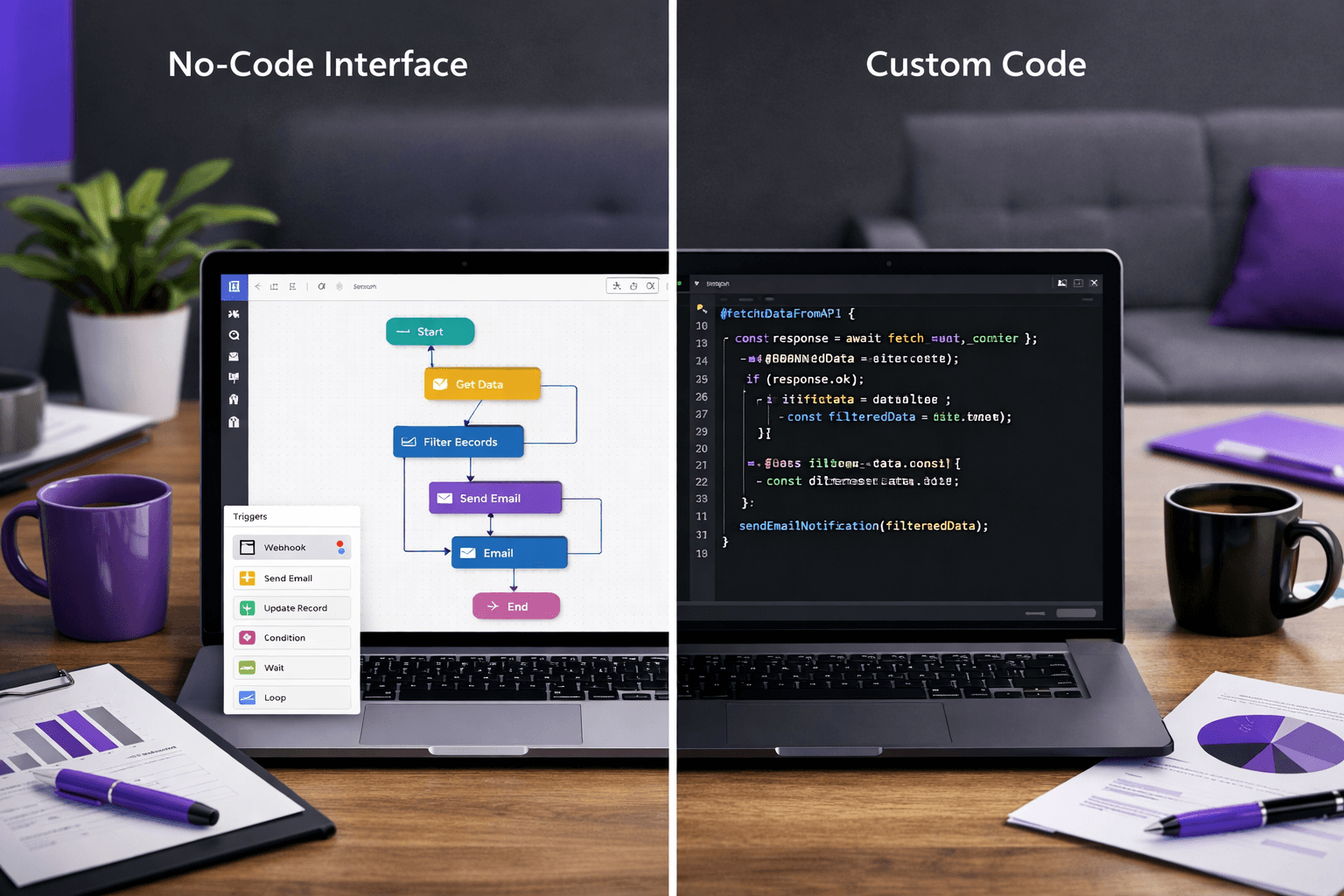
You are weighing no-code vs custom development, and which is right for your business depends on three things: how unusual your process is, how long you will run it, and who has to own it when something breaks. No-code tools such as Zapier, Airtable and Bubble are a sound way to test an idea or connect two apps. Custom software wins when the tool becomes the system your business runs on. This post gives you a plain decision rule, the costs that don't show up on a pricing page, and a way to compare both paths on your own numbers. It sits under our guide to custom software vs SaaS for small business. Start with the rule.
The Short Answer: Match the Tool to the Job's Lifespan
No-code means building with visual editors, templates and pre-made connectors instead of writing code. A custom build means developers write software around your process, and you own the result under the project agreement.
Here is the rule we use. Pick no-code when the job is small, the process is standard, and you would be fine throwing it away in a year. Pick custom when the job touches customers, money or scheduling every day, and when your process is the thing that makes you different from the shop down the road.
Most owners end up with both. A custom system holds the core records, and a few no-code automations carry data to the edges. We cover that split below.
What No-Code Does Well
No-code earns its place in three situations.
- Testing an idea. If you are not sure a new intake form or booking flow will work, build it in an afternoon, run it for a month, and learn before you spend real money.
- Simple internal tools. A shared tracker for crew schedules or equipment checkout rarely needs more than a table and a form.
- Connecting two apps. Moving a new form entry into your accounting or email tool is exactly what automation platforms are for.
The entry price is low too. Zapier lists a free plan that includes 100 tasks per month, which is enough to try one or two automations before you pay anything. Prices change often, so check the live page before you budget.
That same pricing model shows you where the costs start to move.
Where No-Code Stops Fitting
You Pay by Usage, and Usage Grows With You
Many no-code tools charge by volume. Zapier counts "tasks," meaning each action a workflow performs. According to Zapier, its Professional plan includes 750 tasks a month, with extra tasks billed per task. A single customer order can trigger several steps, so a busy month can use up a plan faster than you expect.
Airtable and Bubble have their own plan structures. We did not re-verify their current plans for this post, so we are not quoting figures. The pattern to watch is the same: the more people, records and automations you add, the higher the tier you need. A bill that was small in year one is not a fixed cost in year three. Our post on the true cost of SaaS stack bloat shows how several small subscriptions add up.
You Can't Change the Rules the Platform Sets
Every no-code platform is built for thousands of businesses, so it gives you the options its designers expected. That is fine until your process needs something else. Typical examples are an approval step that depends on job type, a price that depends on three inputs, or a field crew that needs different screens from the office.
When the platform can't do it, you have two choices: bend your process to the tool, or stack another tool on top. The second choice is how a "simple" setup turns into six connected subscriptions that only one employee understands. This is also the usual moment owners start asking whether they have outgrown their SaaS tools.
Your Data and Logic Live on Someone Else's Platform
With no-code, your workflows exist inside the vendor's editor. You can usually export records as spreadsheets. You usually can't export the logic that makes them work. If the vendor changes pricing, drops a feature or shuts down, you rebuild from scratch.
We have not audited every platform's export options, so ask each vendor directly. Ask what you can export, in what format, and whether the workflows come with it.
What Custom Development Costs and What You Own
Custom software is not cheap, and we won't pretend otherwise. In our breakdown of what a custom app costs, projects run in tiers from $15,000 to $100,000+, depending on scope. Our published starting ranges are on the pricing page of iolab.co.
What you get for that money is ownership. The code, the data and the workflow logic belong to you under the project agreement, so no vendor can reprice them or retire them. Two things sit outside the build, and you should budget for them: hosting and third-party subscriptions such as email or payment processing, and ongoing support. Both are scoped separately in the proposal, and we don't resell either.
Ownership also means responsibility. If something breaks, somebody has to fix it. A custom system needs maintenance, and you should decide up front whether that is us, your own staff, or another developer you choose.
Here is a concrete case. We built the booking site and captain's CRM for Sand Bar Joe's around how that business takes bookings and manages its captains. A generic booking plugin plus a spreadsheet could cover part of that. Our point is simple: when the booking flow is the business, you want to control it.
How to Compare the Two on Your Own Numbers
Any example with dollar totals would be our guesses, not your numbers, so do the comparison yourself.
- List every tool the process touches. Include the plan name, price, and number of seats. Add the add-ons and extra task packs too.
- Add the hours. Count the weekly time spent copying data between tools, fixing broken automations and answering "where is that record?" Multiply by what that time costs you.
- Project three years. Add the likely growth in users, records and tasks. Assume at least one tier upgrade.
- Price the custom option. Use the range above as a starting point, then add hosting, subscriptions and support from a written proposal.
- Compare the totals, then the risk. If the numbers are close, the deciding factor is control: who owns the data, and what happens if the vendor changes terms?
Custom does not win every time. If your three-year no-code total is a few hundred dollars and the process is standard, stay on no-code. If the stack costs real money every month and a person on your team spends hours keeping it in sync, you are paying for custom software already, just without getting it.
Our post on API integration vs native features covers the related question of when to connect tools and when to build the feature into one system.
The Hybrid Approach Most Owners End Up With
You rarely have to choose one side for everything. A practical split looks like this:
- Custom for the core. Customer records, quotes, scheduling, billing and the portal your clients log into. A custom CRM that matches your pipeline is the usual starting point.
- No-code for the edges. A Zapier workflow that posts a Slack message when a form comes in, or pushes an invoice into your accounting tool.
- AI where a human still reviews. For example, drafting a reply to a customer question that staff approve before it goes out.
This keeps your important data in a system you own while you stay flexible on the small stuff. If a no-code connector breaks, you lose a convenience. You don't lose your records.
Questions to Ask Before You Decide
- What happens to my workflows if this platform raises prices or changes terms?
- What will this cost with three times today's users, records and automations?
- Can I export my data in a usable format, and do my workflows come with it?
- Does it connect to my accounting, email and scheduling tools without a workaround?
- Who will fix it when it breaks, and how fast?
- Is this process a standard one, or the thing customers pick me for?
If you answer "I don't know" to more than two of these, you are not ready to choose either option yet. Spend a week mapping the process first. Our post on the small business workflow audit walks through how to do that.
What We Don't Know About Your Situation
We can't tell you from a blog post which path is cheaper for your business. That depends on your headcount, your volume, and how much of your process is unusual. We have no verified industry average for the break-even point between no-code and custom, and we did not find a source for one, so we are not quoting one.
What we can do is look at your current tools and the workflow they serve. We work with owners across Medford, Burlington County, South Jersey and the Philadelphia area, and with clients nationwide. For a service business with client-facing work, a custom client portal and support workflow is often the first piece that makes sense to build.
Frequently Asked Questions
Is no-code or custom development better for a small business?
Neither is better in every case. No-code suits short-lived tests, simple internal tools and connecting two apps. Custom development suits the systems your daily operations depend on, especially when your process is unusual. Many small businesses use custom software for the core records and no-code automations for smaller handoffs between tools.
Is no-code cheaper than custom software?
It is cheaper to start. Zapier, for example, lists a free plan with 100 tasks a month. Over several years, usage-based pricing, extra seats and added tools can raise the monthly bill, while a custom build is a larger upfront cost. Compare three-year totals using your own tool list, not the first-month price.
Can a no-code app grow into a custom one?
Often it can, as the working prototype. You already know which steps, fields and screens your team uses, and that makes a custom build easier to scope. The records usually export as spreadsheets. The workflow logic usually doesn't, so expect to rebuild it. Ask the vendor what exports before you commit.
How much does custom software cost compared with no-code?
Our custom builds run in tiers from $15,000 to $100,000+, depending on scope. No-code subscriptions are typically lower per month but keep billing for as long as you use them. Hosting, third-party subscriptions and ongoing support sit outside a custom build and are scoped separately in the proposal.
Prices in this article are starting ranges published on iolab.co/pricing. Hosting, third-party subscriptions and ongoing support are scoped separately in your proposal.
If you are stuck between a stack of subscriptions and a custom build, send us the list of tools you use and the process they serve through the contact page. We will tell you honestly whether no-code can carry it or whether it is time to build.
Sources
Every outside claim in this article links to where it came from. These open in a new tab.