
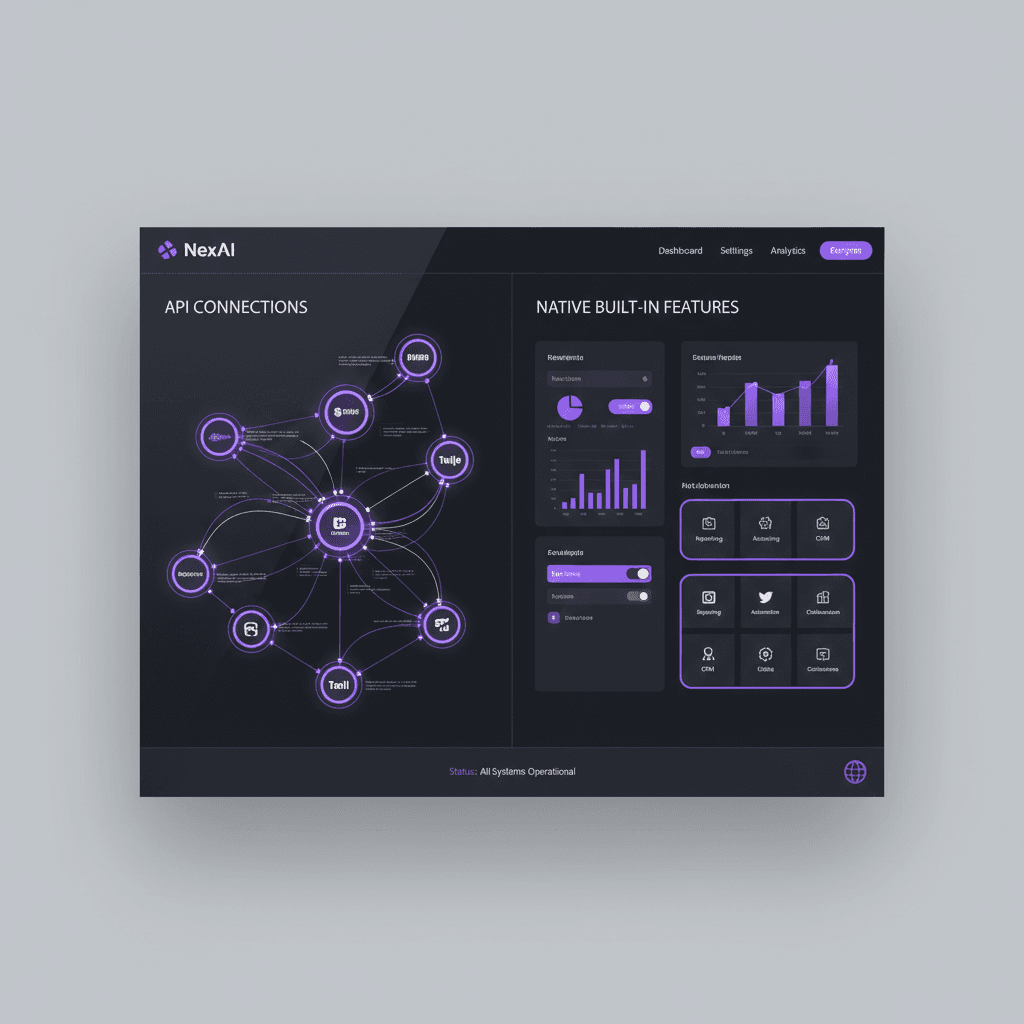
Every feature in a custom software project gets one of two answers: connect to someone else's service, or build it yourself. That is the API integration vs native features decision, and it drives your budget, your timeline and how much of the system you really own. This guide gives you a test to run on each feature. If you are still deciding whether to build at all, start with custom software vs SaaS for small business.
The short version: rent the commodity pieces, build the rules that are specific to your business, and put a thin layer of your own code between the two.
What the two terms mean in a custom build
An API (application programming interface) is a published way for one program to ask another for something. Your software sends a request, the other service answers. Stripe takes a card payment. Twilio sends a text message. Google Maps returns a route.
API integration means your software calls those outside services. Native features means the logic lives in your own codebase, on infrastructure you control, and you decide how it behaves.
One wrinkle: if you are comparing SaaS tools, "native" often means a built-in connector a vendor ships, such as a CRM's own email sync. That is a different question. A native connector is only as flexible as the vendor makes it. A custom integration lets you decide what gets sent, when, and what happens when it fails.
This post is about the custom-build version: for each feature, do you call a service or write the logic yourself?
When connecting through an API is the right call
Commodity services other companies already run at scale
Some features are the same for every business, and the provider's whole job is doing them well. Card payments, text messages, transactional email, file storage, address lookup and sign-in are the usual examples.
Payments are the clearest case. Anyone who handles card numbers has to follow the card networks' security rules. Handing card entry to a payment provider means the card data never touches your servers. That removes most of that burden from your side, though not every obligation. Ask your payment provider and your own accountant or compliance professional what remains yours.
The same logic applies to email and SMS. Deliverability, carrier rules and spam filtering are ongoing work. If you send newsletters or automated email from a custom system, a provider such as Mailchimp (we are a Mailchimp partner) or a transactional email service already handles that plumbing.
Fast-moving capabilities
Language models, speech recognition and translation change often. If you build your own, you are signing up to keep up. If you call a provider's API, you can swap the model or the vendor when something better appears.
One caution on AI features. An API call to a language model produces text that sounds right and is sometimes wrong. We design these features so a person reviews anything that goes to a customer or changes a record. That review step is part of the build, not an add-on.
Narrow expertise you would never staff
Tax rate lookups, carrier shipping rates, map routing and identity verification each need specialists. A small business should not employ them. Rent the answer, and keep your own staff on the work only you do.
When you should build the feature yourself
It is how you win work
If a feature is the reason customers pick you over the next company, you want control over it. That is rarely payments or email. It is usually the rules: how a quote is priced, how a job gets assigned, how a lead is scored, how a follow-up is timed.
Booking is a good example. A charter business has to decide which captain, which boat and whether the weather allows a trip. Those rules belong to that business. The card payment at the end does not. The booking site and captain's CRM we built for Sand Bar Joe's is the kind of project where that question comes up for every feature.
The data has to stay with you
Every API call sends some data to another company. For marketing email that may be fine. For health records, legal files or financial detail, it may not be. Whether a given vendor is acceptable under HIPAA or any other rule is a question for your attorney or compliance professional, not for a blog post. What we can say is that you should ask the question before the architecture is set, not after.
Usage-based fees stop making sense
Most APIs charge per message, per request or per record. That is cheap at low volume and can become a large monthly line at high volume. At some point, building the function costs less than renting it for years.
That crossover depends on your volume and on the vendor's current price list, which changes. We have not quoted vendor prices here for that reason. Pull the current pricing page, multiply by your realistic volume for the next three years, and compare it to a build quote.
No API fits your process
Generic services are built for the common case. If your process is the uncommon case, you end up bending your workflow to the vendor's data model, or writing so much glue code that you might as well own the logic. Contractor change orders, florist event proposals and auto-shop inspection approvals are examples where the workflow itself is the product.
What each choice costs
The mistake is comparing only the first invoice. Look at the whole life of the feature:
| Cost | API integration | Native feature |
|---|---|---|
| Upfront | Lower: you build the connection, not the function | Higher: you build, test and secure the whole function |
| Monthly | Vendor fees, often per use | Hosting and monitoring |
| Maintenance | Vendor changes, version updates, key rotation | Your bug fixes, security patches, dependency updates |
| Main risk | Price change, rate limits, a retired API version, a vendor leaving the market | You built it wrong, or nobody left knows how it works |
| Exit cost | Depends on how tightly your code is tied to the vendor | Low, since you own the code |
For a sense of total scale, the custom-app tiers we publish run from $15,000 to $100,000+, as laid out in how much a custom app costs. Where a feature lands inside that range depends heavily on how many features are native. Hosting, third-party subscriptions and ongoing support sit outside the build and are scoped separately.
The API side has a cost people forget: attention. Vendors retire old API versions, change authentication, and adjust limits. Someone has to read those notices and update your code. Budget for that time, or the integration quietly breaks on a Tuesday.
The native side has the opposite cost. Code you write has to be maintained by someone who understands it. Ask whoever builds it for documentation and a handover plan, and confirm in the agreement that you own the code.
A four-question test for each feature
Go down your feature list and ask these four questions about each item.
- Would a customer choose us because of this? If yes, lean native. If they only expect it to work, lean API.
- What happens if the vendor doubles the price, changes the terms or disappears? If the answer is "we can swap in another one in a week," the API is low risk. If the answer is "we are stuck," treat it as high risk.
- Does this data have to stay in our systems? If a rule, contract or client expectation says so, build native or choose a provider your professional has cleared.
- How much volume will this see in three years? Heavy use favors building. Light use favors renting.
Then sort the results:
| Strategic value | Your ability to maintain it | Default choice |
|---|---|---|
| High | High | Build native |
| High | Low | Hybrid: native rules, rented plumbing |
| Low | High | Either; pick the cheaper over three years |
| Low | Low | API integration |
The same thinking applies if you are weighing a low-code builder against a coded system. The no-code vs custom development comparison covers where that line sits.
The hybrid pattern: your own layer in front of their service
Most good custom systems are neither all-API nor all-native. They put a thin layer of your own code in front of each outside service. Developers call this an adapter or facade.
Here is how it works. Your CRM never talks to the SMS provider directly. It calls your own "send message" function, and that function talks to the provider. If you change providers later, you change one function, not forty screens.
This gives you three things:
- Swap ability. Changing vendors becomes a contained job.
- One place for failures. Retries, timeouts and error logging live in your layer, so a vendor outage does not corrupt your records.
- One place for your rules. Quiet hours, opt-outs and message templates stay yours, whichever provider sends them.
Ownership is the point of larger builds too. WRAPT, the wholesale operations platform, combines a nine-stage lead-to-delivery pipeline, a client portal and a support hub with the TAMI web-chat agent, so the business owns how work moves through it instead of renting that logic as vendor settings.
The hybrid route also lets you start with APIs and replace them later. Build the adapter first, plug in a vendor, and move that piece native only if volume or control demands it.
If you only need to pass data between existing tools without building anything, a connector service may be enough. Where that stops working is covered in why some small businesses outgrow Zapier.
Mistakes we see when teams decide this
- Building commodity features for pride. Writing your own payment form or email sender rarely earns anything back.
- Renting the core. If your competitive rule lives in a vendor's configuration, the vendor owns your advantage and can change it.
- Treating "it has an API" as "it will fit." Check what the API exposes. Some limit what you can read, write or export, and some charge for higher limits.
- Skipping the failure plan. Decide in advance what your software does when the outside service is down: queue the request, show a message, or alert a person.
- Ignoring who maintains what. Write down who watches vendor notices and who fixes the integration when it breaks.
- Stacking subscriptions without counting them. Each API adds a bill. The cost of SaaS stack bloat applies to usage-based APIs too.
How to use this in a scoping conversation
Before you talk to any developer, make a one-page list of every feature you want. Next to each, write the four-question answers in a sentence. Mark each item native, API or undecided. Bring the undecided ones to the conversation; they are where a developer earns their fee.
A few things we honestly cannot tell you from here. We do not know your volume, your data rules or your vendors' current terms. Those three decide most of these calls, so check them first.
If you run a business in Medford, Burlington County or the wider Philadelphia area and want a second set of eyes, we can walk through the list with you. Our custom CRM work is a common starting point, since a CRM is where most of these integration choices show up first.
Frequently Asked Questions
Is API integration cheaper than building native features?
Usually it is cheaper to start, because you build only the connection and the vendor supplies the function. Over several years the answer can flip. Usage fees, vendor price changes and the time spent maintaining the integration all add up. Compare three-year cost, not first-invoice cost, using the vendor's current pricing page.
What is the difference between native features and API integration in custom software?
A native feature is logic written inside your own software, so you control how it works and where the data lives. An API integration sends requests to another company's service, which does the work and returns a result. Native gives control and costs more to build. API integration is faster and ties you to the vendor.
Which features should a small business always build natively?
Build the ones customers choose you for: pricing and quoting rules, job assignment, lead scoring, follow-up timing and anything else that reflects how you actually run the business. Rent the commodity parts such as card processing, SMS delivery and email sending. If a rule would be painful to lose, it should live in your own code.
Can I start with APIs and move to native features later?
Yes, if you put your own adapter layer between your software and the vendor from the start. Your screens call your function, and your function calls the vendor. Replacing the vendor with your own build later means changing that one function. Without the layer, vendor-specific code spreads everywhere and switching gets expensive.
Prices in this article are starting ranges published on iolab.co/pricing. Hosting, third-party subscriptions and ongoing support are scoped separately in your proposal.
Ready to sort your own feature list into build and connect? Tell us what your system has to do, and we will mark what to build, what to rent and what to leave out. iOLab Digital is a Microsoft Advertising, Semrush, SiteMinder and Mailchimp partner. Where this article mentions a tool we partner with, we say so.
Sources
Every outside claim in this article links to where it came from. These open in a new tab.
- card networks' security ruleslistings.pcisecuritystandards.org
- card data never touches your serversdocs.stripe.com
- adapter or facadelearn.microsoft.com