
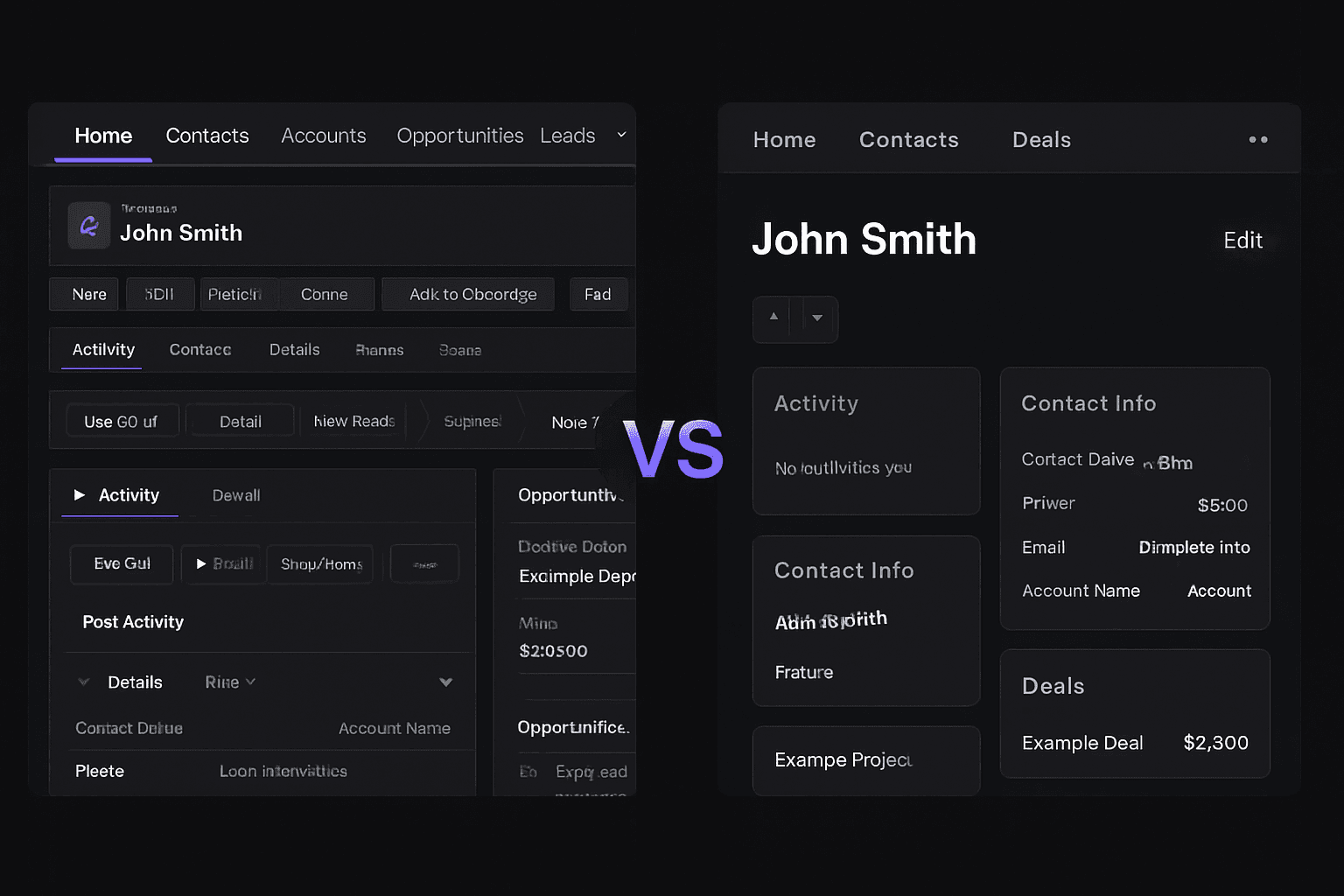
Custom CRM vs Salesforce is a real decision once your CRM (customer relationship management software, the system that tracks leads, customers and follow-ups) costs more each year and fits less each month. Small businesses are switching for a handful of plain reasons: per-seat pricing, features locked behind higher tiers, and a team that keeps a spreadsheet next to the CRM. We have no sourced count of how many make the move, so we will not guess one. This post gives you the list-price math, what a build costs, and when staying put is smarter. It is one piece of the wider custom software vs SaaS for small business question.
Why Some Small Businesses Leave Salesforce
Salesforce is a capable product. The friction we hear about is not that it is bad. It is that it is general, and your business is specific.
Four patterns show up again and again:
- Per-seat pricing. Every new hire, part-timer or seasonal worker who needs a login adds to the bill.
- Features behind tiers. The one thing you need, such as quoting or API access, sits in a higher edition than the one you bought.
- Vocabulary and workflow mismatch. Your team says "jobs" or "bookings." The software says "opportunities." Someone ends up translating all day.
- Workarounds. When the CRM does not fit, people keep side spreadsheets, and the CRM stops being the source of truth.
An API (application programming interface) is how one program talks to another, such as your CRM and QuickBooks. Whether you get one, and at what price, depends on your edition. That is worth asking about before you sign anything.
The same pressure shows up with HubSpot and Zoho. Contact-count tiers, seat limits and add-ons create the same math. If you are counting how many tools you pay for, our post on the true cost of SaaS stack bloat walks through how to tally it.
What Salesforce Costs a Small Team at List Price
Salesforce lists its Starter Suite from $25 per user per month, billed monthly or annually. Its Pro Suite page shows $100 per user per month. Prices change, so confirm them on Salesforce's site before you budget.
Here is what those two list prices become for a few team sizes. This is our own arithmetic on the list prices above, not a quote. It excludes add-ons, taxes, any consultant or admin, and any higher edition.
| Team and edition | Per month | Per year | Five years |
|---|---|---|---|
| 5 users, Starter Suite at $25 | $125 | $1,500 | $7,500 |
| 5 users, Pro Suite at $100 | $500 | $6,000 | $30,000 |
| 15 users, Pro Suite at $100 | $1,500 | $18,000 | $90,000 |
Two things stand out. First, a small team on Starter pays little, and no custom build beats $1,500 a year on cost. Second, the picture changes when you need the next tier and your headcount grows. Fifteen seats at the Pro Suite price is a five-figure annual bill before anyone configures a field.
What a Custom CRM Costs, and What Sits Outside the Build
Our custom app cost breakdown lays out tiers from $15,000 to $100,000+. A CRM lands where its scope puts it. A contact-and-pipeline tool with a few integrations sits toward the low end. Role-based permissions, client portals, automated quoting or several connected systems push it up.
The build price is not the whole bill. These costs sit outside it and are scoped separately in a proposal:
- Hosting, the servers where the CRM runs.
- Third-party subscriptions, such as the email or text-message service your CRM sends through.
- Ongoing support, meaning bug fixes, security updates and requested changes.
We do not resell hosting or subscriptions. You pay those providers directly, and the proposal tells you the expected monthly figure.
The Break-Even Arithmetic
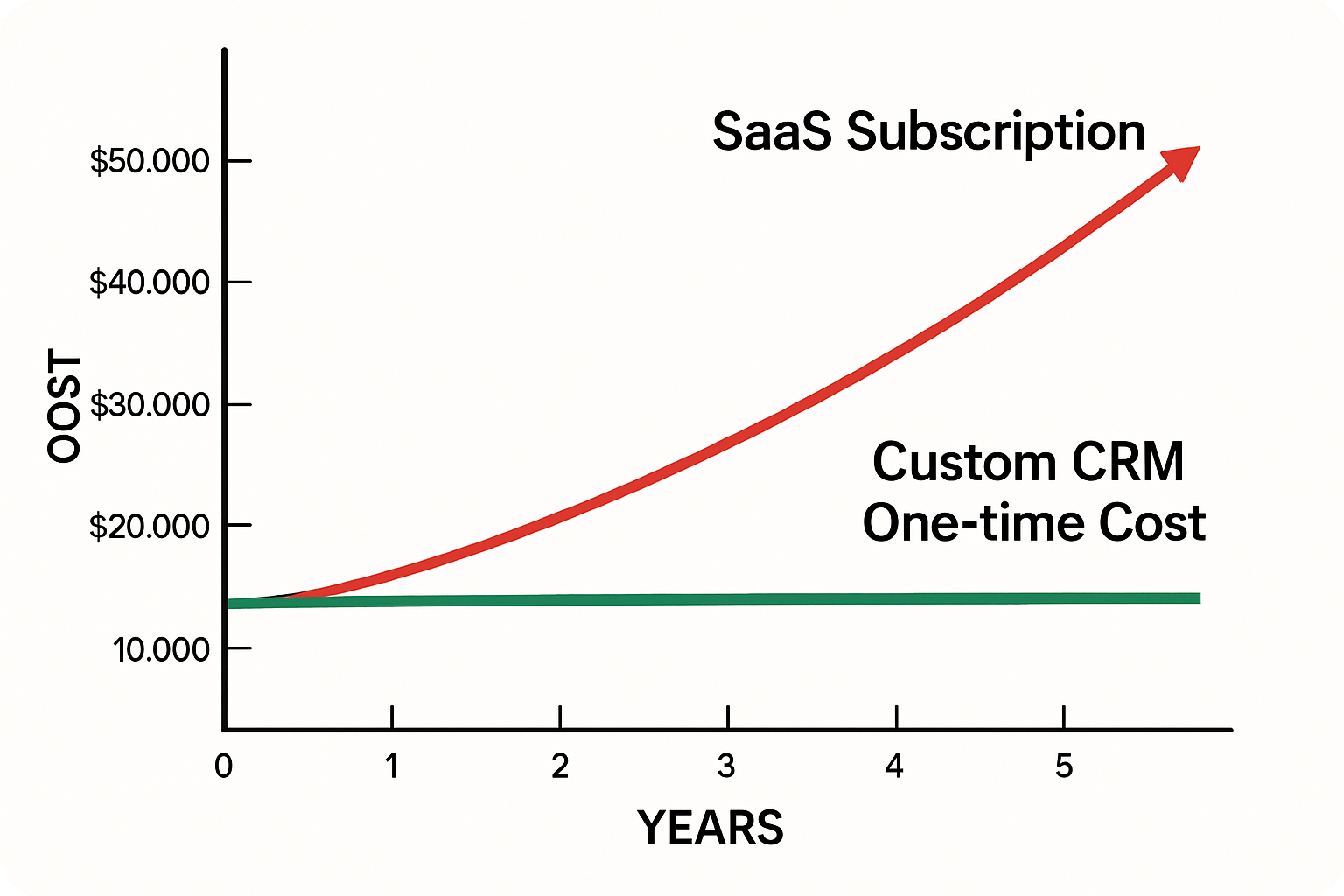
Take your build quote and divide it by what you pay Salesforce each year, including add-ons and any admin or consultant time. That is roughly how many years until the build stops costing more. Then subtract your ongoing support and hosting from the savings.
At $1,500 a year on Starter, a $15,000 build takes a decade before support costs. At $18,000 a year, the same build takes under a year on subscription spend alone. Your numbers will sit somewhere between, and that is exactly why you should run them before deciding.
If you cannot say what you spend on CRM and the tools bolted to it, start there. Our guide to signs your business has outgrown its SaaS tools is a good checklist.
What "Built Around Your Business" Means in Practice
A custom CRM is not a stripped-down Salesforce. It is a system shaped by your process. In our custom CRM work, the build starts from how your team already sells, schedules and follows up.
- Your terminology. If you run projects, the screen says projects.
- Your pipeline. A roofing contractor moves through inspection, estimate, permit and install. A marketing agency moves through discovery, proposal and onboarding. Neither fits a generic template without bending.
- Your integrations. We connect the specific tools you already use, such as QuickBooks, Google Workspace or Outlook, and your scheduling tool, instead of buying a connector for each.
- Your data. Under the project agreement you own the system and the data in it. Nobody can reprice it or retire a feature you depend on.
Industry fit matters most here. A pest-control company lives on recurring plans, technician routes and renewals. A restaurant needs reservations tied to guest history. A home-service company needs calls, estimates, dispatch and invoices in one flow. Our pages on custom CRMs for home service companies and contractors show how those flows connect.
For a worked example, we built the booking site and captain's CRM for Sand Bar Joe's. Customers book a charter, and the captain sees and manages those bookings in one place. We also built WRAPT, a wholesale operations platform with a 9-stage pipeline from lead to delivery, a client portal and a support hub. Both are public on our portfolio, and neither is a Salesforce lookalike. They are shaped by the business that uses them.
Where AI Fits, and Where a Person Still Reviews
Salesforce and HubSpot both sell AI features. Which ones you get depends on the edition, so check that before comparing. In a custom build, we add AI only where it does a specific job:
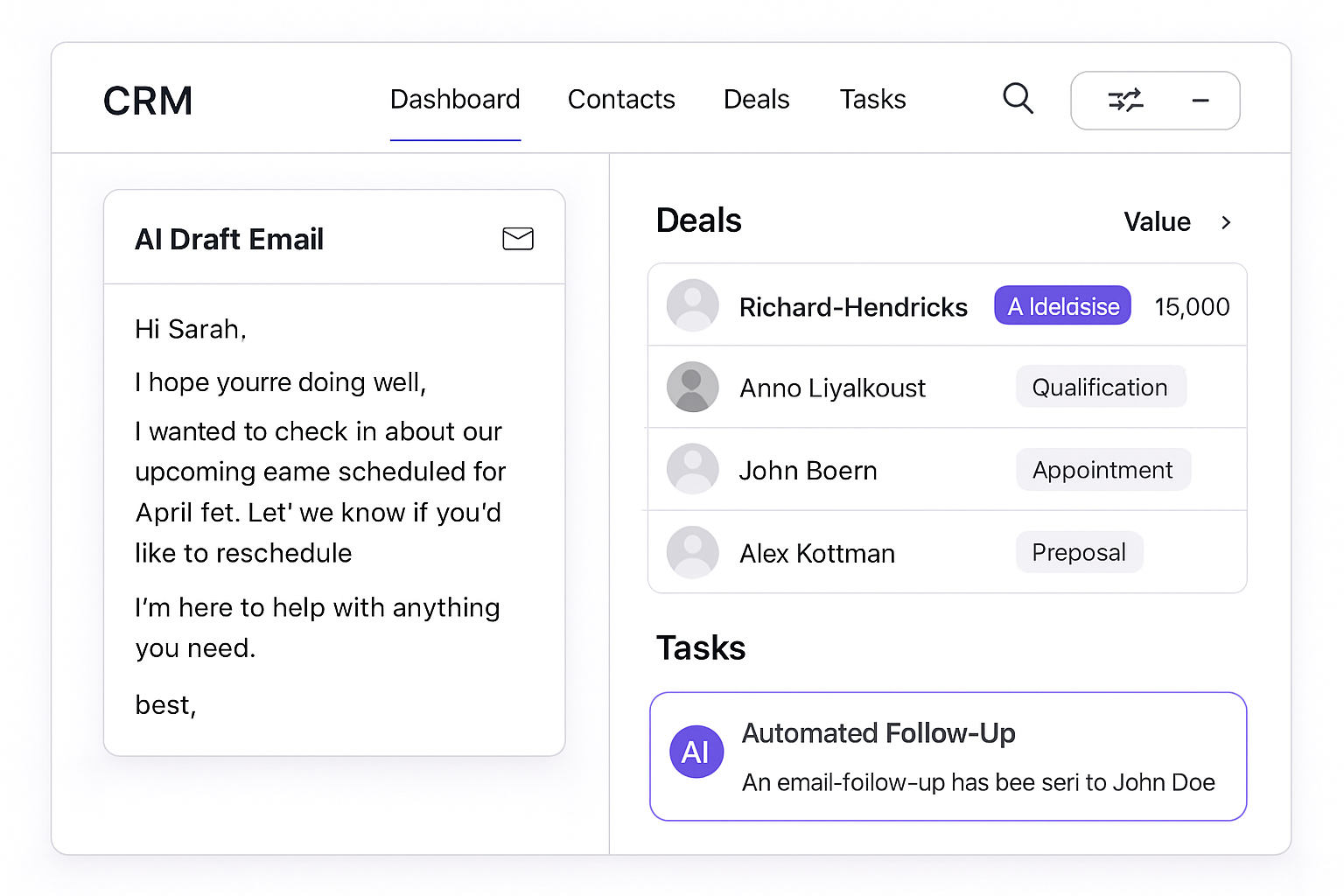
- Drafting follow-ups. The system writes a first draft from the conversation notes. A person reads and sends it. We do not auto-send to customers without review.
- Summarizing calls and emails. Notes get attached to the contact record, and staff can correct them.
- Ranking leads. A score based on your own past wins can help sort the list. It needs enough history to mean anything, and it is a prompt to look, not a verdict.
- Routing. Inquiries and support requests go to the right person, with a suggested reply a human approves.
We cannot promise a lead volume or a close rate from any of this. What AI can do is take typing and sorting off your team's desks. The CRM workflow automation we build is meant to do that.
Moving Off Salesforce or HubSpot
The move is less dramatic than owners fear, though it is not trivial. We cannot give you a universal timeline, because it depends on how much data you have and how many systems connect to it. The sequence is steady:
- Check your contract. Know your renewal date and what export options your plan includes.
- Export and audit. Pull contacts, companies, deals and notes. Decide what is worth keeping. Old, dead records do not need to travel.
- Map the fields. Match each old field to its place in the new system. This is where the 47 mystery fields get retired.
- Build the core first. Start with contacts, pipeline and follow-up. Add portals, quoting and automation later.
- Run both systems side by side briefly. Compare, fix gaps, then cut over.
Training tends to be lighter on a system that uses your own words. It is still not zero, and your team needs a short walkthrough.
When Custom Is the Wrong Call
Stay on Salesforce, or a lighter CRM, if any of these is true:
- You are a solo operator who needs contact management and a pipeline view.
- Your process is standard and the product already fits it.
- You cannot yet describe your sales steps in plain language. Document them first, then decide.
- You have no one to own the system after launch, internally or through a support agreement.
Also consider the middle path. If your needs are simple but your tools are scattered, no-code versus custom development may get you there for less.
Custom makes sense when seat costs are climbing, your workflow bends the platform out of shape, you want to own your data, or you want automation built into the CRM and not bolted on. If that sounds like you, the next step is a short workflow review, not a build.
Frequently Asked Questions
Is a custom CRM cheaper than Salesforce for a small business?
Not always. A five-person team on Salesforce's $25-per-user Starter Suite pays about $1,500 a year at list price, which a custom build will not beat on cost alone. The math shifts as seats, add-ons and admin time grow. Custom usually wins on fit, data ownership and flat costs per added user, not on year-one price.
How much does Salesforce cost per user for a small team?
Salesforce lists Starter Suite at $25 per user per month, billed monthly or annually, and Pro Suite at $100 per user per month. Higher editions cost more, and add-ons, admin time and integrations are extra. Confirm current pricing on Salesforce's site before budgeting, because list prices change.
Can I move my data from Salesforce or HubSpot into a custom CRM?
Usually yes. You export contacts, companies, deals and notes, map each field to the new system, test the import, then run both systems side by side for a short period. What you can export depends on your plan and contract, so check that first. Some fields, like old email tracking, may not carry over cleanly.
Who maintains a custom CRM after it launches?
Whoever you contract for support. That may be the team that built it or your own staff. Maintenance means bug fixes, security updates, hosting and requested changes. These costs sit outside the build price and should be written into the proposal, so you know the monthly number before you sign.
When does Salesforce make more sense than a custom CRM?
Salesforce fits when your process is standard, your team is small or solo, you need a CRM running this week, or you already have a dedicated admin. If you cannot yet describe your sales process in plain steps, document it first. Building around a process you have not defined just hard-codes the confusion.
Prices in this article are starting ranges published on iolab.co/pricing. Hosting, third-party subscriptions and ongoing support are scoped separately in your proposal.
If you run a business in Medford, Burlington County, South Jersey or the Philadelphia area, or anywhere else, and want to price a CRM built around your process, talk to us about a workflow review. We will tell you plainly if staying on Salesforce is the better call.
Sources
Every outside claim in this article links to where it came from. These open in a new tab.
- depends on your editionhelp.salesforce.com
- Salesforcesalesforce.com