
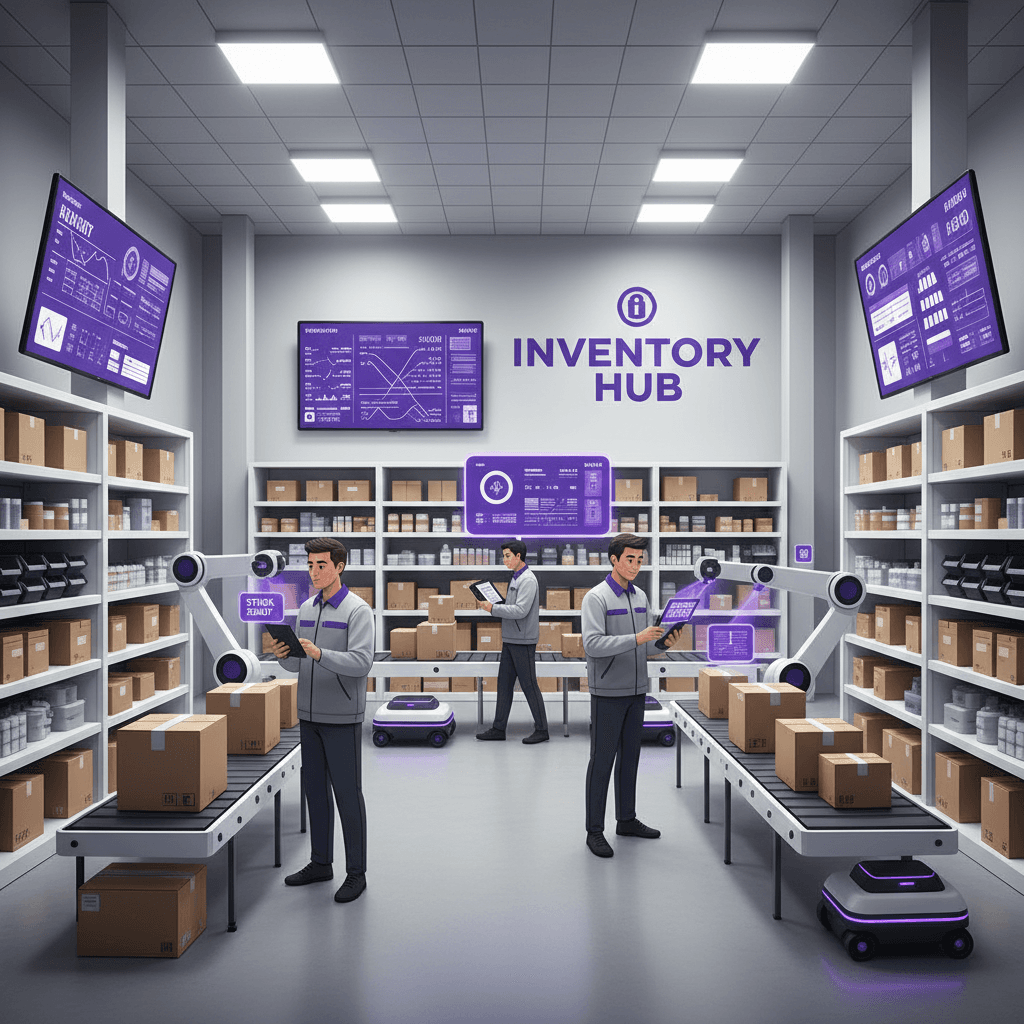
You are paying monthly for an inventory tool that almost fits. It counts stock, but it does not know that one pizza dough batch feeds six menu items, or that a tool leaves the shop on a truck. Custom inventory management software is built around those details instead. This post covers when that is worth it, when a subscription is the better call, and what to check before you decide. It is one part of the larger custom software vs SaaS for small business decision, narrowed to stock, orders and suppliers.
Short answer: build when your stock workflow is specific to how you earn money. Subscribe when a standard tool already matches it.
Why Inventory Errors Are Worth Fixing at All
The big public numbers come from retail, not from small shops, so treat them as scale rather than your own loss. IHL Group puts the global cost of out-of-stocks and overstocks at $1.7 trillion a year in its 2026 study, equal to 6.2% of global retail sales. Its data covers more than 4,500 enterprise retailers and hospitality providers.
The same analyst firm's research findings page, retrieved in October 2026, lists two more points worth knowing. Out-of-stocks make up 65.6% of that total, and overstocks 34.4%. And 78% of retailers deal with inventory inaccuracies weekly or monthly.
The lesson for a small business is the split. Most of the loss is a customer who came to buy and could not. That is a data problem before it is a purchasing problem: the system said you had it, and you did not.
Where SaaS Inventory Tools Start to Cost You
We are not quoting current vendor prices here. Plans change often, and a figure we cannot confirm today does not belong in the post. Check each vendor's pricing page for the plan you would actually need. What does hold across most inventory subscriptions is where the cost climbs:
- Feature tiers. Barcode scanning, advanced reporting and multi-location support often sit on higher plans, so the plan that fits is rarely the cheapest one.
- Seats and locations. Per-user and per-location pricing grows when you add warehouse help, seasonal staff or a second site.
- Connectors. Linking inventory to your POS, accounting and online store may cost extra, or need a third tool in the middle.
- Exit. Ask what a full export looks like, in what format, and whether history comes with it. Do this before you sign, not when you want to leave.
Add those up across every tool you pay for, not just inventory. Our post on the true cost of SaaS stack bloat walks through how to total the whole stack.
What Control Means in Practice
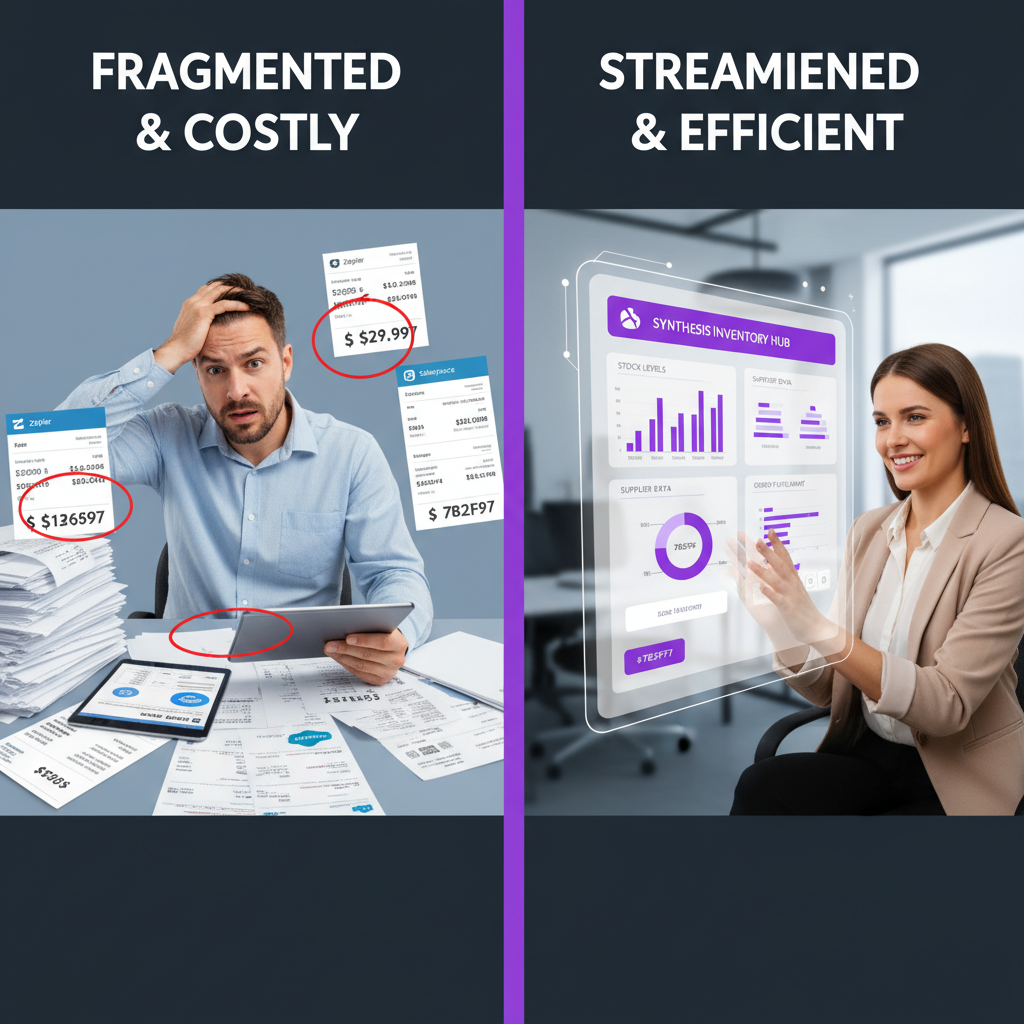
"Control" is vague until you attach it to a specific workflow. Three things change when the software is built around you.
Your stock rules become the data model
A generic tool tracks items. Your business may track something else. A kitchen tracks ingredients that turn into recipes, and food cost moves when a supplier changes a price. A contractor tracks tools that are checked out to a person and a job. A salon tracks back-bar product used across services. A small manufacturer tracks a bill of materials (the parts list for one finished product) and work in progress.
For restaurants and bars, that can mean recipe costing, prep tracking, waste logging and POS sales that deduct ingredients automatically. Ask any generic tool you are evaluating how it handles recipe-level deduction, because some need a workaround.
Your integrations are yours to design
Most of what you need to connect, such as QuickBooks, Xero, Shopify or WooCommerce, offers an API (a documented way for two programs to exchange data). A custom build can talk to those directly. The limit is the other vendor's API: if it does not expose a field, we cannot read it. We say so in the scoping stage, before you commit. Our guide to API integration vs native features explains where that boundary sits.
Your data stays portable
Under our project agreement, you own the software and the database. If you move to another developer, or back to a subscription, your stock history moves with you. That is the part of "control" that matters most when something goes wrong.
What a Custom Inventory System Should Include
Skip the long feature wishlist. These are the parts most small-business builds actually need, in rough order of value:
- Live stock by location. Warehouse, shop floor, truck or job site, with transfers that leave an audit trail of who moved what and when.
- Reorder points. A threshold per item that triggers an alert or a draft purchase order, using your supplier lead times rather than a default.
- Barcode and QR scanning. Receiving, picking and cycle counts (counting a slice of stock regularly instead of shutting down for a full count). A phone camera can scan, so dedicated scanners are optional.
- Adjustments with reasons. Waste, breakage, theft and count corrections each get their own code. This is how you find where shrinkage starts.
- Reports you define. Turns, slow movers, carrying cost and margin by product, exportable to your accountant.
- Roles. A receiver can receive. A manager can adjust. Only an owner can change costs.
For counts and receiving, the team works on a phone, not at a desk. We build custom iOS and Android apps connected to the same database, so a count on the floor updates the office view immediately.

Where AI Helps, and Where a Person Still Decides
AI in inventory is narrower than the marketing suggests. In a custom system, it usually does three jobs:
- Demand forecasting. It reads your past sales alongside things like day of week, season and local events, and suggests order quantities.
- Expiry and slow-mover alerts. It flags perishables approaching their date and items that have stopped selling, so you can run a promotion first.
- Draft purchase orders. It prepares an order from reorder points and lead times.
Limits matter. A forecast is only as good as your sales history, so a new product has little to learn from. We recommend keeping a person approving every order at first. Once the suggestions match what you would have ordered, you can let your most predictable items reorder automatically and keep seasonal or promotional stock manual.
Forecasting is also not a reason to build by itself. If the only thing you want is a smarter reorder suggestion, check whether your current tool already offers one.
Ownership, Security and Migration
Owning the system gives you control, and it also gives you the chores a vendor used to handle. Be clear on that trade before you sign.
Your data sits where you and your developer choose to host it, and no vendor can change terms on you. But backups, security patches and monitoring are now your responsibility, or ours under a support plan. Hosting, third-party subscriptions and ongoing support are scoped separately in the proposal. We do not resell hosting. We would not tell you a custom system is automatically more secure than a large vendor's, because that depends on how it is maintained.

Switching does not need a weekend cutover. The approach that carries the least risk looks like this:
- Export and clean. Pull items, suppliers, costs and history from your current tool. Fix duplicates and dead SKUs before they move.
- Run in parallel. Keep the old system live while the new one runs beside it, and compare counts.
- Start with one location or one product family. Fix what staff trip over, then expand.
- Train by role. Receivers, managers and owners need different screens and different instructions.
How long this takes depends on scope: the number of locations, integrations and special rules. We set the schedule in the proposal and do not promise a date before we have seen your workflow. Costing methods affect your books and taxes, so confirm the setup with your own accountant before go-live.
Comparing the Real Costs
We will not give you a three-year table built on invented subscription prices. Instead, compare using your own numbers:
- Subscription side: current monthly fee, plus seats, plus connectors, plus any add-on you would need next year, times 36 months.
- Custom side: build cost, plus hosting, plus support, times the same 36 months, plus the time you will spend in discovery and testing.
- Difference: subtract the two, then add what mismatched software costs you each month in rework, double entry and stockouts.
For the build side, our published tiers in how much a custom app costs run from $15,000 to $100,000+, depending on scope. A single-location tool with a few integrations sits at the lower end. Multi-location, manufacturing rules or many integrations push it up.
Prices in this article are starting ranges published on iolab.co/pricing. Hosting, third-party subscriptions and ongoing support are scoped separately in your proposal.
When a subscription is the right answer
Stay on SaaS if you have one location, a few hundred standard SKUs, and a tool whose fields and reports already match how you work. Stay if your pain is a bad setup, not a bad product. And stay if you cannot yet describe your process on one page, because software built around a muddled process is a muddled system you own.
We built WRAPT, a wholesale operations platform that moves an order through nine stages from lead to delivery. The point was one record from start to finish, not a patchwork of tools. Stock is a close cousin of that problem: it works best when it sits next to sales and orders, not in a separate silo.
Frequently Asked Questions
What is custom inventory management software?
It is inventory software built around your own stock rules instead of a vendor's generic ones. It tracks items, locations, suppliers and reorder points the way your business handles them, such as recipe-level deductions or tool check-outs. You own the code and the data under the project agreement, while hosting and support are scoped separately.
Is custom inventory management software cheaper than SaaS?
Sometimes, over several years, but not always. A subscription costs less up front. A custom build costs more up front, with hosting and support on top. Our published custom-app tiers run $15,000 to $100,000+ depending on scope. Compare both sides over 36 months using your own fees, seats, connectors and the cost of workarounds.
Can custom inventory software connect to QuickBooks or Shopify?
Usually yes, because both offer APIs for exchanging data. What we can read or write depends on the fields and rate limits each vendor exposes, and those can change. We check the current documentation for each integration during scoping and tell you what is not possible before you commit.
Do I need AI in my inventory system?
No. Accurate counts, reorder points and clean receiving come first. AI forecasting and expiry alerts help once you have enough sales history. We keep a person approving orders at first, and automate only the items whose suggestions have matched what you would have ordered.
Decide With Your Own Numbers
Start with one page: list what you track, where it lives, who touches it and which tool gets it wrong today. That sheet tells you whether you have a bad plan or a bad fit. If it is a bad fit, we can scope a build against it, starting from the CRM and operations work we do under custom CRM development. We serve Medford, Burlington County and the wider South Jersey and Philadelphia area, and clients nationwide.
Sources
Every outside claim in this article links to where it came from. These open in a new tab.
- IHL Groupihlservices.com
- research findings pageihlservices.com